Model 831 Manual System Utilities 23-1
CHAPTER
23
System Utilities
The System Utilities displays the File System tab, which
can be used to repair or recover from file system
problems.
Control Panel - System Utilities
Press the
2
key one time in order
to see the System Utilities icon on the
Control Panel.
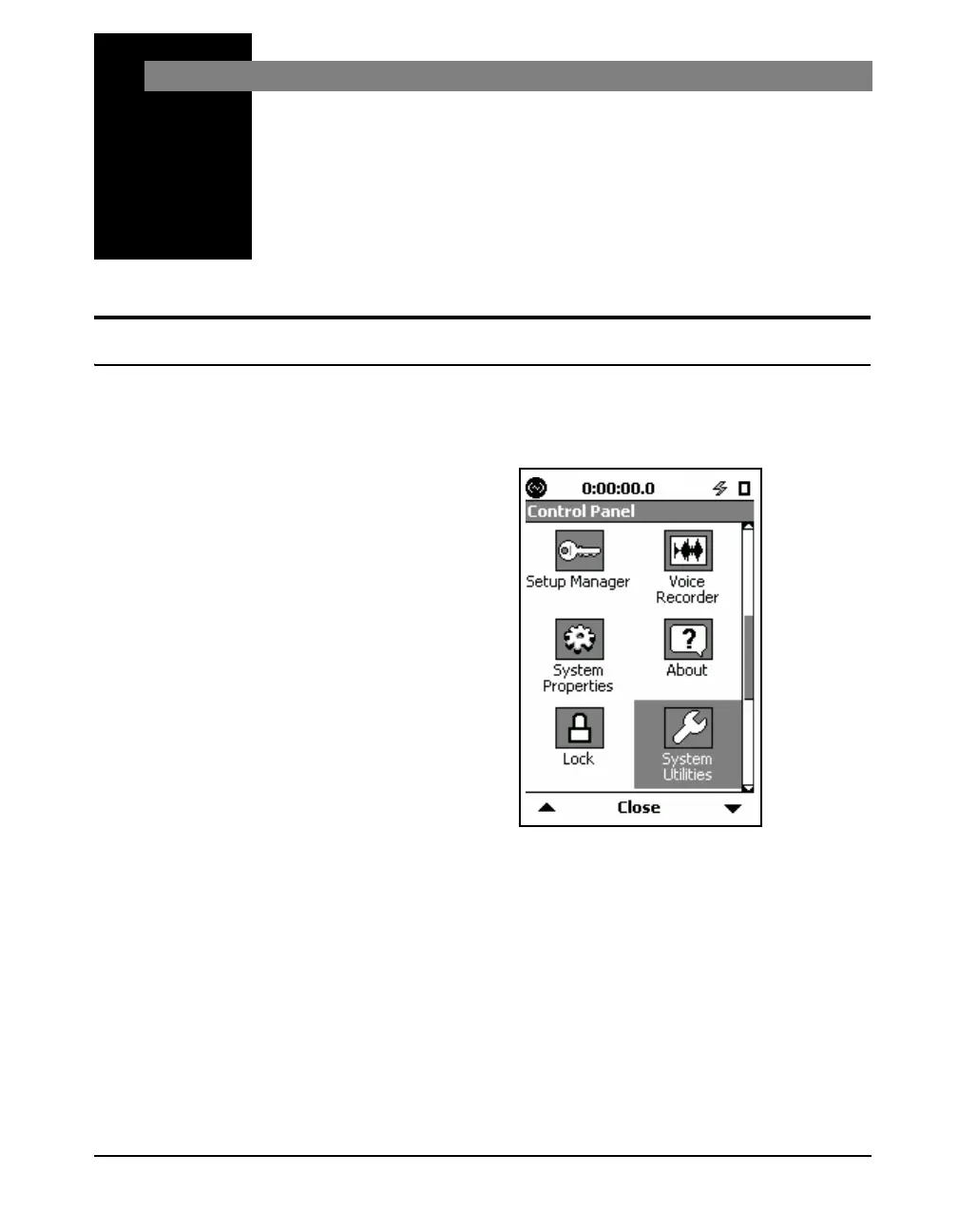
To activate the System Utilities, press the 3 (TOOLS) key
and highlight the System Utilities icon as shown in FIGURE
23-1.
FIGURE 23-1 Control Panel
Press the
5 (ENTER) key to display the File System tab.



 To Next Page