Model 831 Manual System Properties 18-1
CHAPTER
18
System Properties
The System Properties tabs are used to identify and / or
control functions of the Model 831 that are not related to
sound measurement or calculations.
Control Panel - System Properties
To activate the System Properties tabs, press the 3
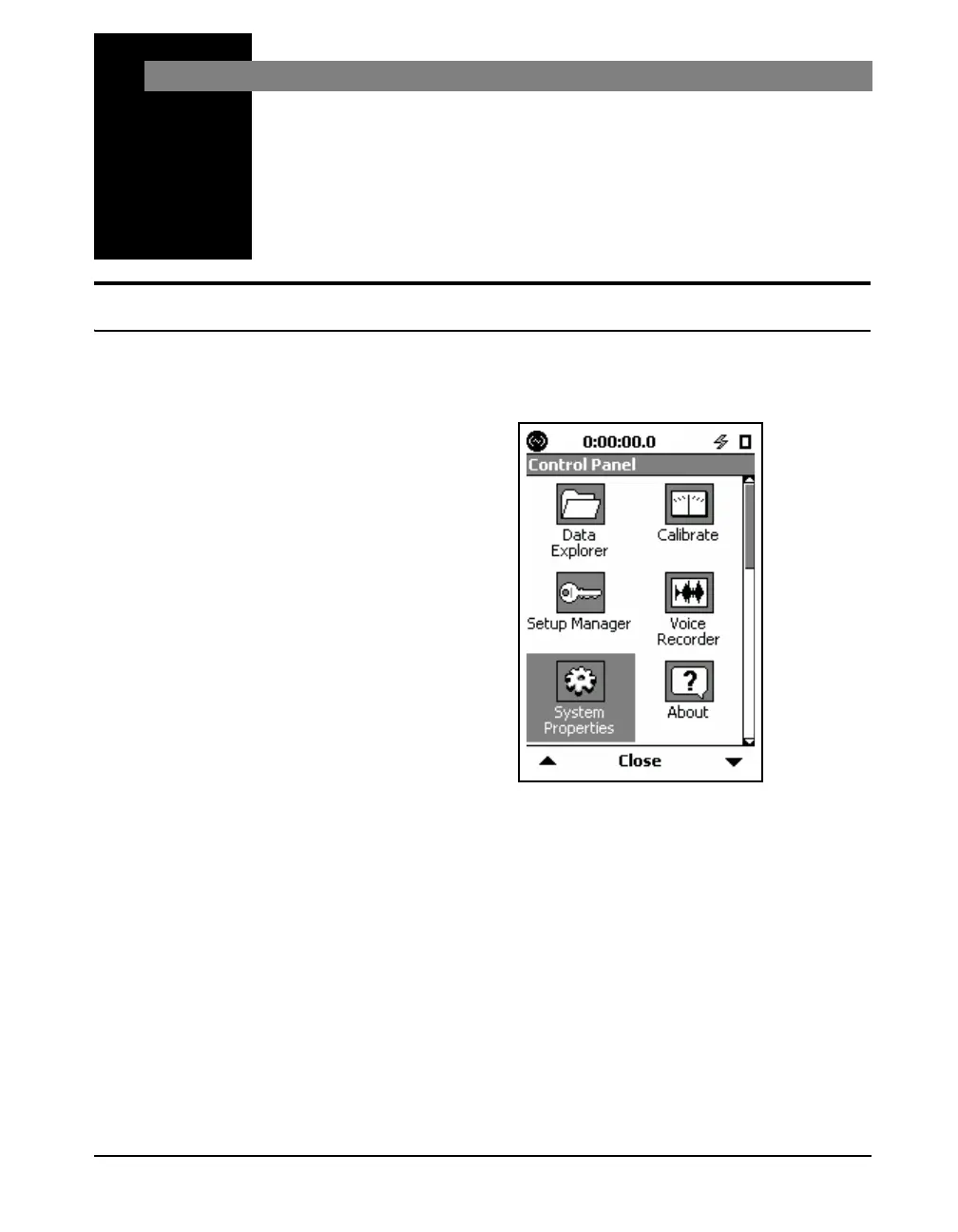
(TOOLS) key. Highlight the System Properties icon as
shown in FIGURE 18-1 "Control Panel" .
FIGURE 18-1 Control Panel
Press the
5 (ENTER) key to open the System
Properties tabs.
You can scroll through System Properties tabs by using the
Right and Left Softkeys. All System Properties tabs have
only one page.



 To Next Page