17-2 Data Explorer Model 831 Manual
Data Explorer
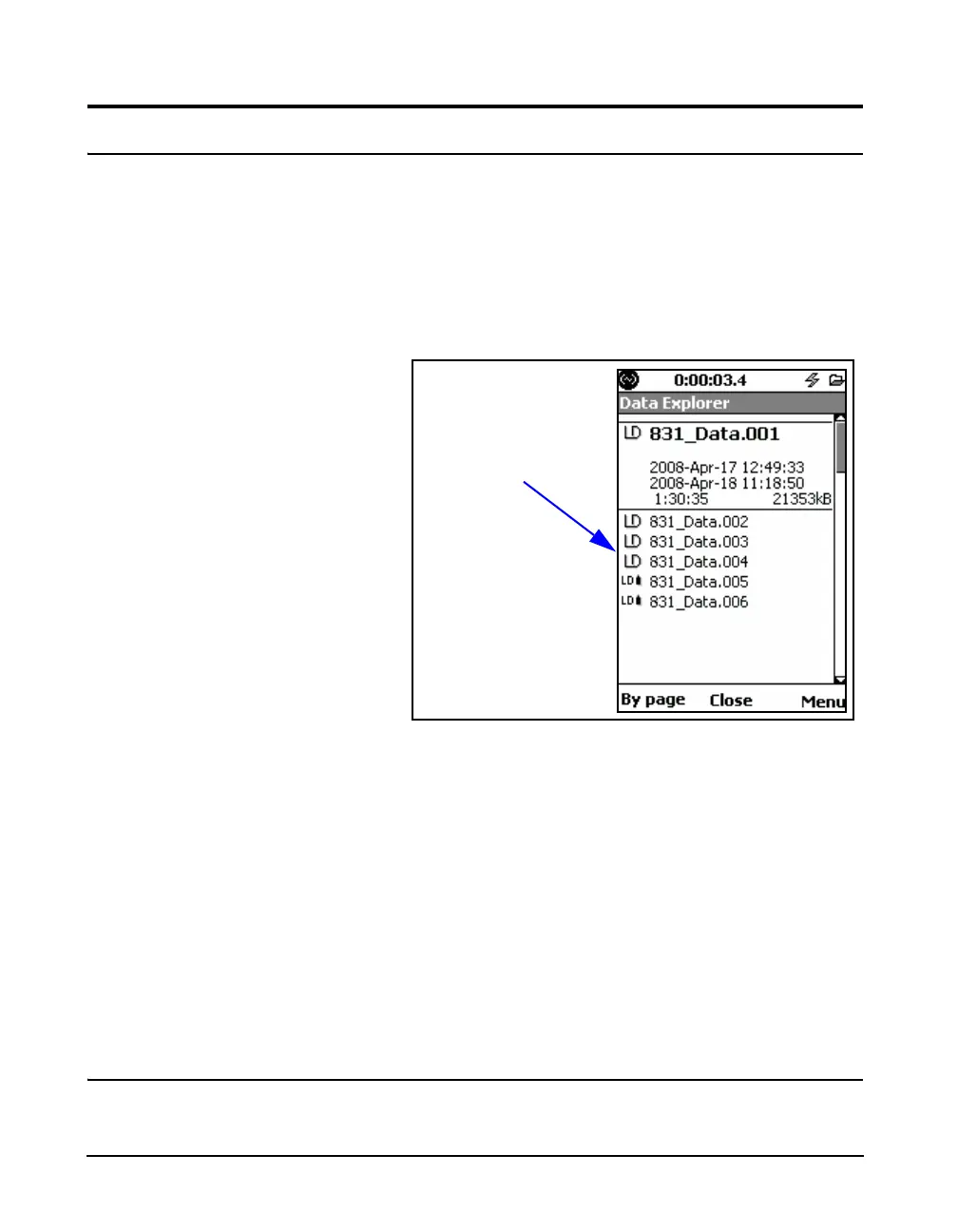
Data Explorer shows a directory of all saved data files. Data
files saved to internal memory are listed first, followed by
data files saved on the USB memory device. The files saved
to the USB device are denoted by a small flash memory icon
as shown in FIGURE 17-2. The scroll bar indicates the
relative position in the list of data files. There may be more
data files in the directory than are displayed on this page. All
files may be viewed by scrolling through the list.
FIGURE 17-2 Data Explorer
Note that the USB Host Port must be
set to On, as described in ‘USB Host
Port” on page 18-14, in order for
the Data Explorer to access data
saved on a USB memory device.
Using the 8 and 2 keys you can scroll through the list
of data files. As each file is selected you get an expanded
view of the directory entry showing:
• File name
• Start date and time of measurement
• End date and time of measurement
• Run time of measurement
• Size of Measurement File
Scrolling
There are two modes of scrolling available:



 To Next Page