Model 831 Manual Storing Data 14-21
Storing Data
Tonality data can be stored in the
same method as described for other
FFT data in this section.
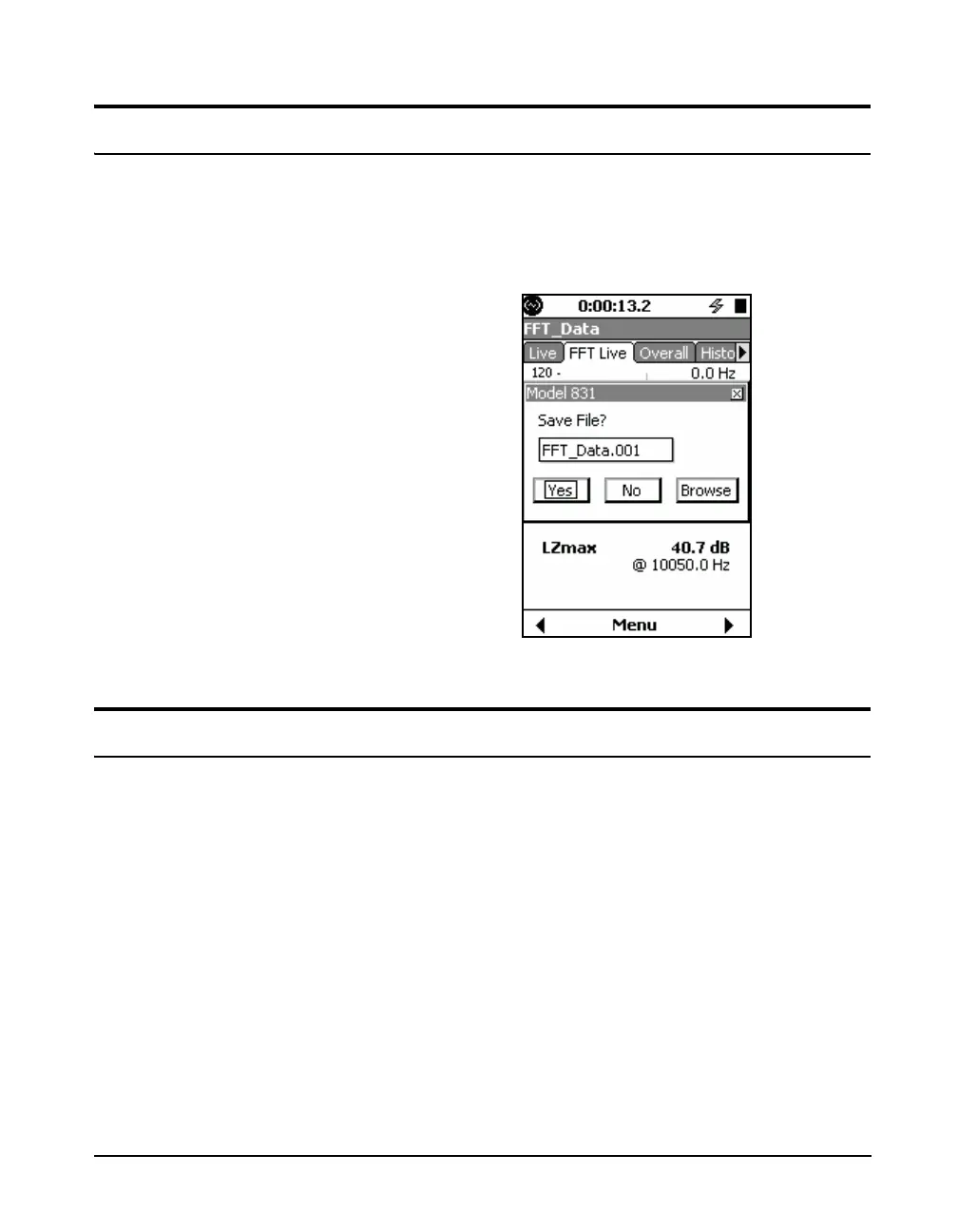
Press the 7 key to store data. As shown in FIGURE 14-20,
the suggested filename is what was configured on the
General settings tab.
FIGURE 14-20 Saving Files
Viewing Stored Data
Data Explorer only shows files for
the current instrument mode.
Use the Data Explorer utility to view stored measurements on
the Model 831. Data Explorer is opened by pressing the
3
key
and then selecting the icon labeled
Data Explorer
. When this
utility opens, it displays saved files. To open a files, select it
and press
5
. The data can now be viewed as outlined in the
"Viewing and Analyzing Results" section with the exception
that the
Cursor Type
and
Adjust Graph
controls are not
available. These settings follow the configuration used when
viewing live data.



 To Next Page