Model 831 Manual Storing a Measurement History 12-11
Non-Specta Displays
With the exception of frequency spectra displays, the 6 and
4 keys are used to step the selected measurement record
number up or down, respectively.
Frequency Spectra Displays
When a frequency spectrum is displayed, the 6 and 4 keys
are used to move the cursor to the right and left, respectively,
so that the levels can be displayed for different frequency
bands. To change the displayed record, shift to a non-
spectrum display to make the change then return to the
frequency spectrum display.
Storing a Measurement History
Although the measurement history data can be displayed
during a measurement and after it has been stopped, the data
has not been stored to memory. To store the data, press the
7 (Stop/Store) key.
Link to Time History
When Time History has also been enabled, a link is provided
to make a rapid transition from any of the Measurement
History displays to the same point in time of the Time
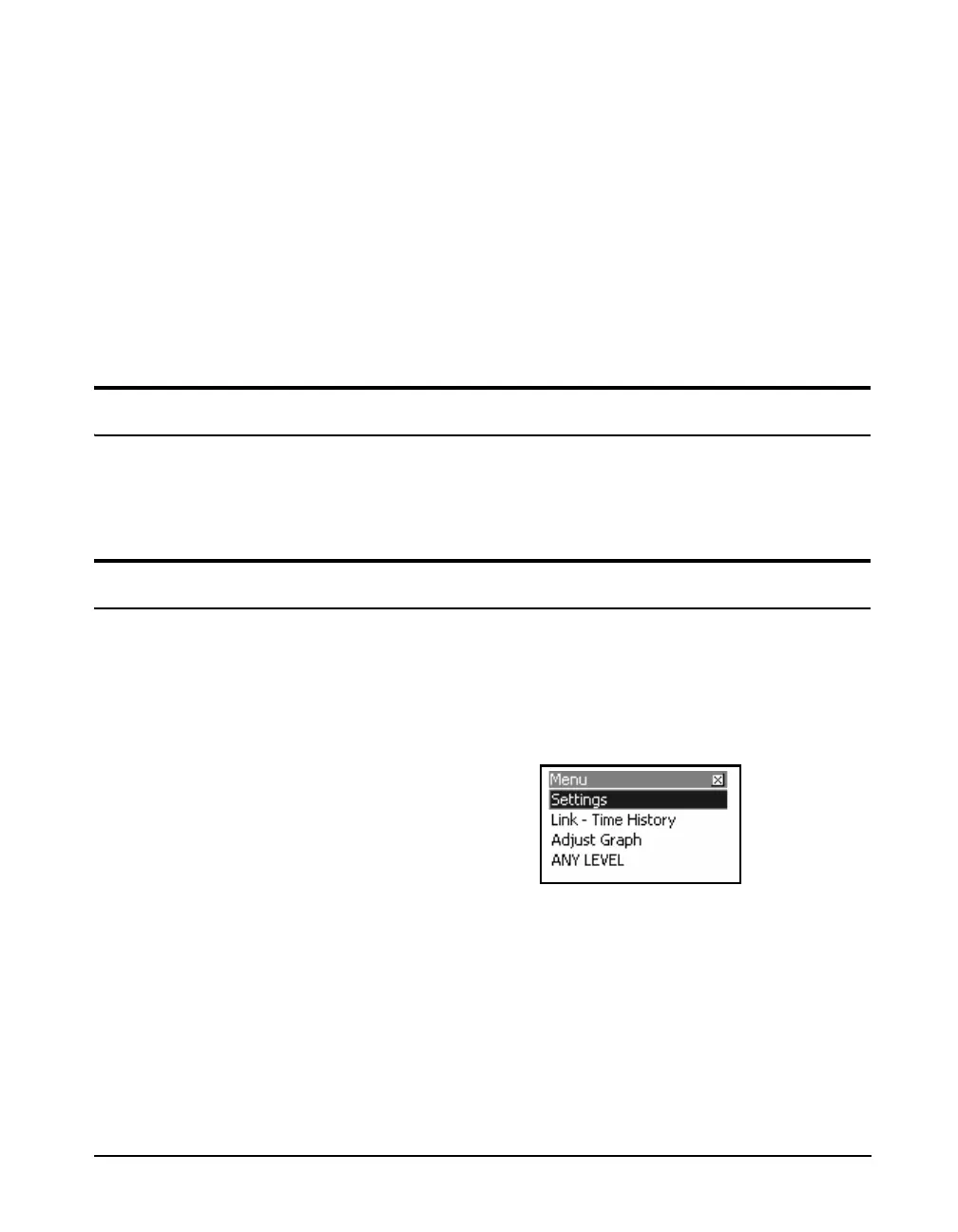
History display. To implement this link, press the Menu
softkey which will produce the display shown in FIGURE
12-10.
FIGURE 12-10 Link to Time History Display
Highlight Link-Time History and press
5 to obtain the
display shown in FIGURE 12-11.



 To Next Page