Model 831 Manual Voice Recording 10-1
CHAPTER
10
Voice Recording
Control Panel - Voice Recording
Voice recordings are recorded using a sample rate of 8 kHz.
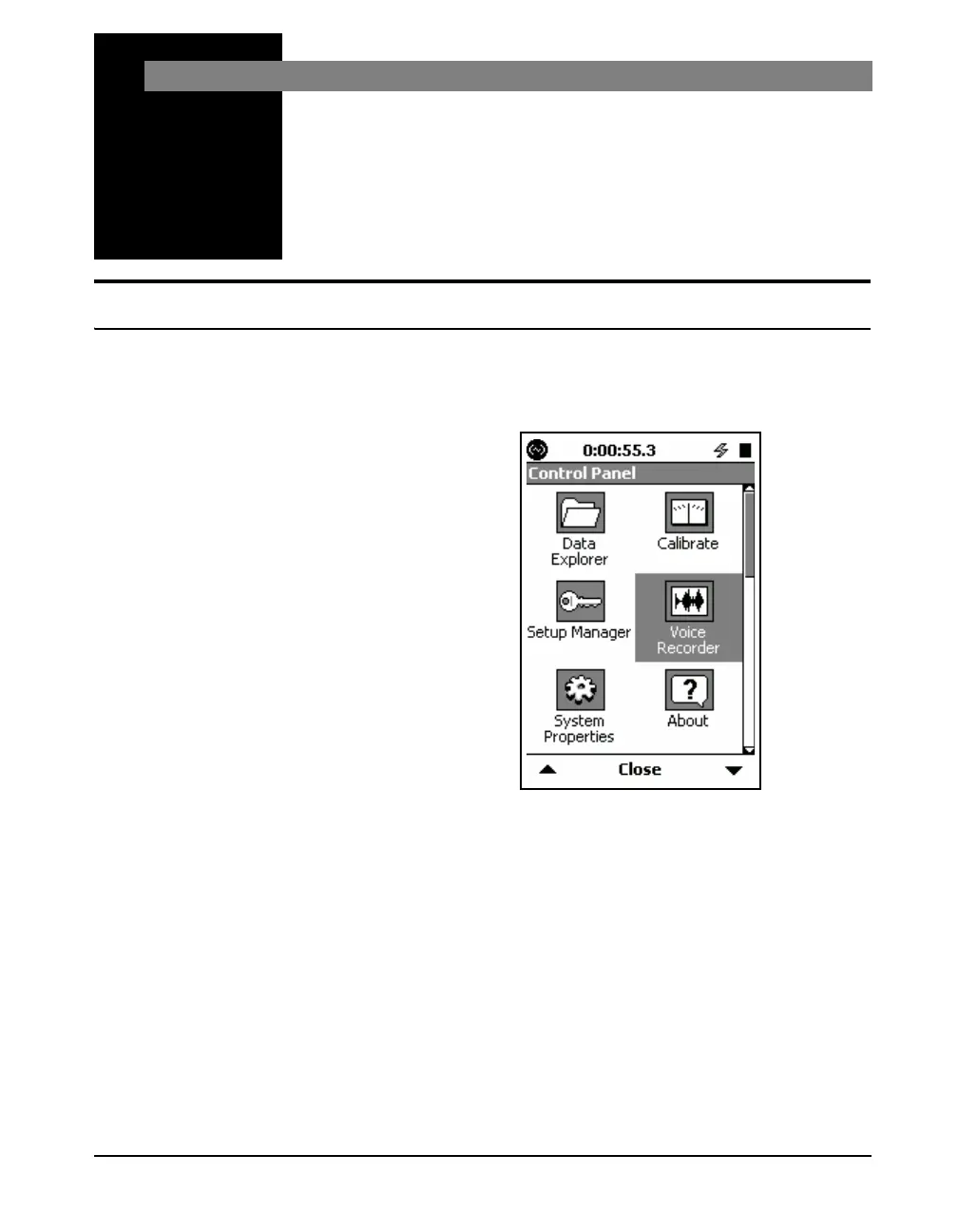
To activate the Voice Recorder Page, press the
3 (TOOLS)
key and highlight the Voice Recorder icon as shown below.
FIGURE 10-1 Control Panel
Press the
5 (ENTER) key to open the Voice Recorder
Page.
Press the Close Softkey to exit.
With Headset
When using a headset, the Jack
Function must to set to Headset as
described in the section "Jack
Function" on page 18-13.
By connecting a headset to the headset jack on the bottom of
the Model
831, voice records may be recorded using the
headset microphone. Voice records may be played back
through the headset speaker.



 To Next Page