Model 831 Manual Measurement History 12-1
CHAPTER
12
Measurement History
Measurement History is used to perform a sequence of
measurements using the same setup, either manually or
automatically, which provide the same data as is obtained
from the basic measurement, described in Chapter 5 "Data
Display” on page 5-1. The optional firmware 831-ELA must
be enabled to obtain the measurement history capability.
This chapter presents a detailed description of the setup and
use of the Measurement History feature and the data
displays which it provides.
Run Control with Measurement History
Before working with Measurement
History, review the setup of Run
Modes, as described in Chapter 6,
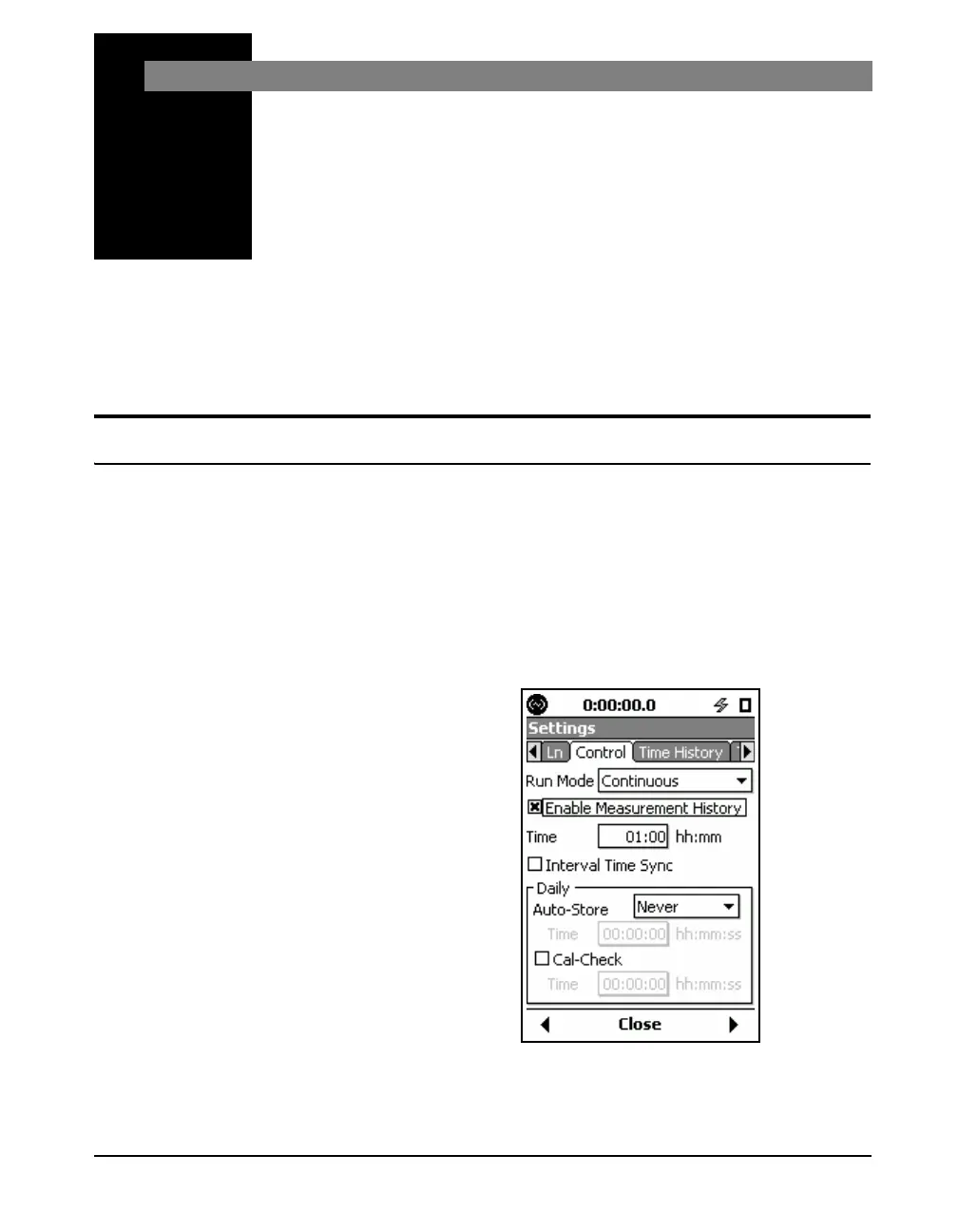
Measurement History is implemented from the Control tab
of the Measurement Settings Screen by placing a check in
the “Enable Measurement History” check box. When the
Run Mode has been set to Continuous, this will produce a
display as shown in FIGURE 12-1.
Please note, in the Continuous,
Single Block Timer, and Daily
Timer modes, setting a Measurement
Time value of 00:00 (no time) will be
saved as 00:01 (one minute) upon
closing or exiting the Control tab.
.
FIGURE 12-1 Measurement History Setup



 To Next Page