8-2 Control Panel - Calibrate Model 831 Manual
appear to warn the user when the difference between these
two values exceed 3 dB.
Control Panel - Calibrate
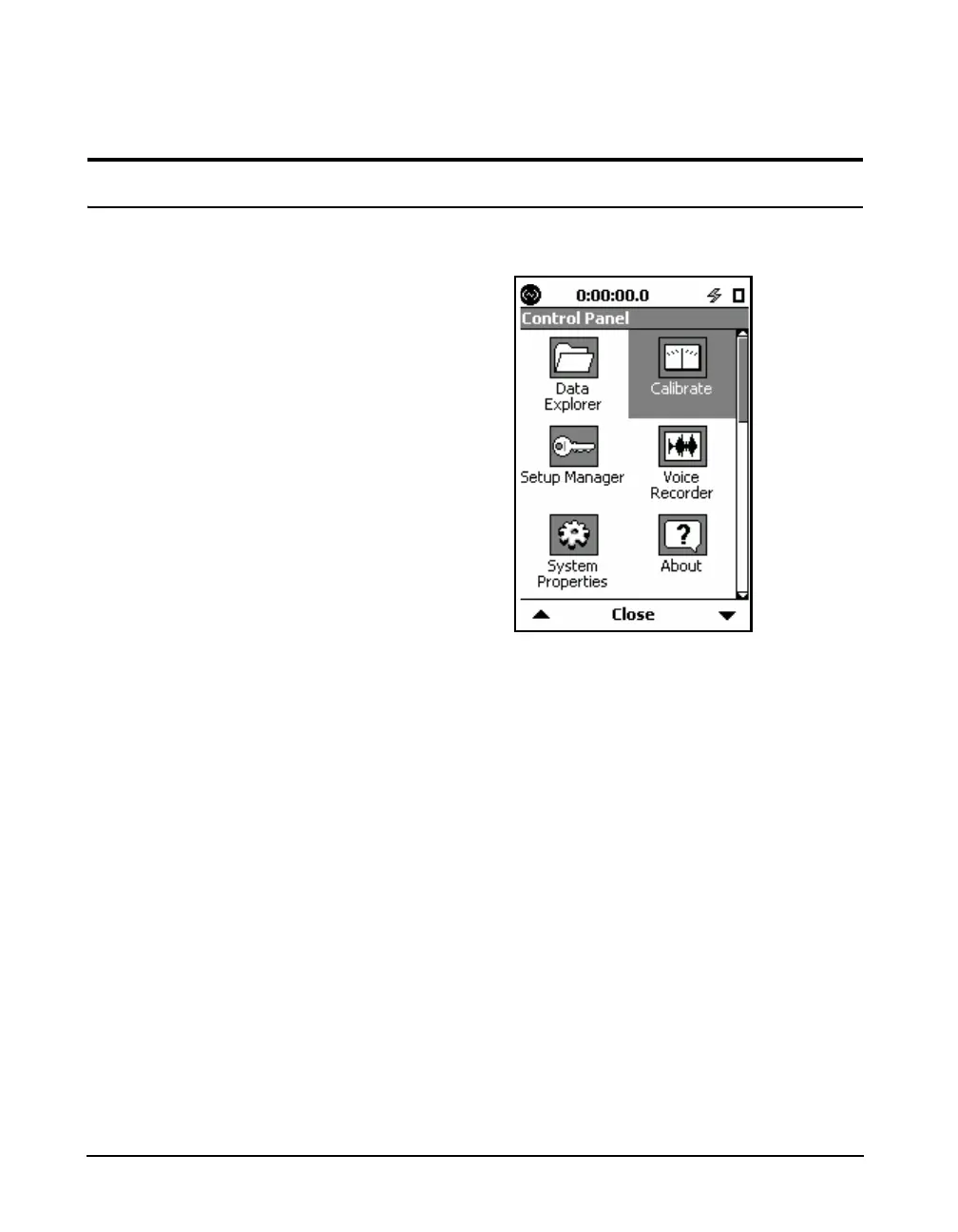
To activate the Calibration function, press the 3 (TOOLS)
key and highlight the Calibrate icon as shown below.
FIGURE 8-1 Control Panel
Press the
5 (ENTER) key to open the Calibrate tabs.
With the PRM2103 preamplifier, the
E.A. Check, E.A. History, and E.A.
Check Spectrum tabs do not appear.
For more information, see the
PRM2103 Outdoor Microphone
Preamplifier Manual.
FIGURE 8-2 shows the calibration tabs that appear with the
PRM831 preamplifier for the Model 831.



 To Next Page