Model 831 Manual Locked With Manual-Store 21-7
In this mode, measurements may be started by pressing the
9 key. A measurement may not be Paused or Stopped.
Pressing the
7 key will initiate storing the data file.
FIGURE 21-11 Auto-Store-Stop
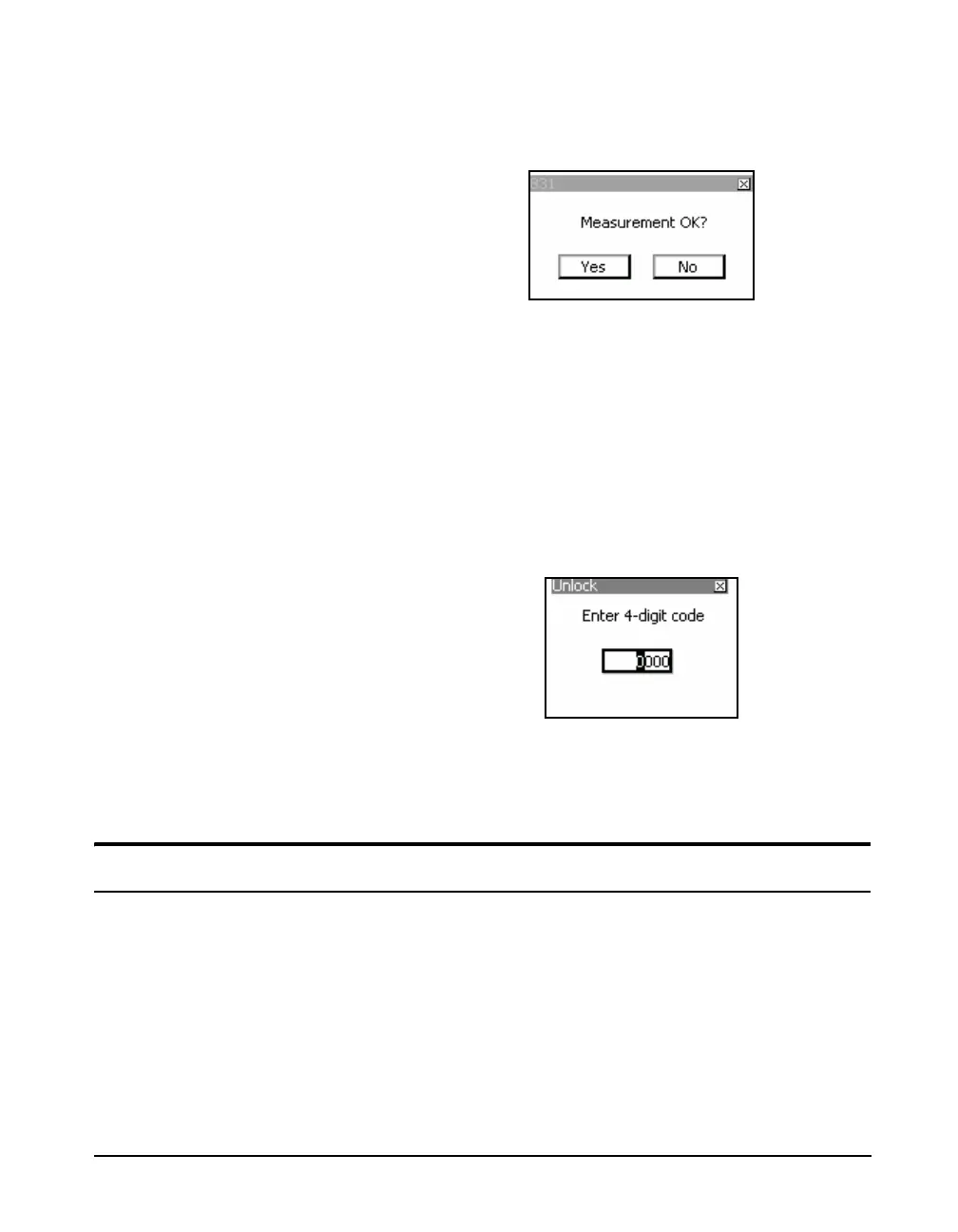
Highlight the desired response and press
5. If Yes is
selected, the data file will be saved. The unit is still locked
and a new measurement may be started by pressing the
9
key. If No is selected, the data is reset and a new
measurement may be made.
Unlock
To unlock the model 831, press the
3 key, 5 or the right
or left softkey. Enter your 4 digit code, then press
5.
FIGURE 21-12 Auto-Store Unlock
The Model 831 is unlocked and all the functions are
available to the user.
Locked With Manual-Store
If the Locked w/Manual-Store mode has been selected, upon
accepting the changes on the Lock page, the view would be
as shown in FIGURE 21-10.
In this mode, a measurement is started by pressing the
9
key. Pressing the 9 key a second time will pause the
measurement and pressing it again will continue the
measurement.



 To Next Page