11-18 Markers Model 831 Manual
Markers
Markers are used to annotate portions of the time history,
especially for the purpose of identifying sound sources as
they become dominant in the measurement. The Model 831
offers ten separate user-definable markers.
Markers Setup
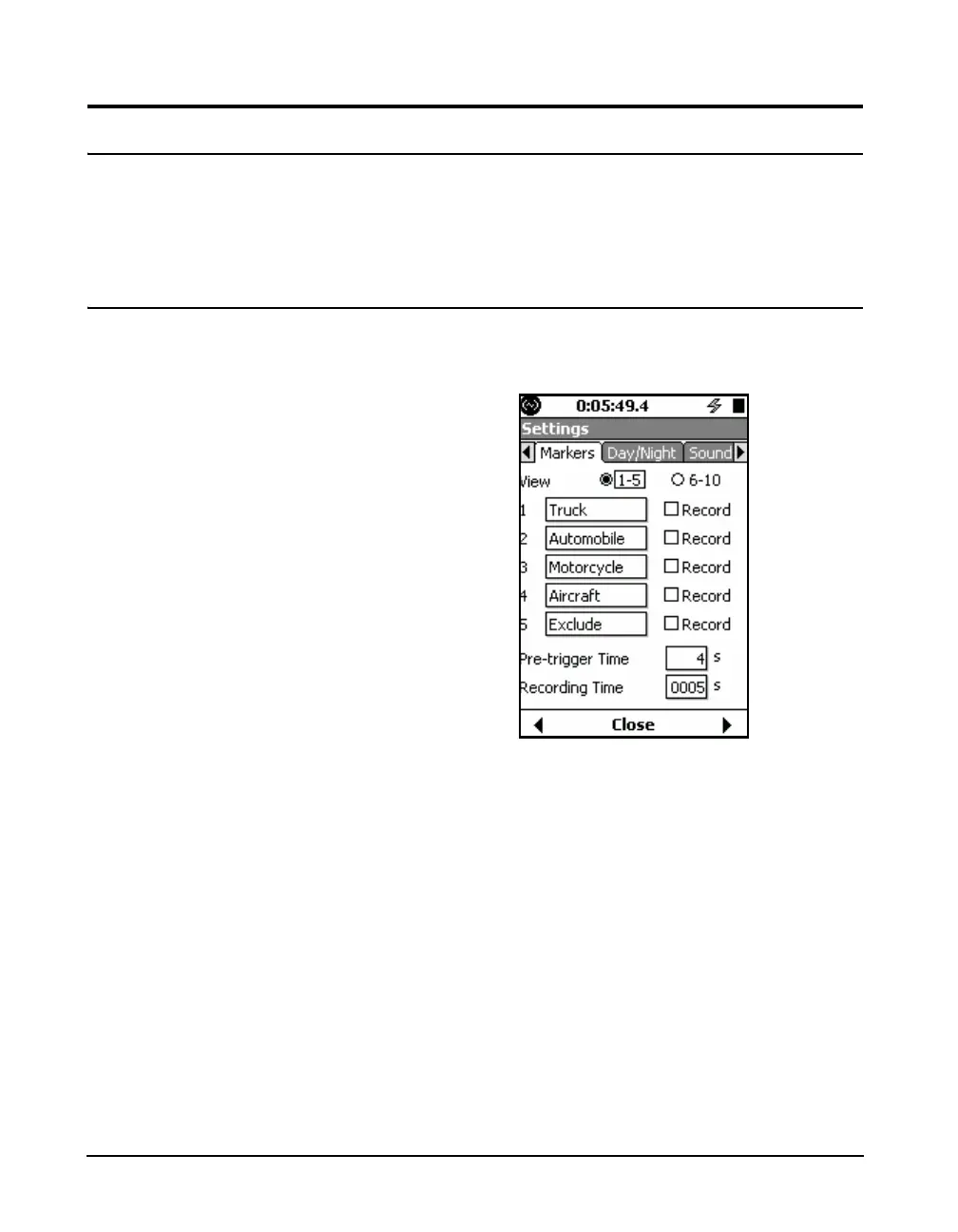
Note that the default values for these
parameters are as shown in
FIGURE 11-18.
Markers are setup on the Markers tab in the Measurement
Setup View, as shown in Figure 11-18.
FIGURE 11-18 Markers Setup 1-5
There are five markers with names predefined for
convenience shown in this figure. Any of these names can
be changed by the user. To view markers 6 -10, highlight the
6 - 10 text line and radio buttons and press
5 to obtain the
display shown in Figure 11-19.



 To Next Page