12-2 Continuous and Timer Modes Model 831 Manual
Continuous and Timer Modes
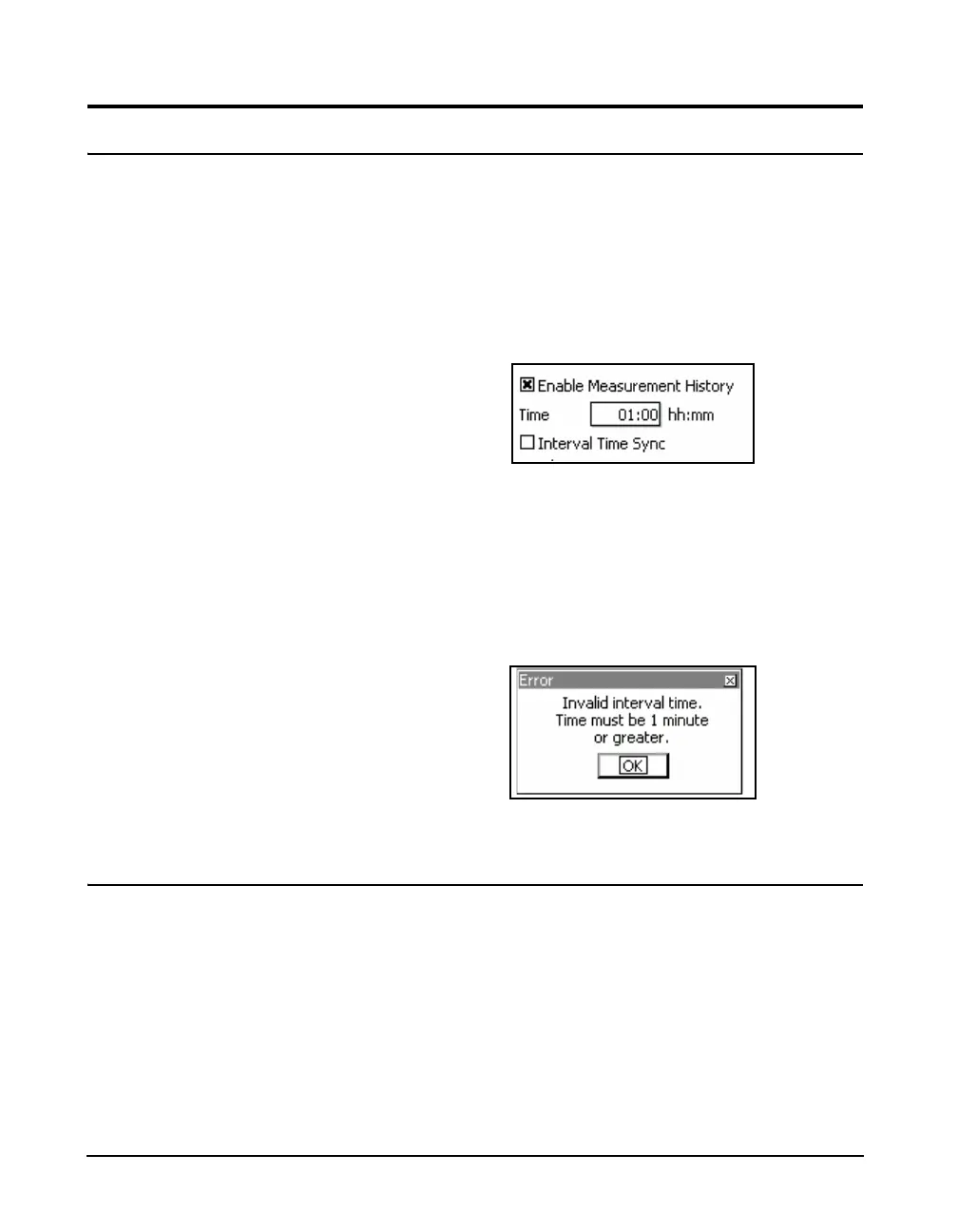
For these run modes, when the Measurement History is
enabled, a series of measurements will be performed and
stored automatically, each running for a user-defined time
interval. At the time the check mark is placed in the
Measurement History check box to enable it, a window such
as shown in Figure 12-2, will appear to define a time
duration for each measurement.
FIGURE 12-2 Measurement Time Menu
Note that the actual measurement
duration may be shorter due to a
manual stop, a timer stop or an
autostore action.
Highlight the Time data field and press the
5 (ENTER)
key. Enter the desired value of time and press
5 to
conclude the process.The minimum permitted Interval Time
is one minute; if a zero value is entered, the following
message will appear.
FIGURE 12-3 Invalid Time Warning
Interval Time Sync
The interval time sync feature ensures that all measurement
records, except the first, will begin at a time of day equal to a
multiple of the measurement time selected. For example, if
the measurement time is five minutes, and the measurement
begins at 08:14:00 (h:m:s format), the first measurement
will be cut short such that the subsequent measurements will
begin at 08:15, 08:20, 08:25, etc.



 To Next Page