20-8 RS-232 Tab Model 831 Manual
Step 3 Insert the SIM card and write down the telephone
number.
Step 4 Connect a Powered hub onto the 831.
Step 5 Connect the MultiModem EDGE to the USB Hub.
Boot sequence for the Modem runs as follows:
• The 'PWR' LED would turn on.
• The 'TR' LED would turn on.
• The 'TR' LED should stay turned on.
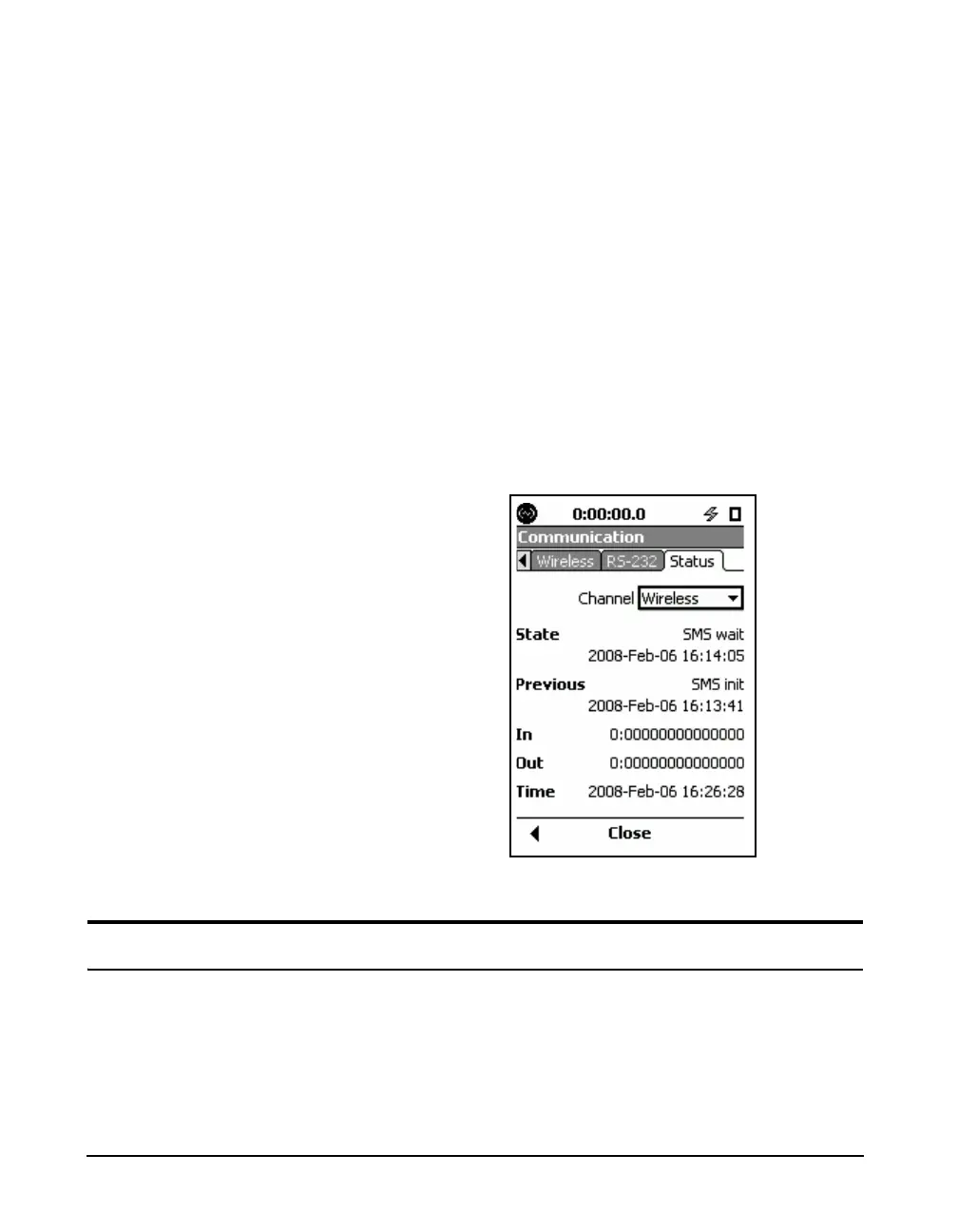
Step 6 Wait for 3 minutes. Model 831 is ready for
incoming connections. The status of the modem can be
verified on the Communication ->Status screen, described
in“” on page 20-27.
FIGURE 20-9 Status Tab
RS-232 Tab
Note: Connections via the RS-232
are slow compared to direct USB
connections.
The RS-232 option is an alternative direct connection
method for communicating with the Model 831. There are
two basic scenarios in which the RS-232 connection may be
superior to a USB connection:



 To Next Page