Model 831 Manual RS-232 Tab 20-9
• The computer being utilized does not have a USB port.
• The length of the connecting cable exceeds sixteen feet
(USB cables have a maximum usable length of 5 m or
16.5 feet while RS-232 cables can be up to 15.24 m or 50
feet long. However, both cable types can be extended by
using power hubs).
Required Components
The following are required to connect via the RS-232
interface:
WARNING: There can only be one
DVX008A connected to a Model 831
system at a time. Connecting more
than one will result in undesirable
behavior.
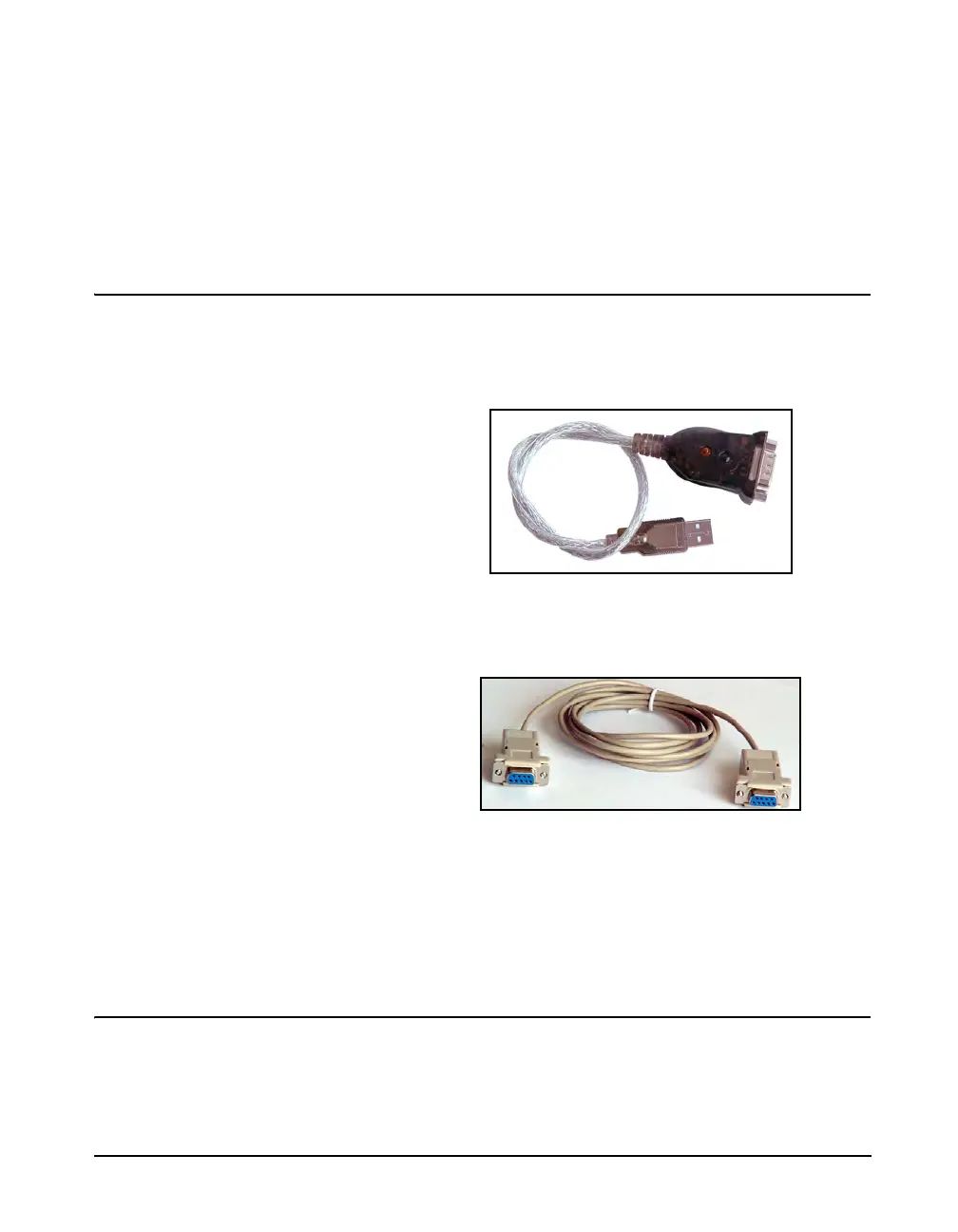
• A USB-to-RS-232 adaptor (DVX008A)
FIGURE 20-10 DVX008A
• An RS-232 null modem connection (either a null modem
cable (CBL117) or a null modem adaptor)
FIGURE 20-11 Null Modem Cable
• A computer with a serial port connector and an available
COM port
• A Model 831 with the 831-MDM option installed and
enabled.
Setup
Step 1 From the Communications tabs use the RS-232
tab to set the RS-232 to On.



 To Next Page