21-8 Calibration When The Model 831 Is Locked Model 831 Manual
The 7 key will stop a measurement Pressing it a second
time will initiate the storage process by displaying the “Save
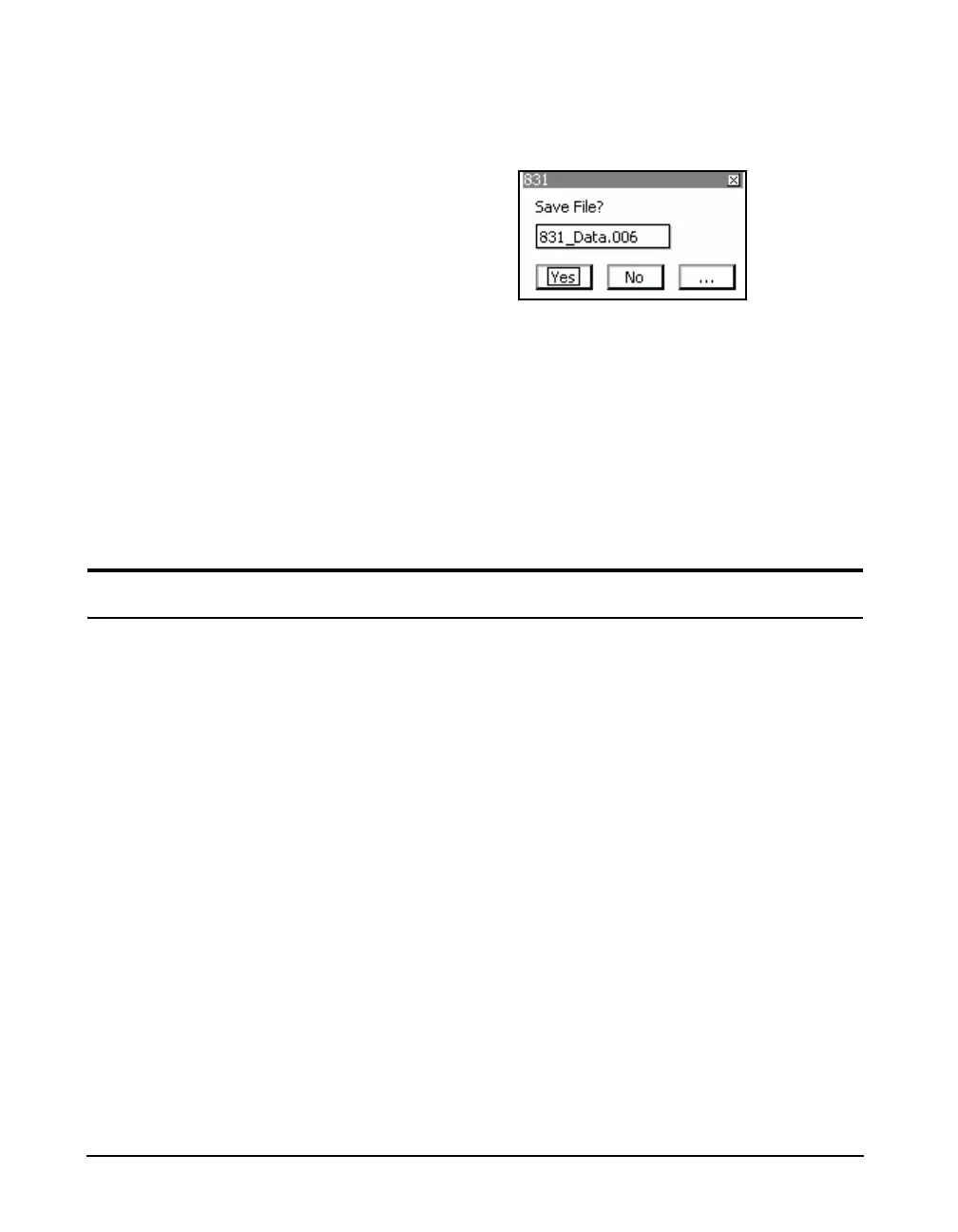
File” prompt as shown in FIGURE 21-13.
FIGURE 21-13 Manual Store When Locked
Press Yes to store into the file number indicated, No to abort
the storage operation or... to overwrite a file into which data
has already been stored.
Unlock
To unlock the Model 831, press the
3 key, the 5 key or
the Right or Left Softkey. Enter your 4 digit code, then press
5.
Calibration When The Model 831 Is Locked
When the Model 831 is in any of the lock modes, and is
stopped, the unit may be calibrated. This is only possible if
the “Allow Cal. When Locked” check box, on the Lock
page, has been checked previous to entering Lock mode.
If the Center Softkey indicating CAL is active, as shown in
FIGURE 21-14, press this key. This will bring up the



 To Next Page