18-18 Preferences Model 831 Manual
GPS Mode
The USB Host Port must be set to On
for the GPS Mode field to appear.
Note that the daylight saving time is
not supported.
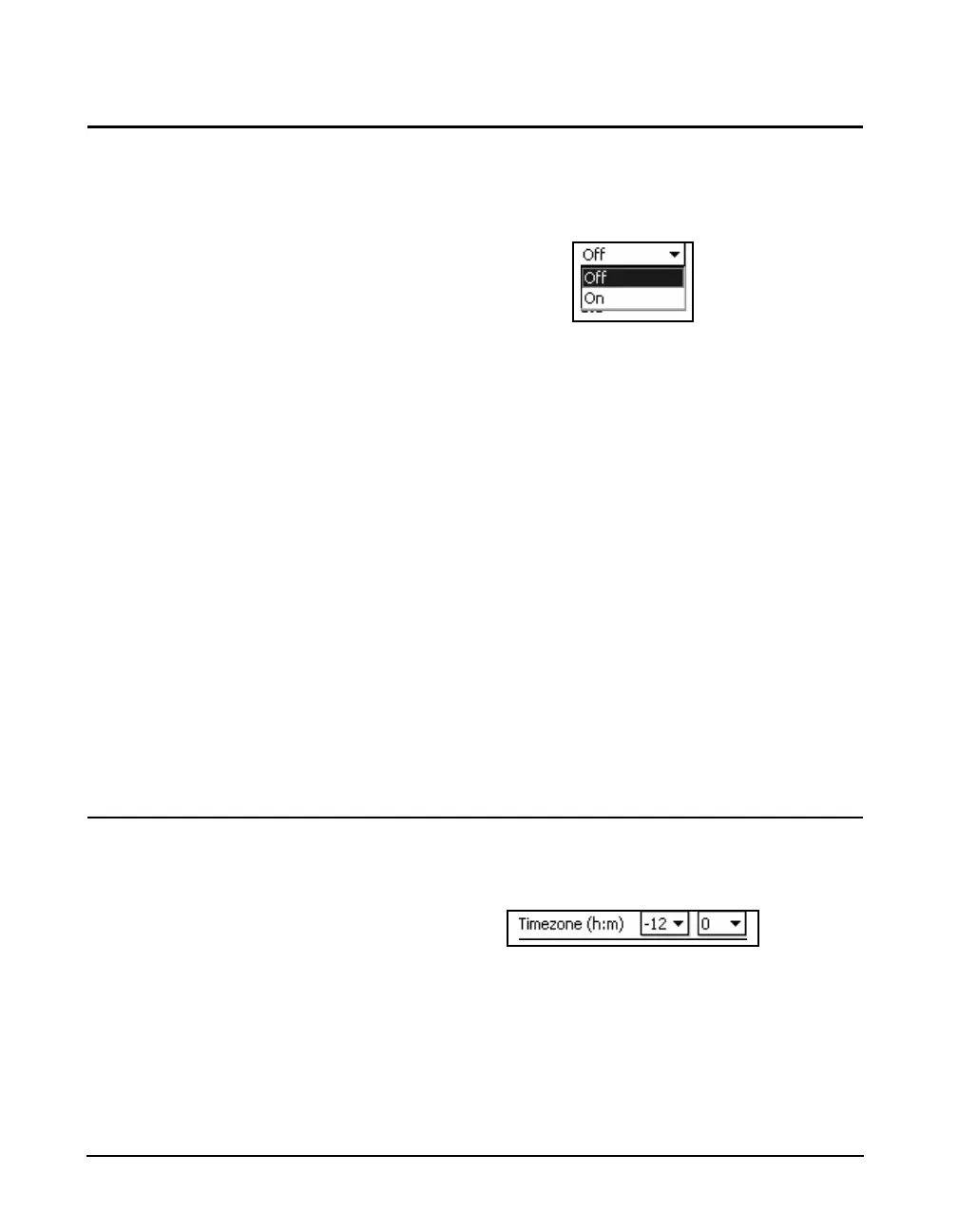
Highlight the GPS Mode field and press 5 to obtain a
listing of the choices as shown in FIGURE 18-26.
FIGURE 18-26 GPS Mode On/Off Menu
Highlight On and press
5 to make the selection.
When using the SLM Utility-G3 software to control the
Model 831, there are two operational modes for the GPS:
GPS On
In this mode, the GPS is always on and consuming power,
but the GPS tab is also always being updated. This can be
useful for real-time tracking of location or time.
GPS Auto
In this mode, the GPS will turn on at two different time:
• At the beginning of an interval, the GPS will turn on to
record the location
• During a daily autostore, the GPS will turn on to check
the time and update the internal clock if needed
Time Zone
Setting the GPS to On will open the menus to select the time
zone in which the GPS is located, as shown in FIGURE 18-
27
FIGURE 18-27 GPS Time Zone Menu
The time zone is selected by both hours (1st data field) and
minutes (2nd data field), referenced to Greenwich Mean
Time. Highlight the desired data field, and press
5 to list
the options, as shown below. Highlight the desired value and
press
5 to make a selection.



 To Next Page