2-4 Disconnecting the Preamplifier Model 831 Manual
Disconnecting the Preamplifier
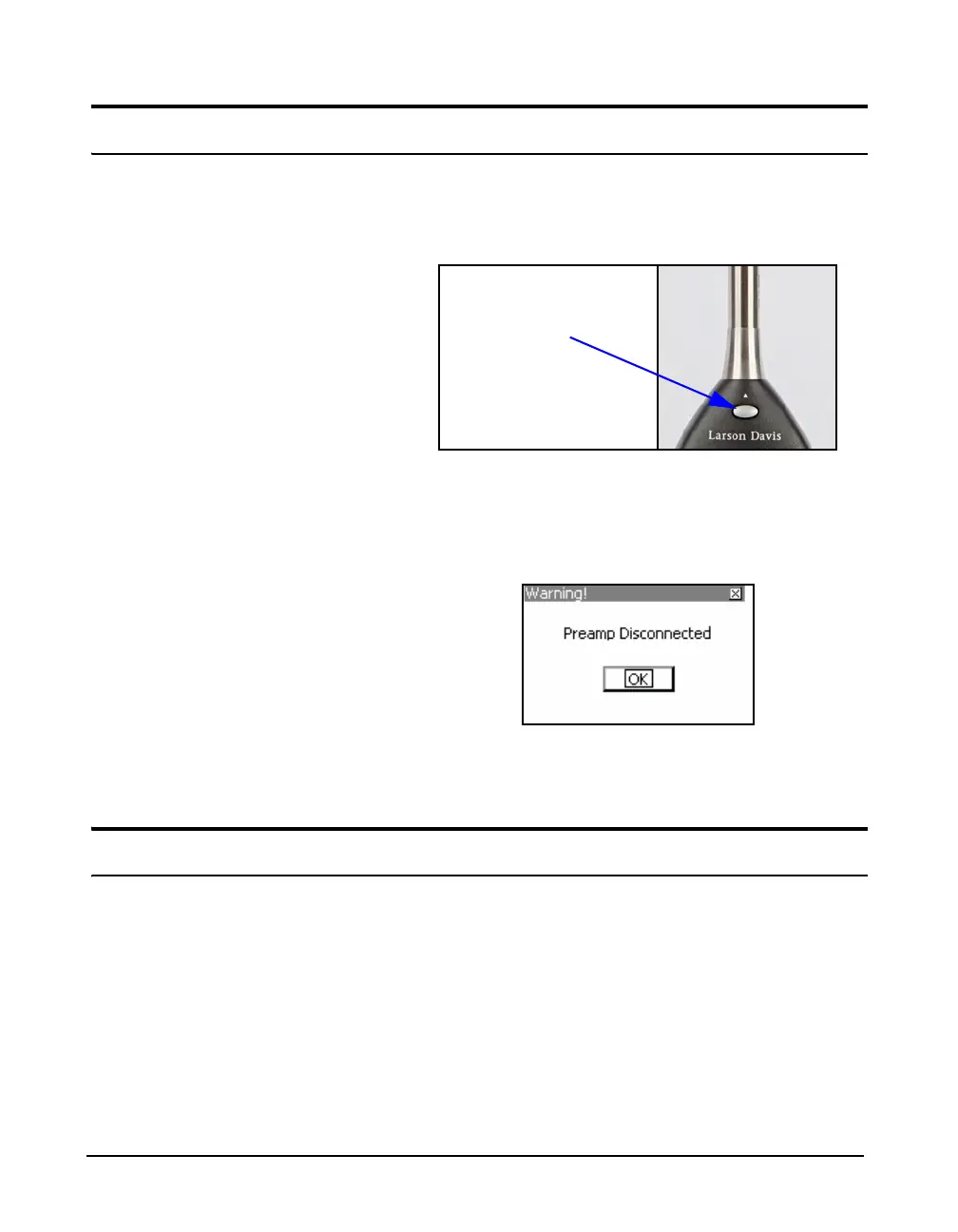
On the front surface of the Model 831, just below the
preamplifier connector, is a small button. Press and hold this
button while pulling the microphone / preamplifier assembly
out of the Model 831.
FIGURE 2-4 Push Button to Release Preamplifier
If the Model 831 is ON when the preamplifier is
disconnected, the Preamp Disconnected message box will
appear for several seconds.
FIGURE 2-5 Disconnect The Preamplifier
Press
5 clear the message box.
Powering the Model 831
The following section provides power information for the
model 831, including the following:
• Battery Power
• External Power Supply
• Power Up Operation
• Power Control Page
• Hardware Power Switch



 To Next Page