Model 831 Manual Fully Locked 21-5
Fully Locked
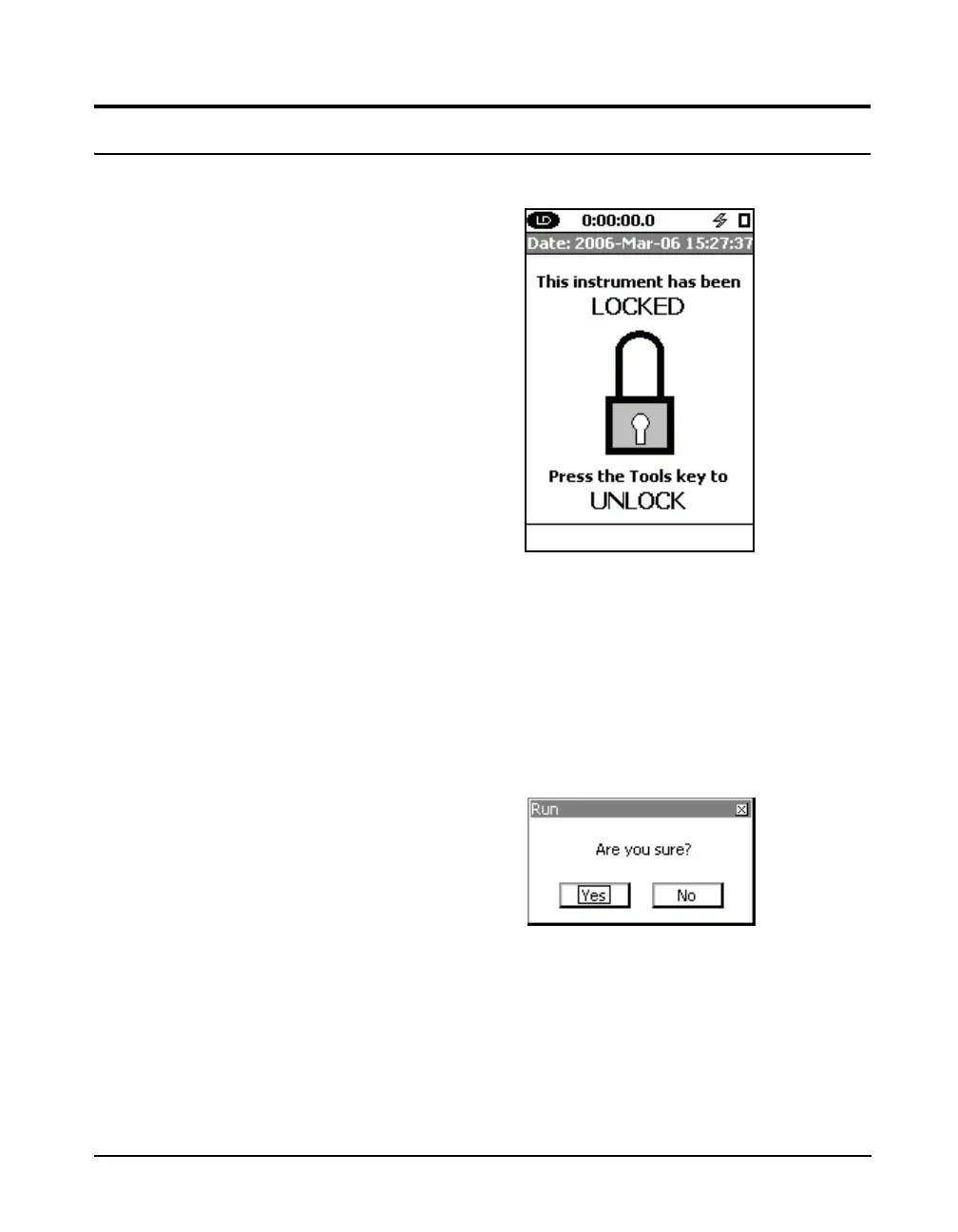
FIGURE 21-7 Fully Locked
If you have selected Fully Locked for the Lock Mode, upon
accepting the changes, FIGURE 21-7 represents the view
you will have. At this point, the instrument is not running a
measurement. It is possible to select the Fully Locked mode
while a measurement is in progress.
Pressing the
9 key will start a measurement by bring up
the following message box.
FIGURE 21-8 Are You Sure
Highlight Ye s and press the
5 key to begin the
measurement. A measurement cannot be Paused, Stopped or
Stored in the Fully Locked mode.



 To Next Page