21-4 Control Panel - Lock Model 831 Manual
Highlight Ye s or No and press the 5 key to complete the
process.
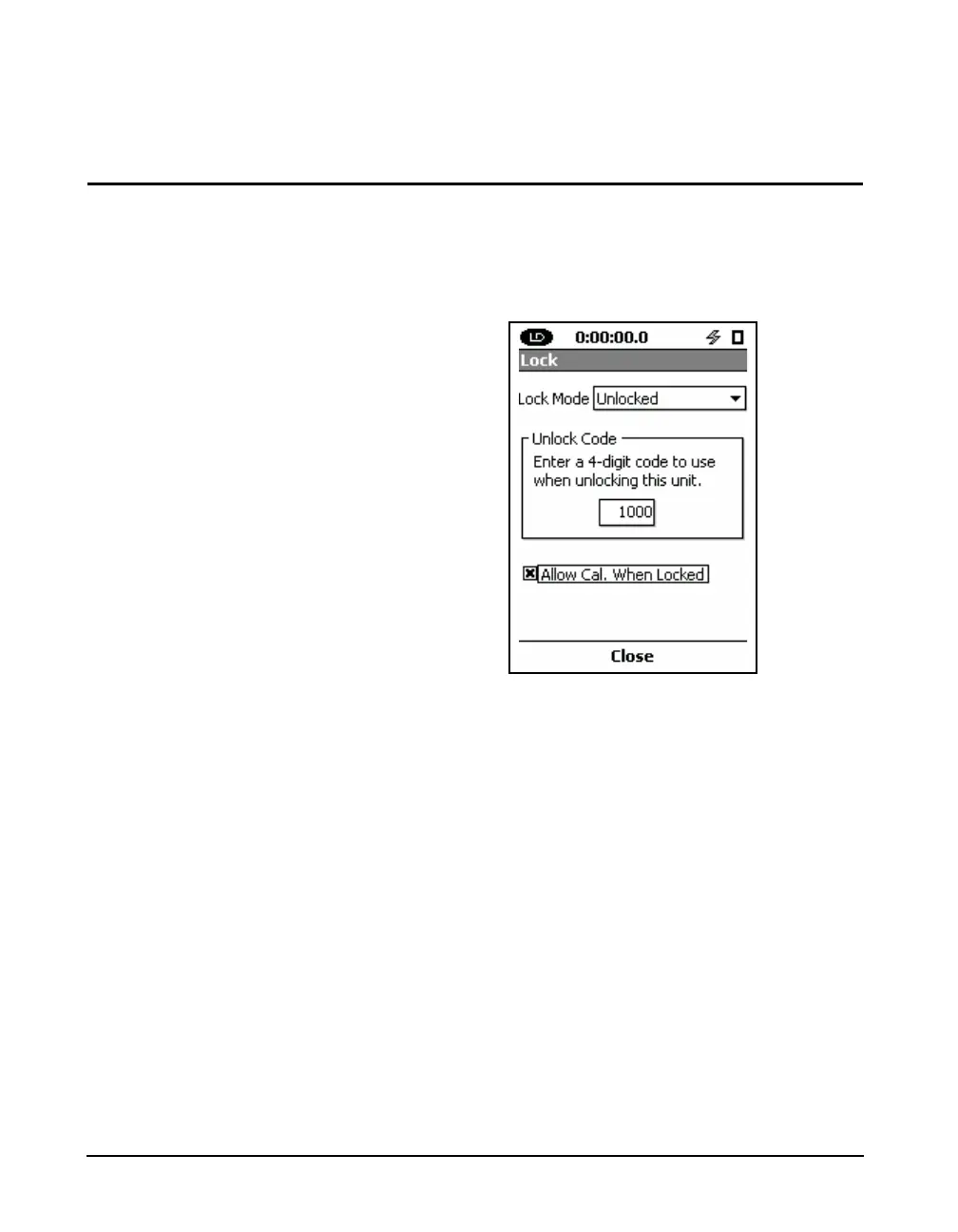
Allow Cal When Locked
Move the highlight to Allow Cal. When Locked. Pressing
the
5 key will toggle the state of the check boxes shown in
FIGURE 21-6. If the box is checked, calibration will be
allowed while the unit is locked, but not running a
measurement.
FIGURE 21-6 Allow Cal Check Box



 To Next Page