Model 831 Manual Link to Measurement History Display 11-17
Locate a Specific Record
To locate a specific record, highlight the Record Number
field and press
5 to add a cursor to the Record Number
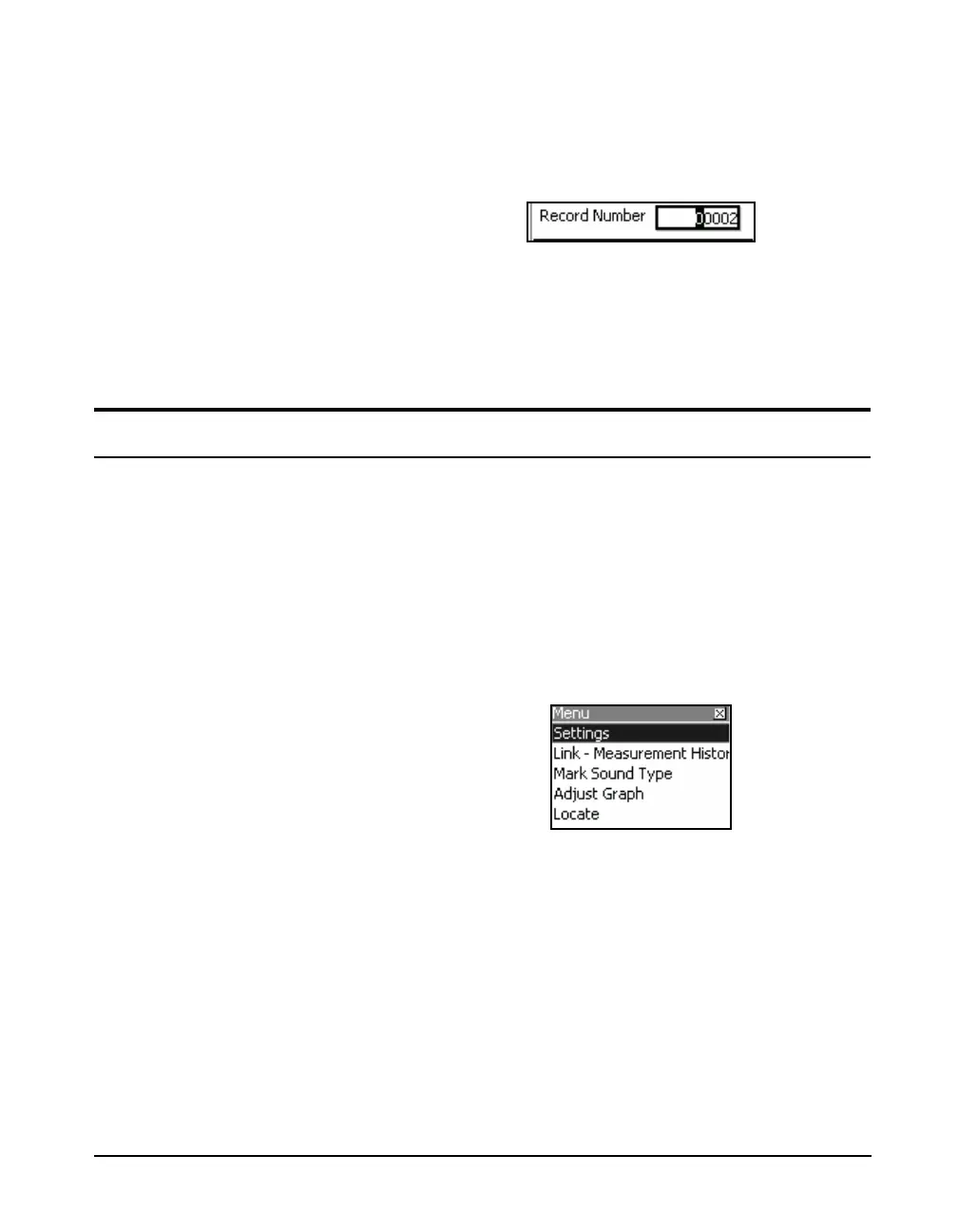
field, as shown in FIGURE 11-16.
FIGURE 11-16 Record Number Cursor
Enter the desired record number using the 4 and 6 keys to
move the cursor and the 8 and 2 keys to change the
digits, then press
5 to change the display to that record
number.
Link to Measurement History Display
The major purpose of the Link to Measurement History is to
locate the Measurement History record that applies to the
same point in time as the current time history record. The
inverse is also true; from the Measurement history you can
Link to Time history, which will locate the Time History
record with the time nearest the Measurement Time History.
To rapidly switch from a Time History display to a
Measurement History display, press the Menu softkey which
will produce the display shown in FIGURE 11-17.
FIGURE 11-17 Link to Measurement History
Highlight Link-Measurement History and press
5.



 To Next Page