16-14 Event Sound Recording Model 831 Manual
Event Sound Recording
Sound recordings can be made
automatically upon exceedance of
the event threshold levels (see
"Triggers Tab" on page 4-11)
without the optional 831-ELA
firmware enabled. However, to have
data stored for these exceedance
events (see Chapter 13 "Event
History” on page 13-1) the 831-ELA
firmware must be enabled.
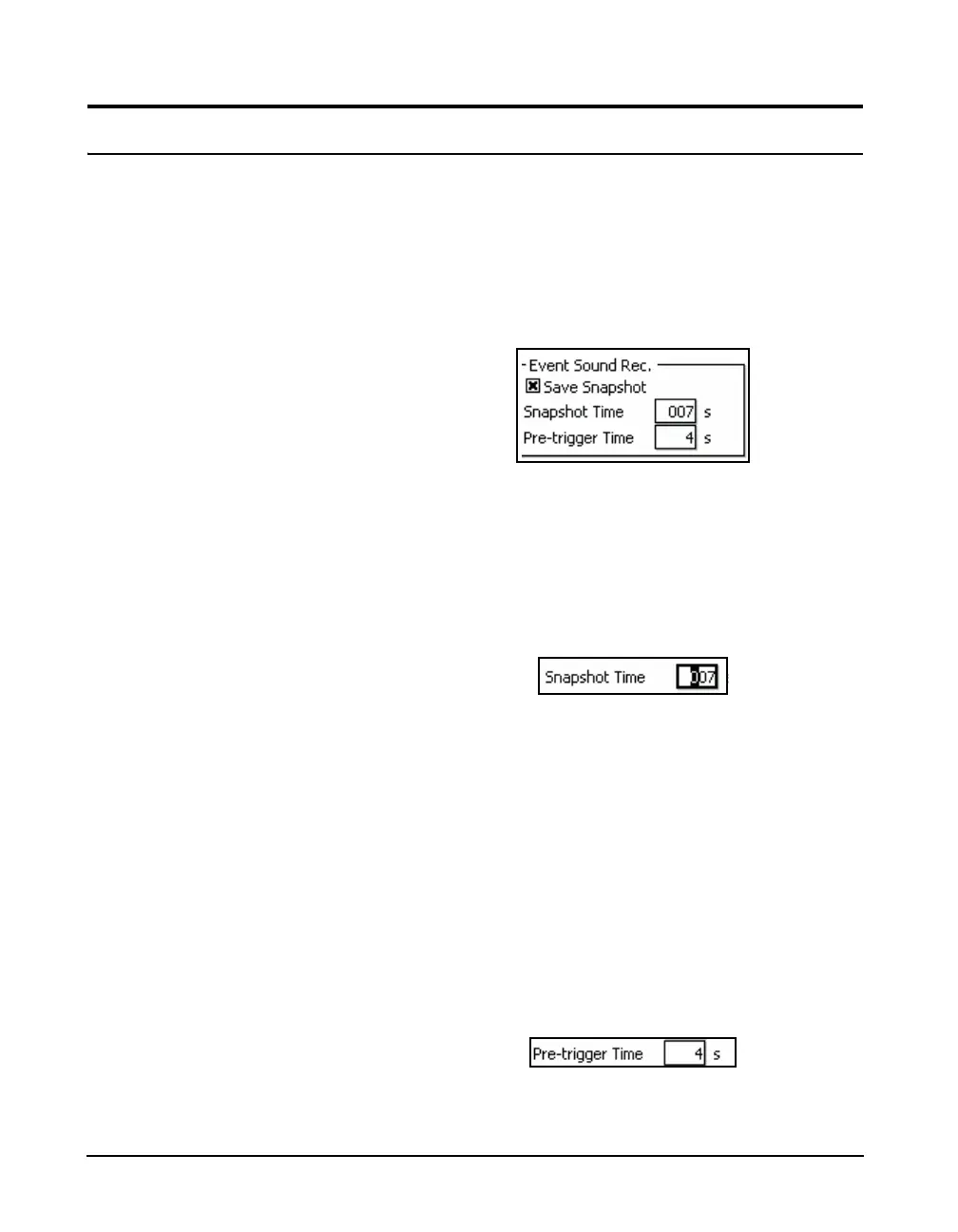
Event Sound Recording is used to automatically make a
sound recording for each exceedance-based event. Highlight
the Save Snapshot text field in the Event Sound Recording
section of the display (Figure 16-1 on page 16-2) and press
the
5 key to place a check in the check box. This will is
modify the Event Sound Recording section of the Sound
Recording Setup Menu as shown in Figure 16-16
FIGURE 16-16 Event Sound Recording Menu
Snapshot Time
The maximum value of Snapshot
Time which can be entered is 999
seconds. However, the maximum
time of an actual recording may be
limited by the sample rate and the
memory size.
The Snapshot Time is the duration of each Event Sound
Recording. To enter the Snapshot Time, highlight the
Snapshot data field and press
5 to open the Snapshot Time
data field and cursor shown in Figure 16-17.
FIGURE 16-17 Entering Snapshot Time for Event
Sound Recording
The snapshot time must be greater
than the event minimum duration, as
set in "Minimum Duration" on
page 13-2, in order for a recording
to be made.
Enter the desired value and press the
5 key to conclude the
process.
Pre-trigger Time
If it is desired that the recorded signal include a segment of
time which occurred prior to the exceedance-based trigger,
set the Pre-trigger Time to that value. Highlight the Pre-
trigger data field and press
5 to open the Pre-trigger Time
data field and cursor shown in Figure 16-18.
FIGURE 16-18 Entering Pre-trigger Time for Event
Sound Recording



 To Next Page