Model 831 Manual Marker Initiated Recording 16-13
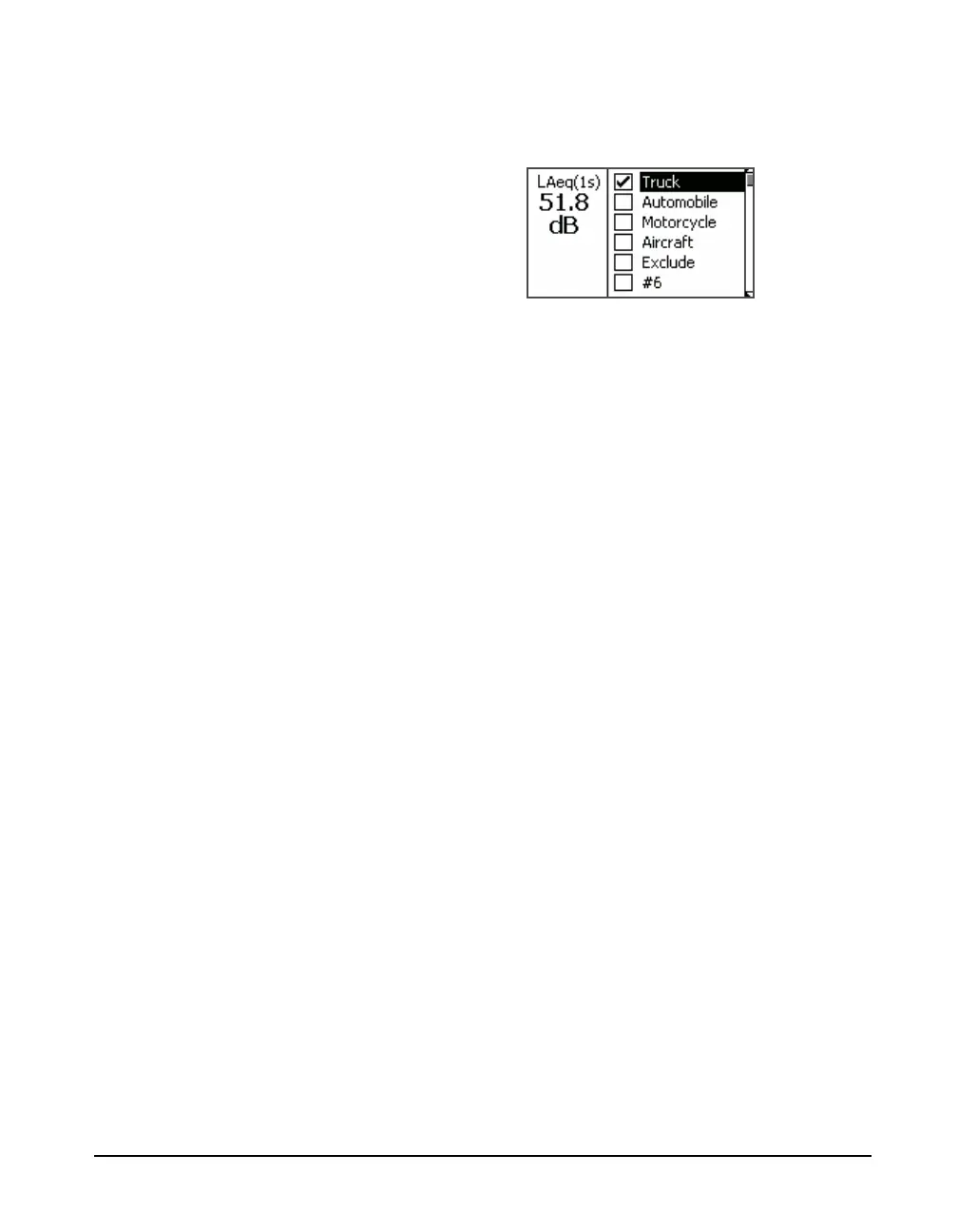
the desired marker and press 5 to place a check in the
check box to the left of the name, as shown in FIGURE 16-
15.
FIGURE 16-15 Marker Set to On
Press the Close softkey, shown in FIGURE 16-14, to
complete the process of setting the Marker to On and to exit
from the Mark Sound Type Menu. This will initiate the
recording.
When a recording is in progress, the
Recording Status Icon, shown greyed
out in Figure 16-6, will become
active.
The recording will continue for the programmed Recording
Time, even if the maker is set Off before that amount of time
has passed.
Once one or more markers have been set to On and the
recording initiated, they should all then be set to Off so that
a subsequent recording may be initiated at a later time.
Set Markers to Off
To set all markers to Off, repeat the steps used to open the
Mark Sound Type Menu, shown in FIGURE 16-14. Press
the None softkey to set all Markers to Off and press the
Close softkey.
All markers will also be set to Off if the measurement is
stopped by pressing the
7 key.



 To Next Page