16-12 Marker Initiated Recording Model 831 Manual
Enter the desired value and press 5 to conclude the
process.
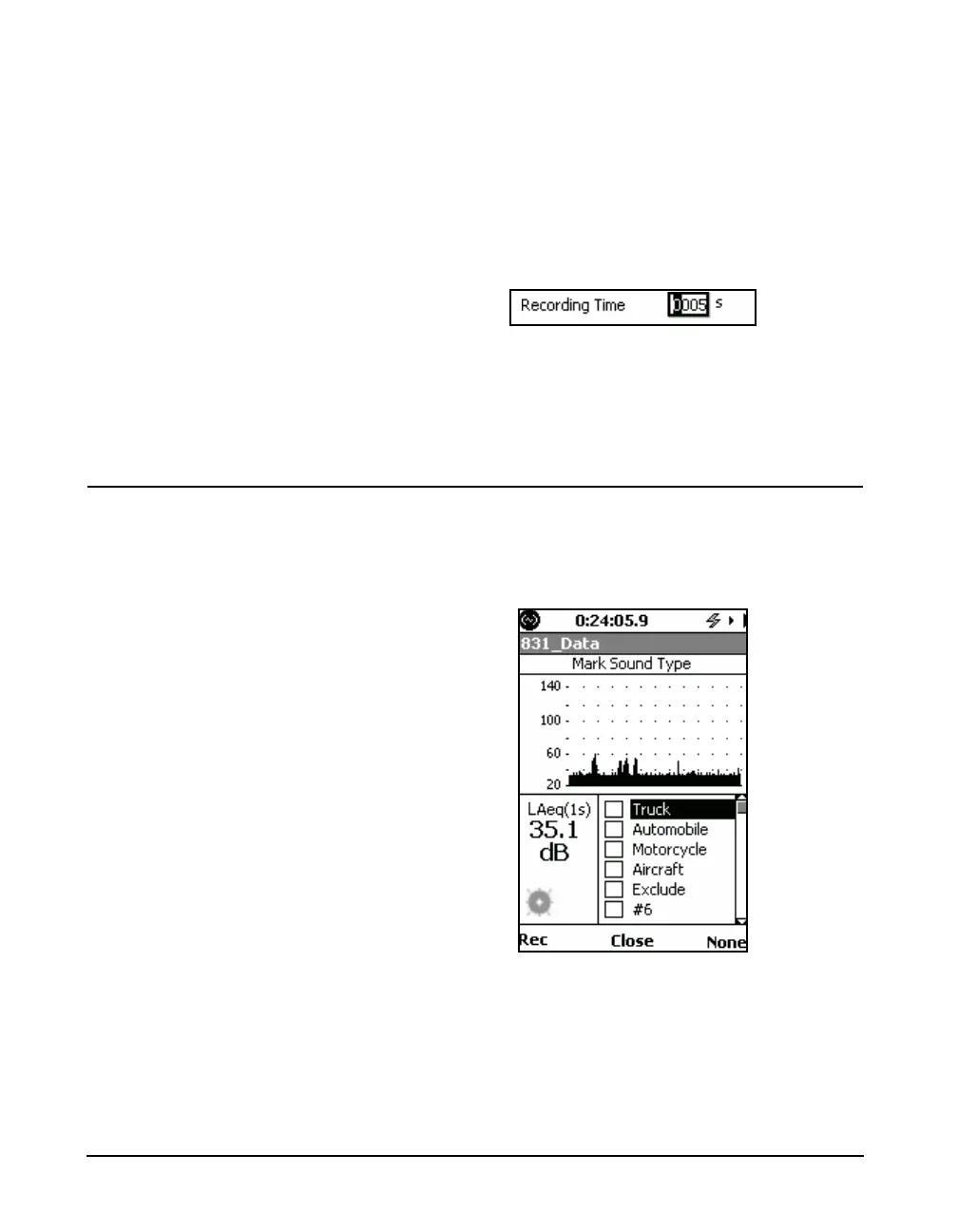
Recording Time
Note that the maximum value of
Recording Time which can be
entered is 9,999 seconds. However,
the maximum time of an actual
recording may be limited by the
sample rate and the memory size.
The Recording Time is the duration of each recording. To
enter the Recording Time, highlight the Recording Time
data field and press
5 to open the Recording Time data
field and cursor shown in FIGURE 16-13.
FIGURE 16-13 Entering Recording Time for Sound
Recording
Enter the desired value and press
5 to conclude the
process.
Initiating a Recording
A marker initiated sound recording is started using the same
menu used to initiate a manual recording. Follow the same
procedure described in "Manual Sound Recording" on page
16-7 to open the menu shown in FIGURE 16-14.
FIGURE 16-14 Markers Setup Menu
Set Marker to On
To initiate a sound recording, set On any marker which had
been designated Record, as described in "Setting a Marker
to Record" on page 16-10. To do this, highlight the name of



 To Next Page