16-10 Marker Initiated Recording Model 831 Manual
There are five markers with names predefined for
convenience shown in this figure. Any of these names can
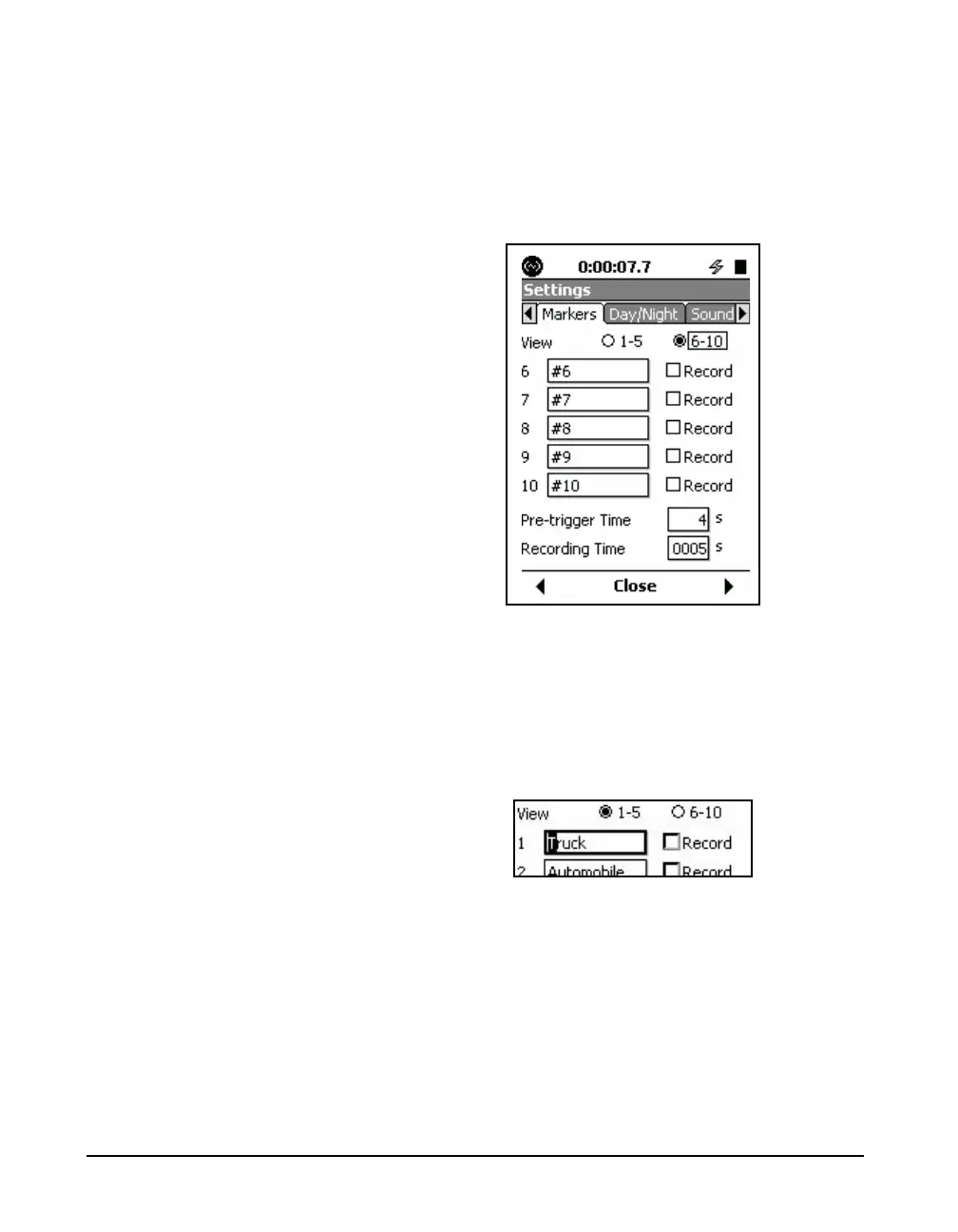
be changed by the user. To view markers 6 -10, highlight the
6 - 10 text line and radio buttons and press
5 to obtain the
display shown in Figure 16-9.
FIGURE 16-9 Markers Setup 6-10
Naming a Marker
Note that the process of naming
markers is simplified by using the
831 Utility software.
Highlight the field of the marker to be named and press
5.
This will produce a cursor which can be moved left and right
to different digit positions in the data field using the
4 and 6
keys, as shown in Figure 16-10.
FIGURE 16-10 Marker Name Field
Enter a marker name and press
5 to conclude the process.
Setting a Marker to Record
In order to utilize one or more markers to initiate a sound
recording, we set each of the markers we would like to use
to initiate a recording to Record. This is done by
highlighting the marker and pressing
5. In FIGURE 16-11,



 To Next Page