3-20 Parameter Selection Model 831 Manual
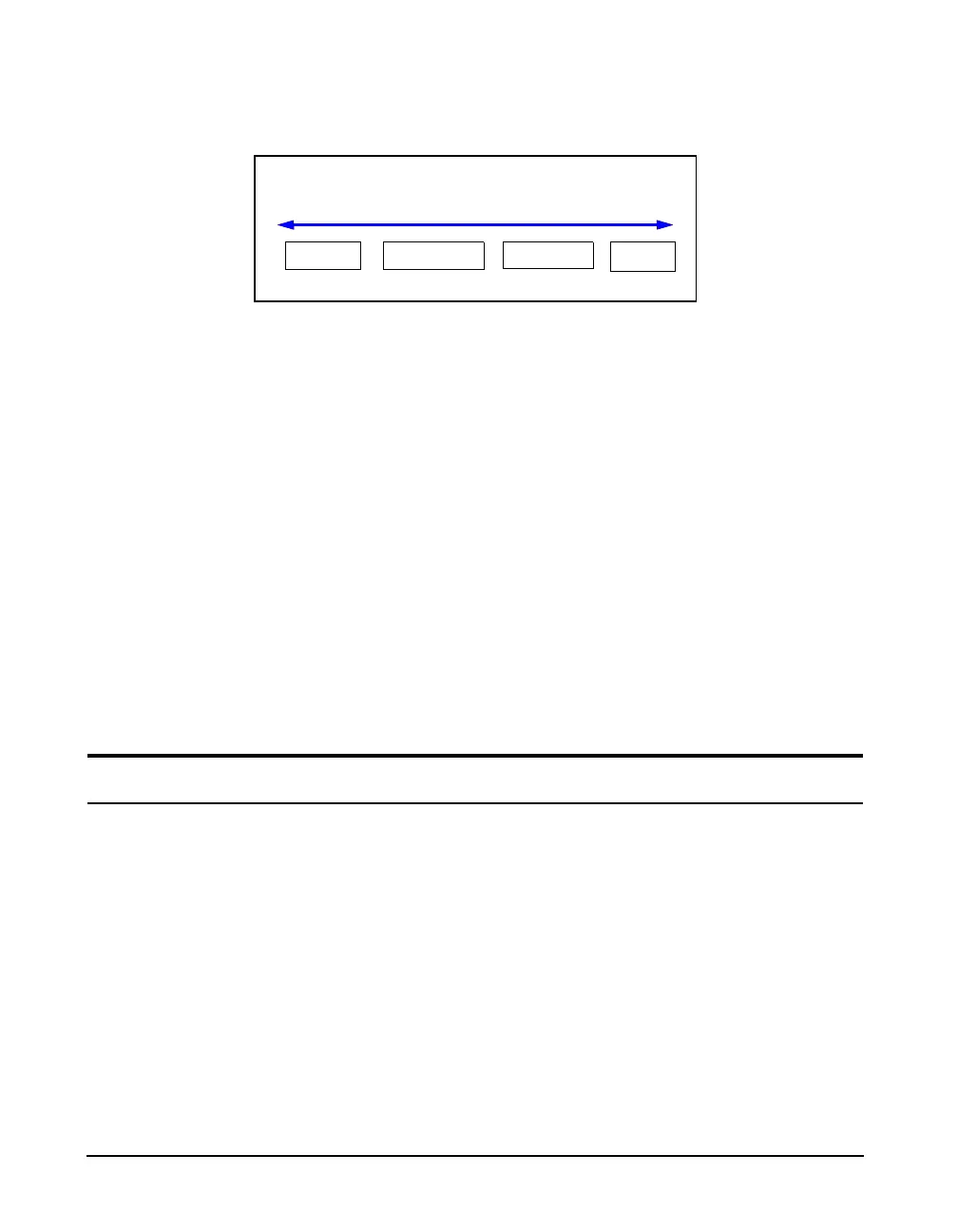
FIGURE 3-12 shows the About tabs sequence.
FIGURE 3-12 Softkey Selection of About Tabs
The Right and Left Softkeys are used to scroll between the
About tabs.
System Utilities
For a detailed description of the
System Utilities, see Chapter 23
"System Utilities" on page 23-1.
The System Utilities provides routines to work with the
internal files systems and the USB. Routines are provided to
implement the following activities:
• Check File System
• Format
Additional icons may appear in the
Control Panel, depending on the
firmware options enabled on your
Model 831.
• Format/Restore Defaults
• Check/Repair USB
• Format USB
Parameter Selection
When operating the Model 831, you frequently define
parameters by selecting them from lists that may appear on
the display either as a row with a radio button, or as a
vertical list in a drop down menu.
About Standards Options User
Softkey Selection of About Pages



 To Next Page