Model 831 Manual Upgrading Options 26-5
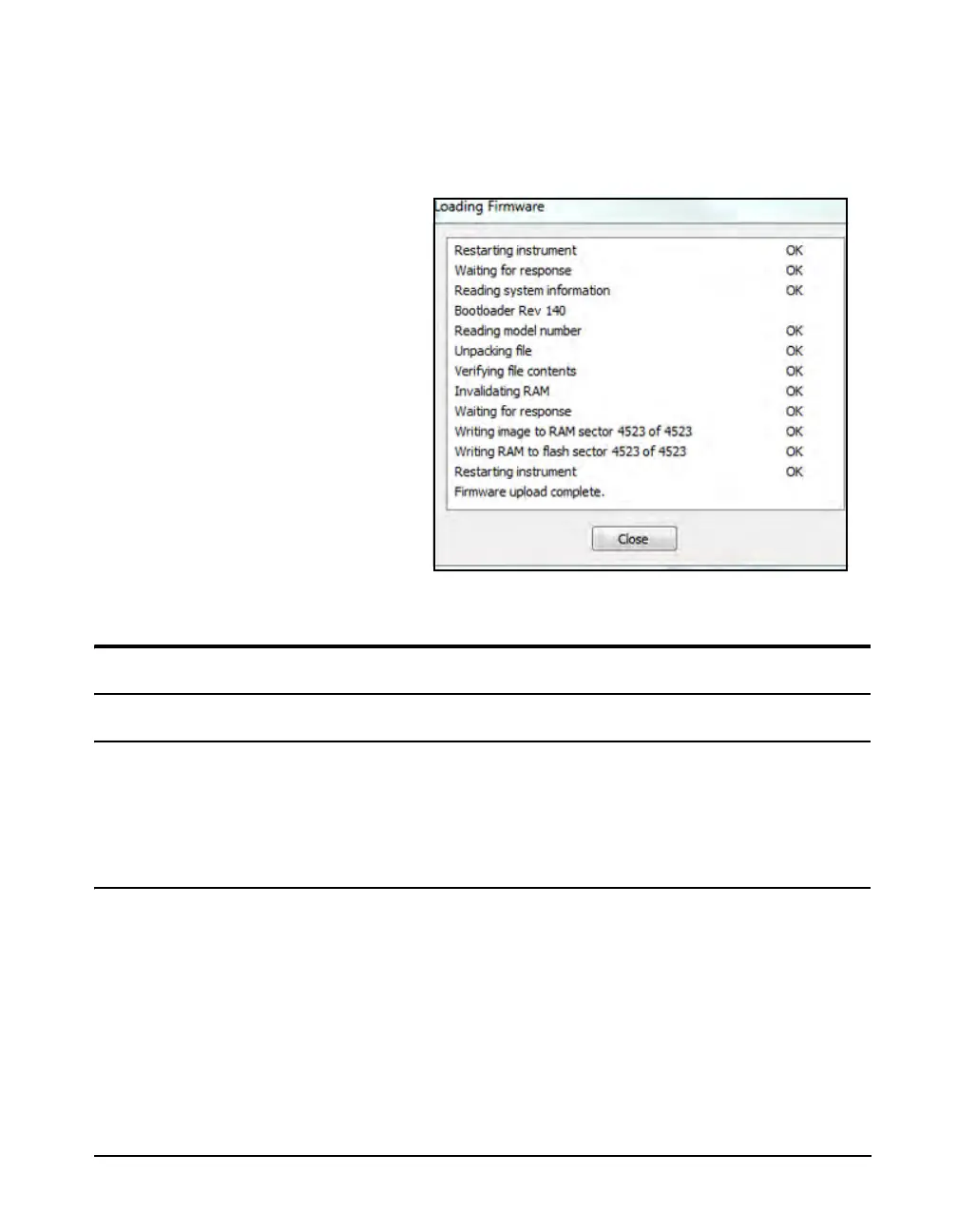
When the firmware upgrade is in progress, the status of the
upgrade process will be indicated dynamically on the screen
which, when complete, will look as shown in FIGURE 26-6.
FIGURE 26-6 Loading Firmware Screen for
Firmware Upgrade
Upgrading Options
Saving an Option Upgrade File
Before modifying the options, you will need to contact
Larson Davis and arrange to have an option upgrade file sent
to you via E-mail. This will be a .opt file. Save this file on
your PC and make note of the location.
Implementing the Option Upgrade
The procedure for changing the options to the Model 831 is
very similar to upgrading the firmware, as described in
“Upgrading Model 831 Firmware” on page 26-2. Follow the
instructions up until the Select File Menu shown in FIGURE
26-4 “Select File Menu" appears.



 To Next Page