26-4 Upgrading Model 831 Firmware Model 831 Manual
Note that upgrades of both firmware
and options can be performed
simultaneously by checking the
check boxes for both and defining
the paths to the files accordingly. See
section “Upgrading Options” on
page 26-5 for details on upgrading
options.
Step 7 Click the check box Upgrade the firmware using
a .ROM file.
Define Path to Firmware Upgrade File
Step 8 Click Browse and use the browser to define the
path to the 831-v.rom file which was installed when you
upgraded the G4 as described in “G4 LD Utility” on
page 26-1. Unless you saved it to a different location, this
file will be located in the default location C:\Program
Files\PCB Piezotronics\G4.
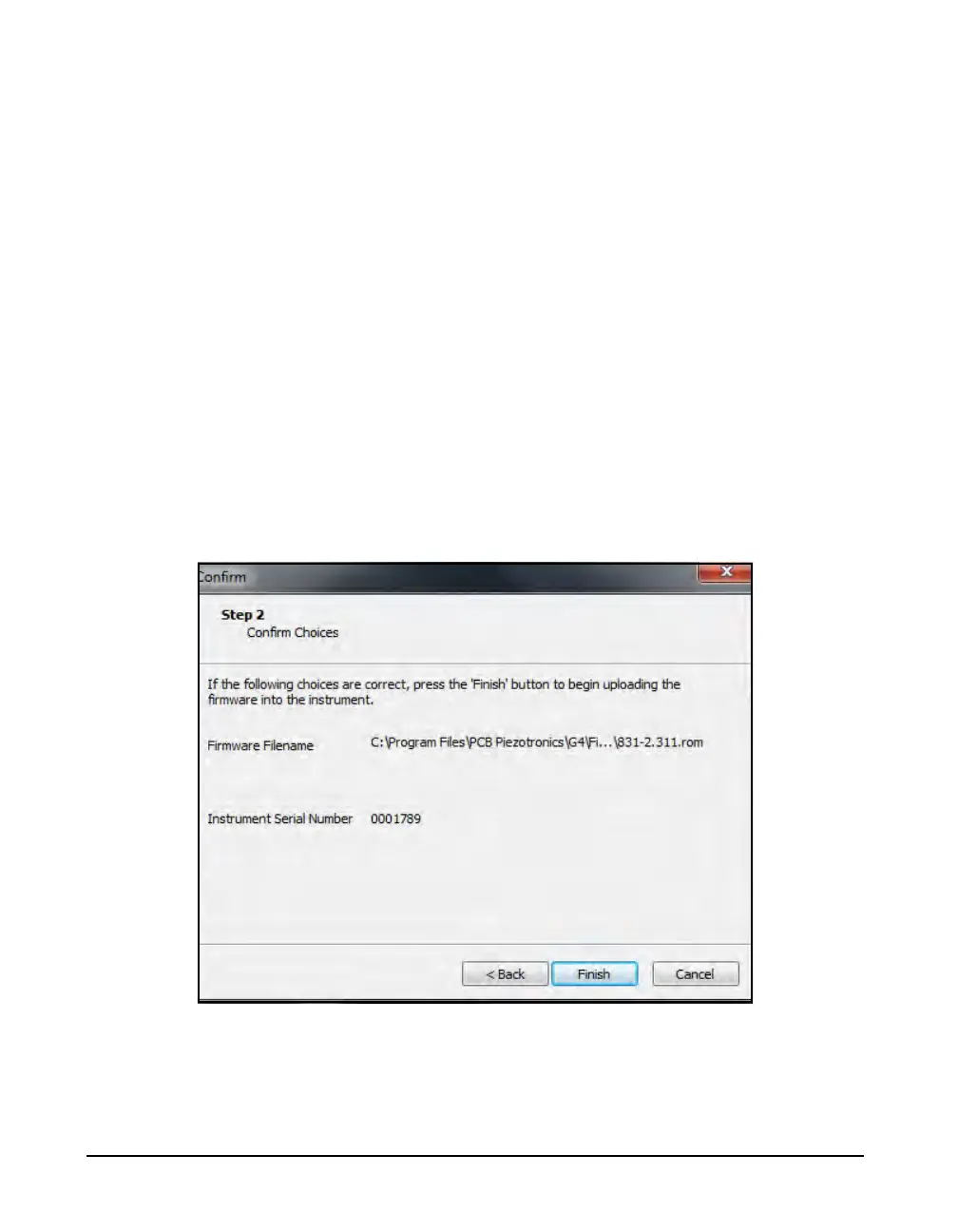
Step 9 Click Next to display the Confirm Choices Menu,
shown in FIGURE 26-5.
.
FIGURE 26-5 Confirm Choices Menu
Step 10 If the choice is correct, click Finish to initiate the
firmware upgrade. Otherwise, press Back to modify the
choices or Cancel to abort the procedure.



 To Next Page