18-2 Device Model 831 Manual
Device
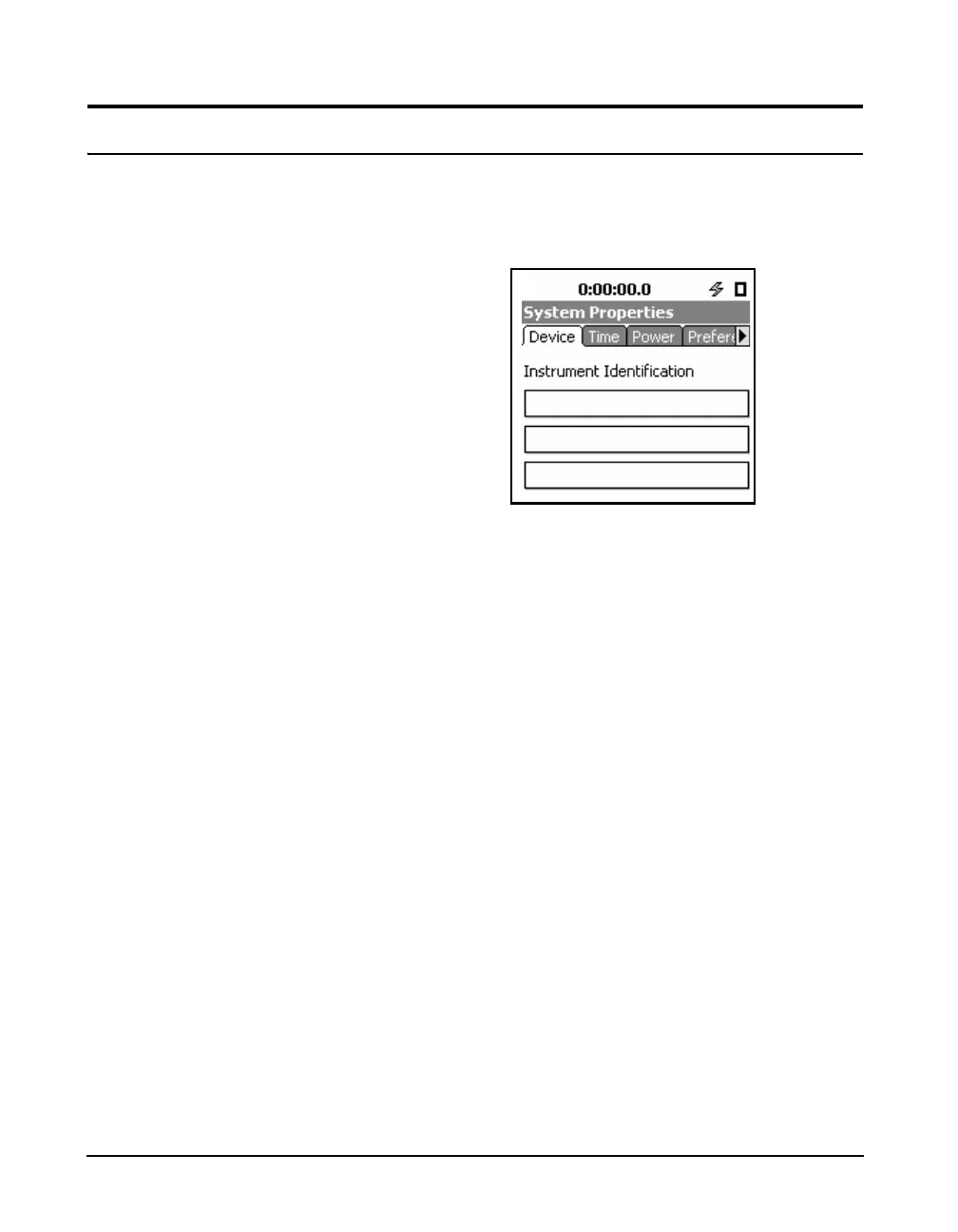
The Device tab has three fields in that the user may enter
information about the instrument. This can identify the
owners company name and address. Information may be
easily placed in these fields using G4 LD Utility.
FIGURE 18-2 Device Tab
Highlight one of the three fields to edit. Enter the desired
text and press
5 to accept the information and move the
highlight out of the field. At this point another field can be
selected and the above process repeated.



 To Next Page