16-20 Sound Recording Playback Model 831 Manual
Sound Recording Playback
When using the SLM Utility-G3 and
G4 software, sound recordings can
be played back through the computer
speakers and saved as Windows .wav
files.
In this section we present several methods for playing back
sound recordings from the Model 831 and listening to them
using headphones connected to the AC/DC Output and
Headset Jack.
Playback from Session Log
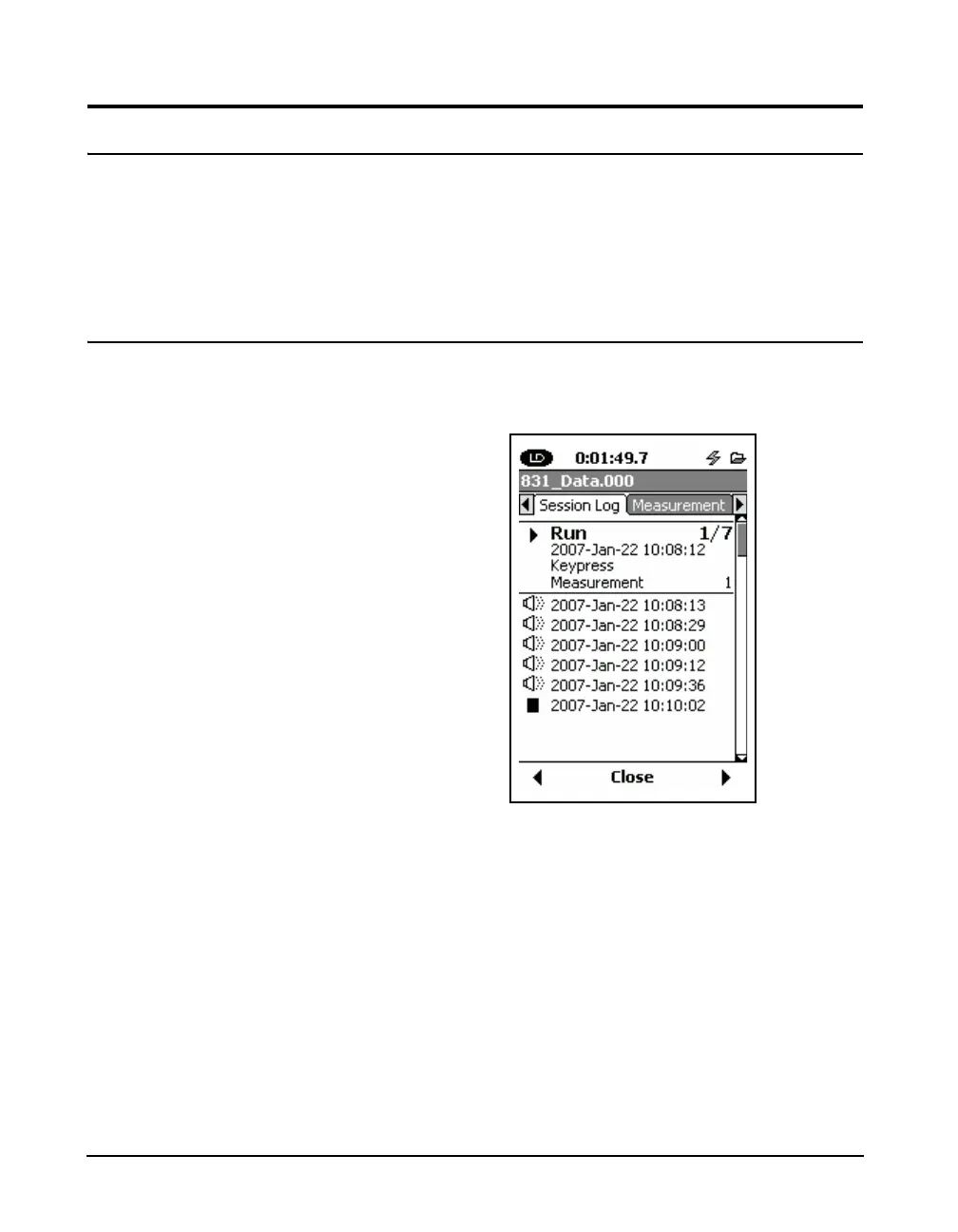
All sound and voice recordings are listed in order of
recording time on the Session Log tab, as shown in FIGURE
16-13.
FIGURE 16-26 Sound Recordings on Session Log
Any of these recordings can be played back by using the
2 and 8 keys to highlight the desired recording and
pressing
5.
Recording Type Indication
The type of each recording can be identified by highlighting
the specific recording file as indicated below.



 To Next Page