21-6 Locked With Auto-Store Model 831 Manual
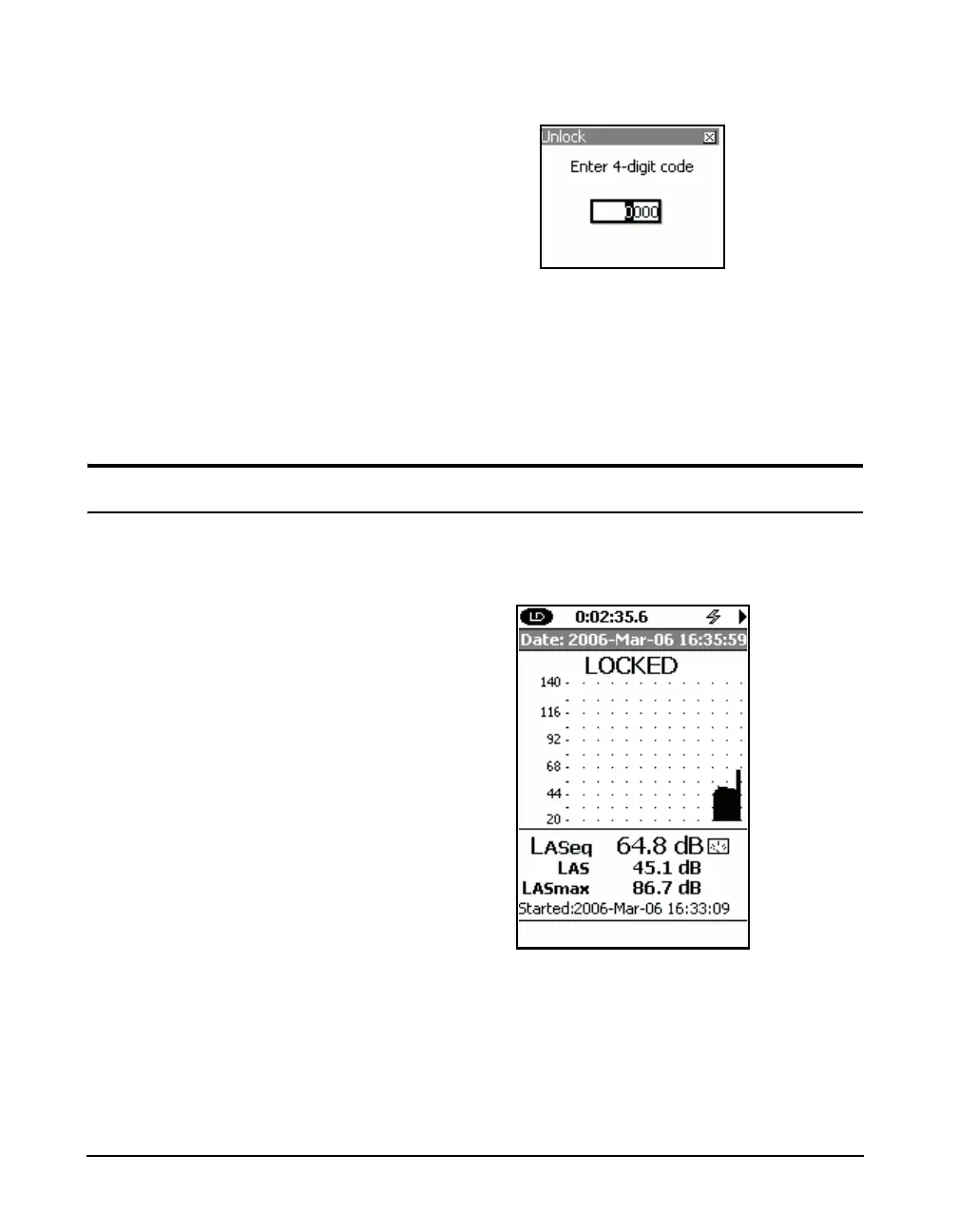
To unlock the Model 831, press the 3 (TOOLS) key.
FIGURE 21-9 Unlock
The
5 key or the Right or Left Softkey may also be used.
Enter a 4 digit code, then press
5.
The Model 831 is unlocked and all functions are available to
the user.
Locked With Auto-Store
If the Locked w/Auto-Store mode has been selected, upon
accepting the changes on the Lock page, the view would
look as shown in FIGURE 21-10.
FIGURE 21-10 Locked with Auto Store or
Manual Store



 To Next Page