11-16 Locate Record Number Model 831 Manual
Locate Record Number
To rapidly change the record number, rather than use the
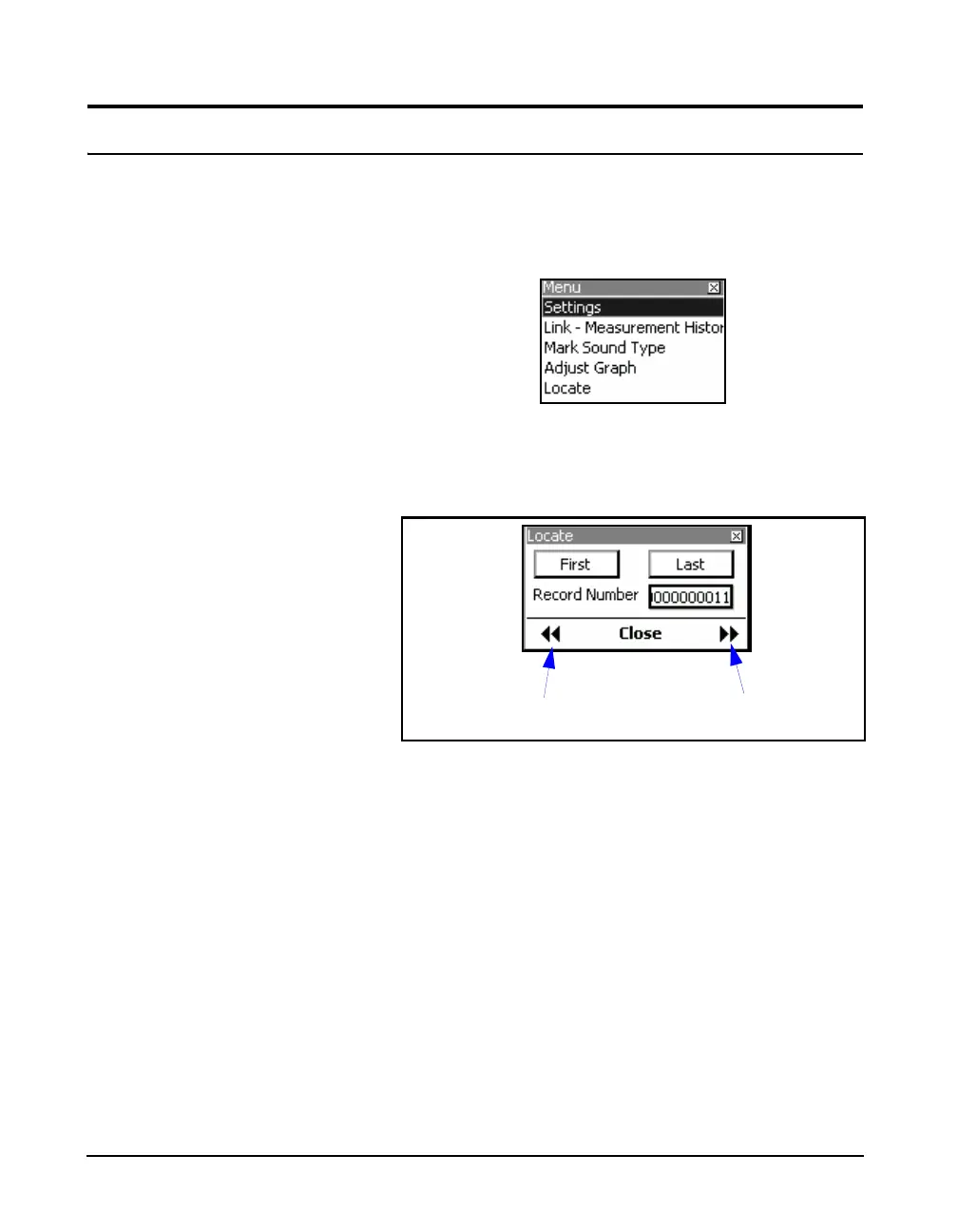
cursor to step through the range of records, press the Menu
softkey which will produce the display shown in FIGURE
11-17.
FIGURE 11-14 Locate Record Number
Highlight Locate and press
5 to open the Locate Record
Menu, shown in FIGURE 11-15.
FIGURE 11-15 Locate Record Menu
Jump to First or Last Record
To jump to the first or last of the record numbers, highlight
First or Last, respectively, and press
5.
Jump 10 Records Back or Ahead
To jump back or ahead ten records, highlight Record
Number and press the left or right softkey, respectively, as
indicated in FIGURE 11-15.
Jump Back Ten Records
Jump Ahead Ten Records



 To Next Page