Model 831 Manual Modem Tab 20-3
Modem Tab
In order to setup to use an analog
USB modem, the USB Host Port
must be set to On, as described in
“USB Host Port” on page 18-14.
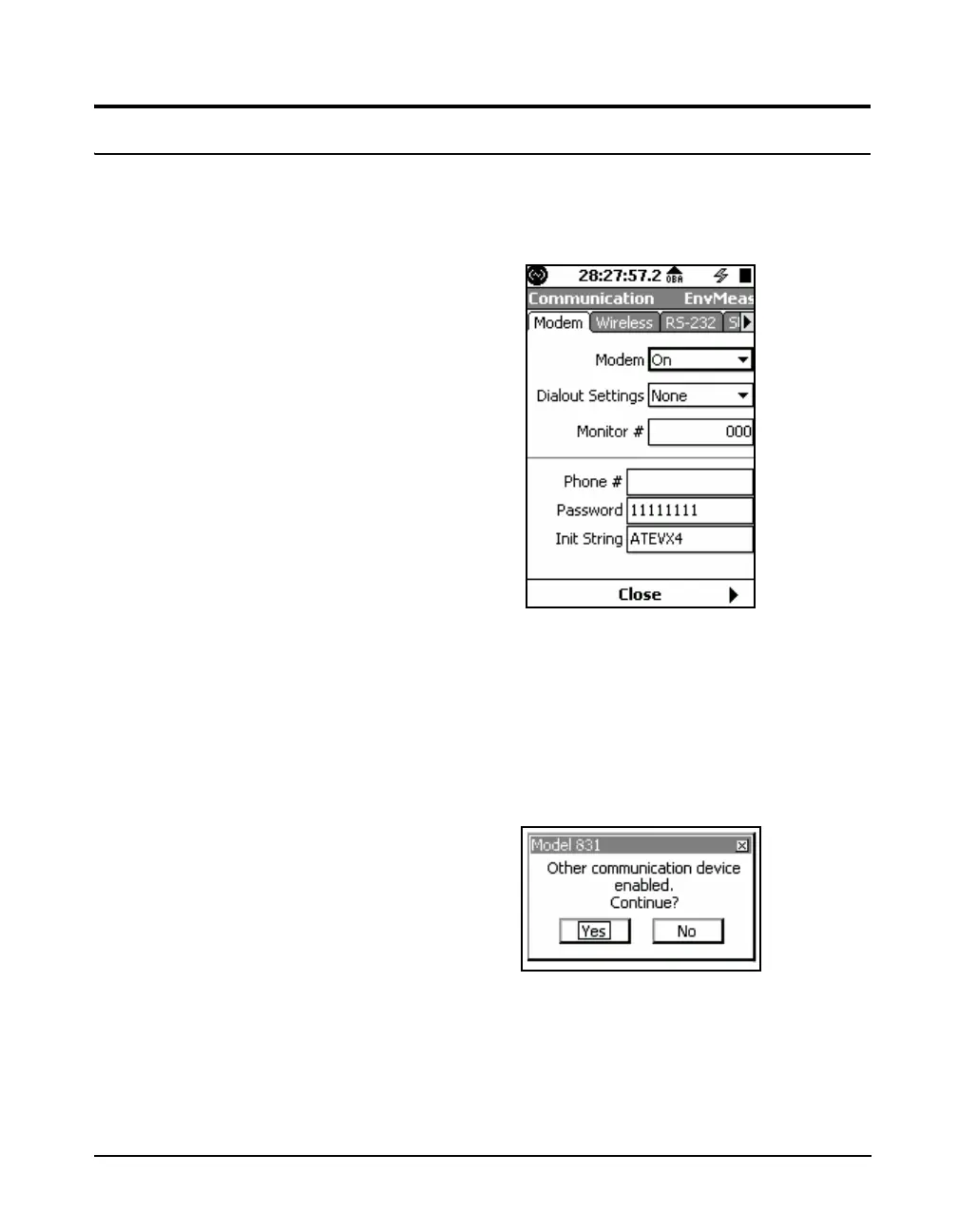
The Modem tab, shown in FIGURE 20-3, is used to
implement communication using a MultiModem USB
Analog modem and either telephone lines or dedicated lines.
FIGURE 20-3 Communication: Modem Tab
Most of the data fields call for direct entry of parameters.
The Modem and Dialout Settings utilize drop-down menus
as follows.
If you attempt to enable more than one device, the warning
message shown in Figure 20-4 appears.
FIGURE 20-4 Multiple Communication Device
Warning



 To Next Page