20-4 Modem Tab Model 831 Manual
Modem
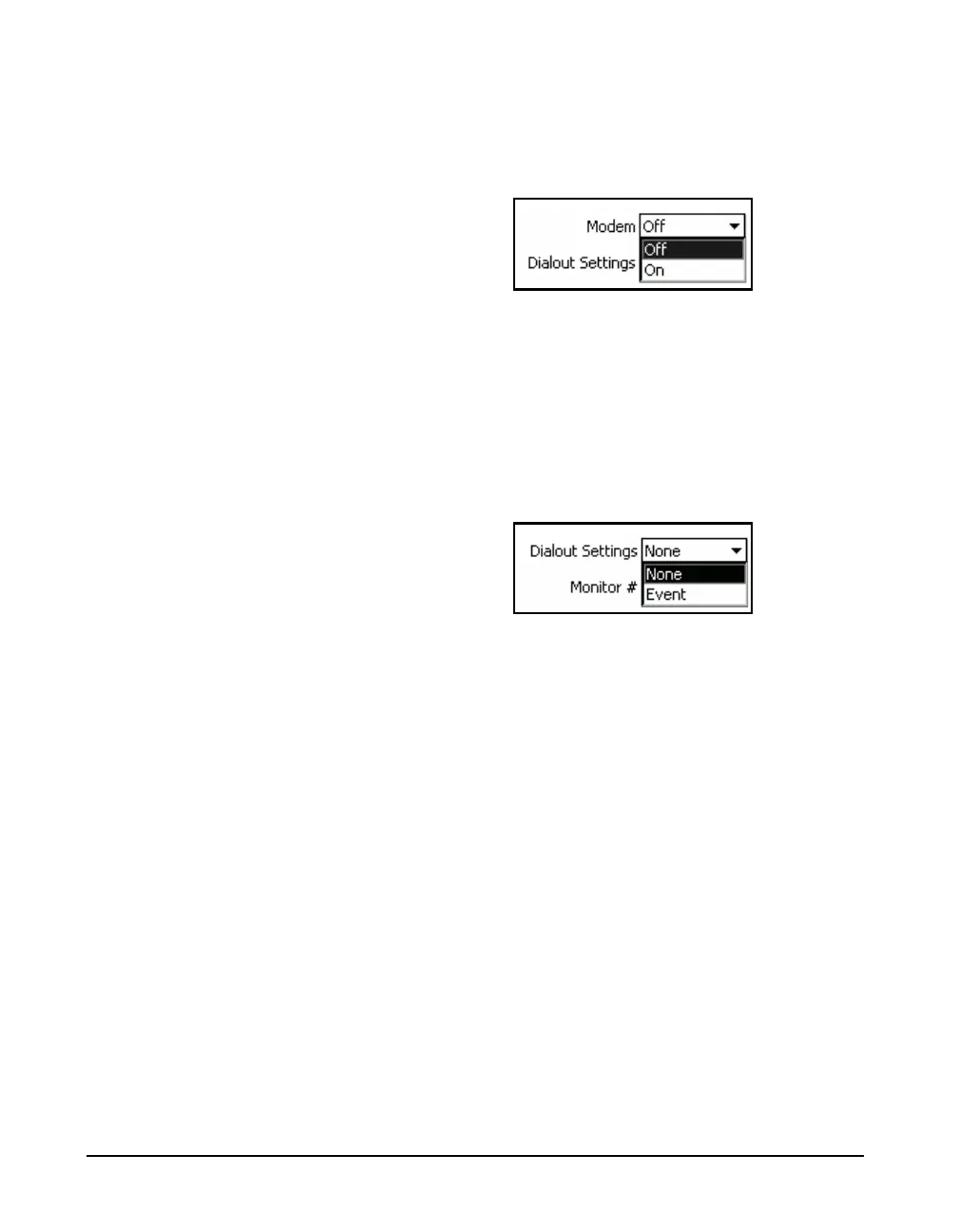
The Modem field turns On or Off the modem. Use the 2
and 8 keys to highlight the Modem field and pres
5 to
open the Modem Menu, shown in FIGURE 20-5.
FIGURE 20-5 Modem Menu
Use the 2 or 8 key to highlight On or Off and press the
5 key to make the selection.
Dialout Settings
The Dialout Settings defines when the modem is to dial up
the computer. Use the 2 and 8 keys to highlight the
Dialout Settings field and press
5 to open the Dialout
Settings Menu, shown in FIGURE 20-6.
FIGURE 20-6 Dialout Settings Menu
None
The Model 831 will not dial the designated phone number
for any reason
Event
The Model 831 will dial the designated phone number when
a valid occurs and the max of the event is greater than SPL 2
or the peak of the event is greater than Peak 3 as defined in
the trigger setting described in “Level Trigger Method” on
page 13-4. This feature provides the user with the ability to
log many events but only receive a call for the worst event.
However, should the user desire to receive a call for all
events, then SPL 2 can be set equal to SPL 1 and Peak 3 can
be set equal to Peak 1.
Use the 2 and 8 keys to highlight the desired setting
and press
5 to make the selection.



 To Next Page