Model 831 Manual Data Explorer 17-1
CHAPTER
17
Data Explorer
This chapter describes how to view data and files in the
Data Explorer of the Model 831 Sound Level Meter.
Control Panel - Data Explorer
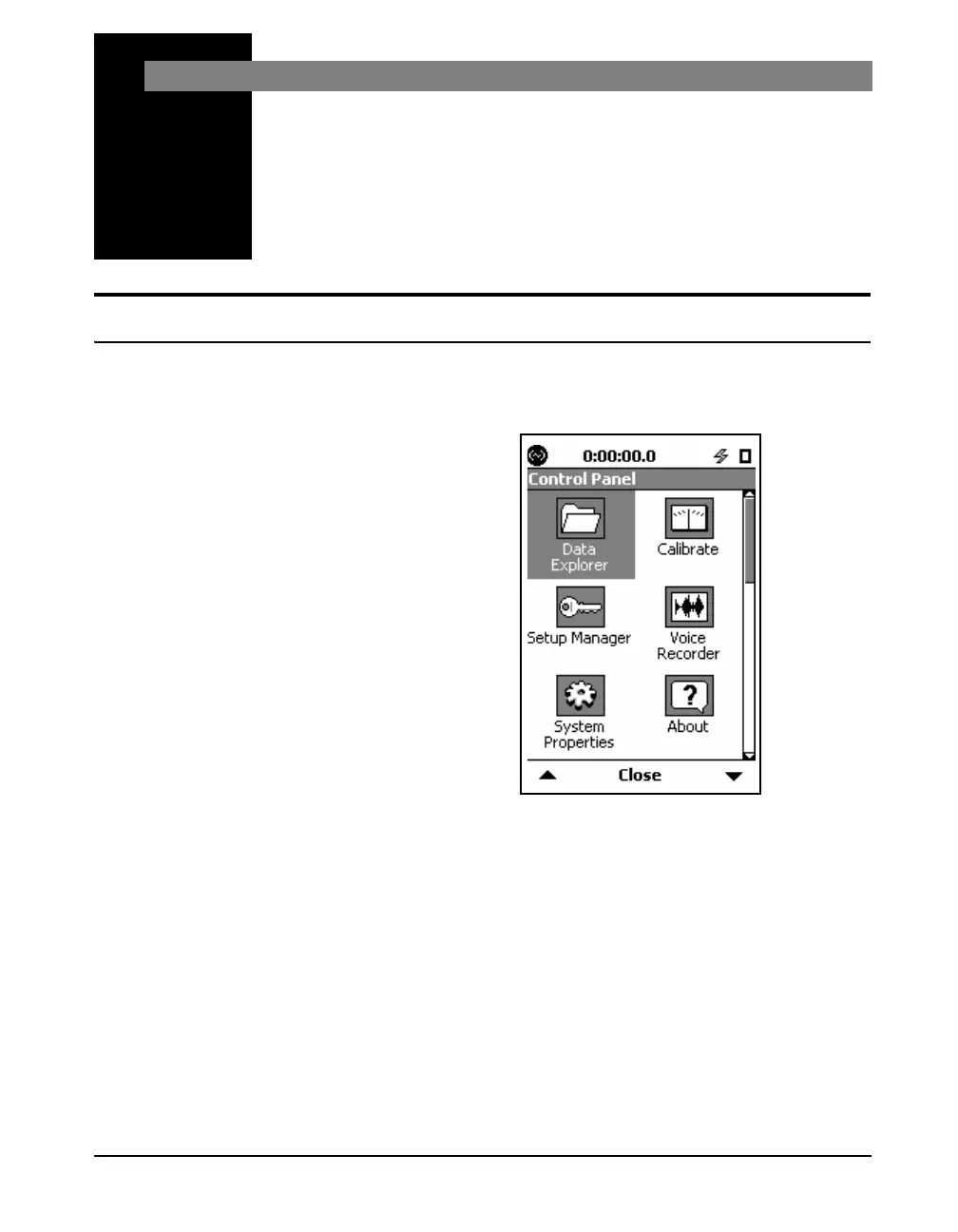
To activate the Data Explorer Page, press the 3 (TOOLS)
key. Highlight the Data Explorer icon as shown in FIGURE
17-1.
FIGURE 17-1 Control Panel
Press
5 (ENTER) to open the Data Explorer tabs.
Press the Close Softkey to exit.



 To Next Page