Model 831 Manual Displays 18-23
Displays
Note that the default values for these
parameters are as shown in
FIGURE 18-35.
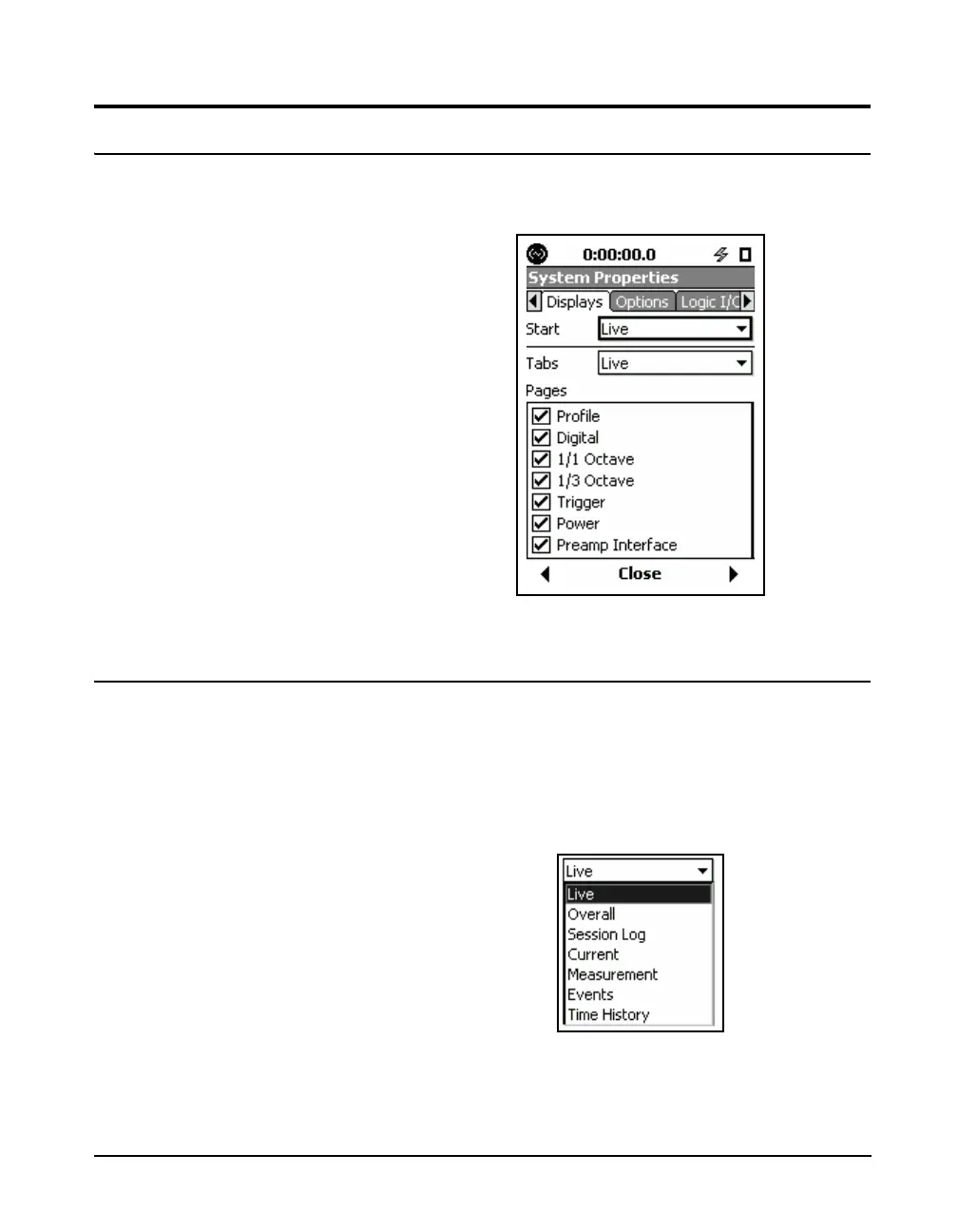
The Displays tab, shown in FIGURE 18-35., permits some
customization of the displays
FIGURE 18-35 Displays Tab
Start
The user can select to have one of the following displays
appear when the Model 831 is switched On.
With the Start data field highlighted, press
5 to obtain a
list of options, as shown in FIGURE 18-36.
Note that this list will present only
those measurements which have
been enabled in the setup.
FIGURE 18-36 Display Start Options



 To Next Page