18-24 Displays Model 831 Manual
Highlight the Display Start option and press 5 to make the
selection.
Selecting Displays to Appear
When there are measurement functions not being used or
data displays which are not of interest for a measurement,
the instrument operation can be streamlined by hiding
selected displays. As a default, all available displays are set
to appear.
Tab Selection
The displays to be used are selected one tab at a time.
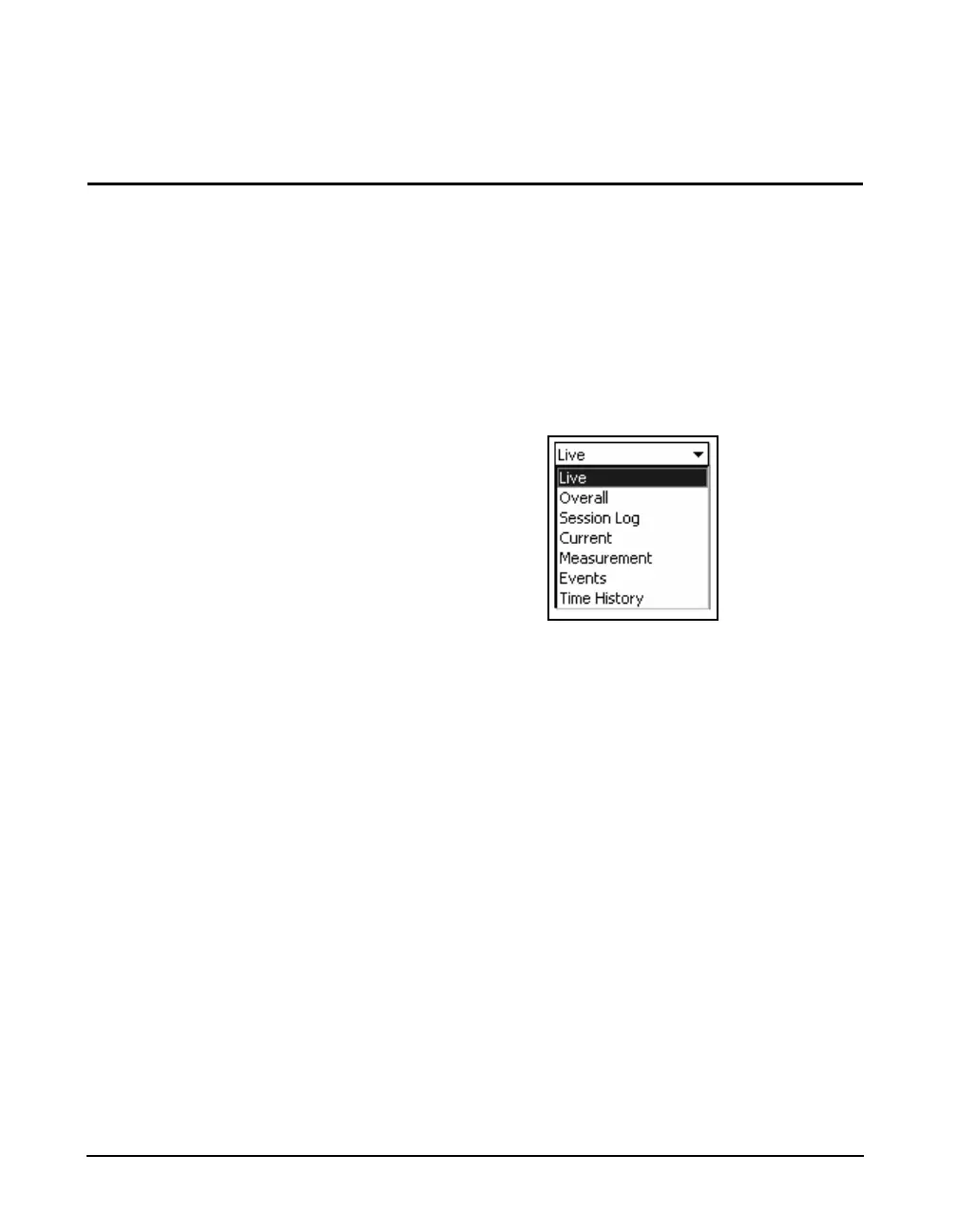
Highlight the tabs field to list the tabs for which displays can
be set to appear or be hidden, as shown in FIGURE 18-37.
FIGURE 18-37 Displays Tab Options
Highlight the desired tab and press
5 to make the
selection.
Display Selection
The displays that can be set to appear or to be hidden are
shown below for each of the possible tab selections.



 To Next Page