Model 831 Manual Storing the Measurement 7-15
Storing the Measurement
A measurement can only be stored
when the measurement has been
stopped.
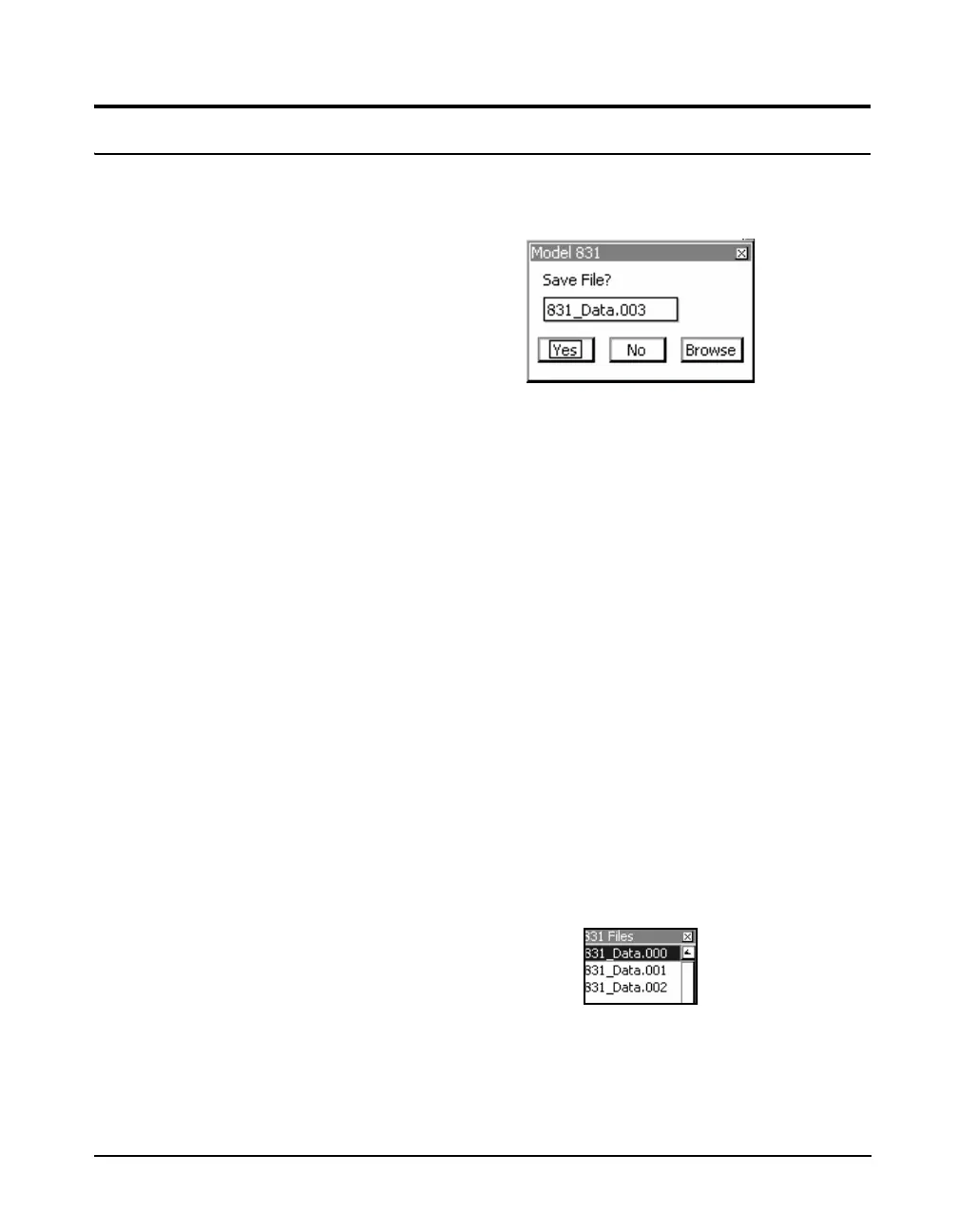
To store the measurement, press the 7 key one more time
while stopped. The Save File menu will then be displayed,
as shown in FIGURE 7-13.
FIGURE 7-13 Save File Menu
When the Spectral Ln Mode is On, as
described in “Spectral Ln Mode”
on page 4-7, the entire Ln
distribution table is stored. This may
take several seconds. During this
time a run cannot be initiated, but
data can be viewed.
The data file name will be set to the name defined in the
section “General Tab” on page 4-3 (831_Data.003 in
FIGURE 7-13) along with a file number. The file number
automatically begins at 001 for the first measurement stored
and will index so that whenever a measurement is stored the
file number assigned will be the next in sequence.
The data file name can be changed by highlighting it with
the up arrow key, press
5, make changes as desired, and
press
5 to save the changes.
After a file has been successfully
stored, the Model 831 will
automatically reset when the
9
(RUN/PAUSE) key is pressed to
begin another measurement.
To continue with the save operation, highlight Yes and press
the
5 key. The 7 key will produce a steady red light to
indicate the measurement state as Stopped, Stored.
To abort the save operation, highlight No and press
5.
Overwriting a Saved File
If you wish to use this data to replace a data file already
saved in the Model 831, instead of highlighting Ye s or No,
highlight the box with the title “...” and press the
5. This
will open a window listing all the data files already saved in
the Model 831, as shown in FIGURE 7-14.
FIGURE 7-14 Saved Data Files



 To Next Page