Model 831 Manual Setup Tabs 4-3
• Control
• Triggers
• Day/Night
The Right and Left Softkeys are used to scroll through the
available tabs, to the right and left, respectively, in the order
they are listed above.
Each of these is described in detail in the sections which
follow.
General Tab
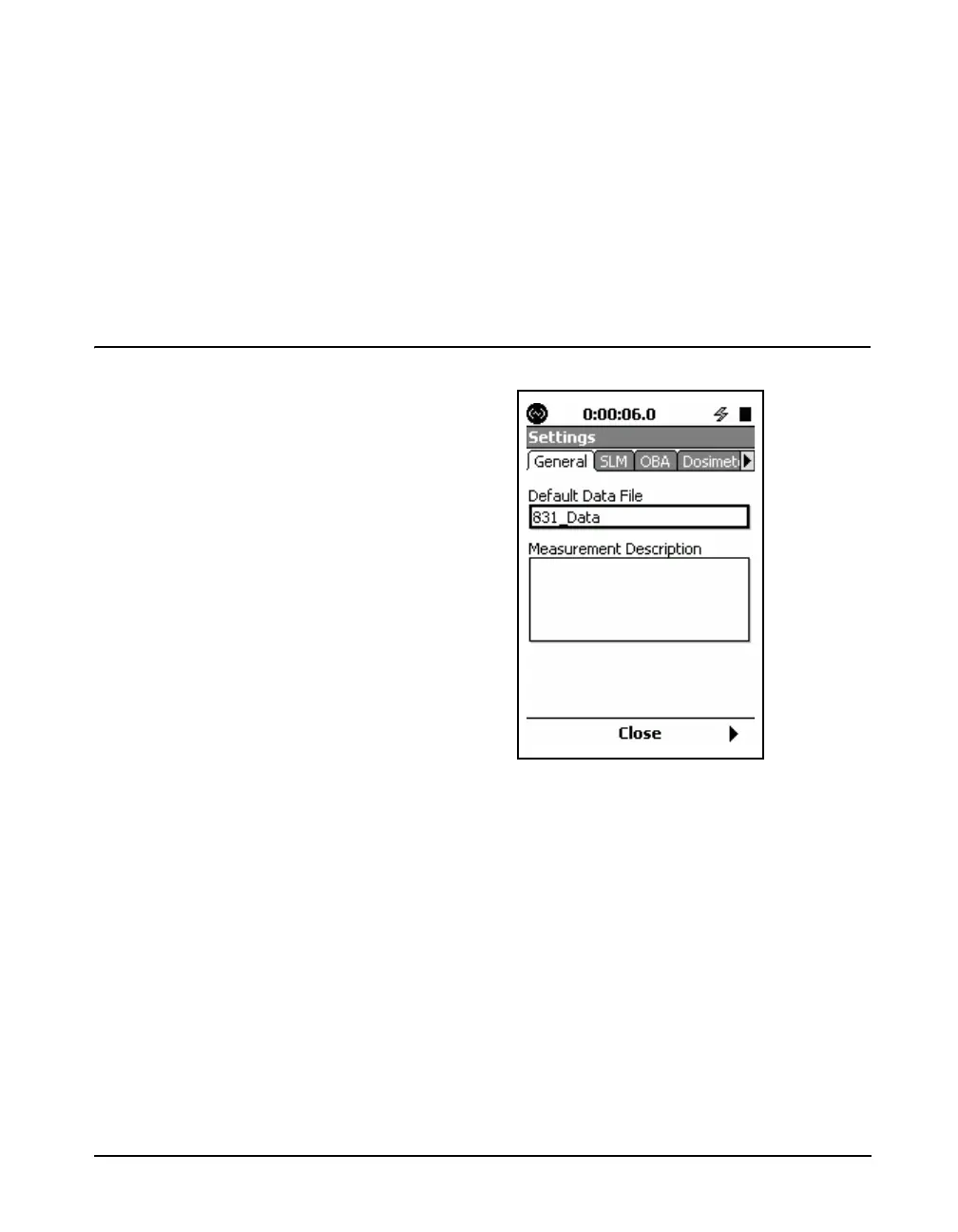
FIGURE 4-3 General Tab
The 831 Utility Software can be used
to easily enter both the file name and
the measurement description.
The General Tab is used to enter a file name and a
measurement description for the measurement being
defined. Upon opening, the Default File Name “831_Data”
may appear in the file name field.
To enter a new file name, highlight the Default File Name
text box and press
5. Enter a new name and press 5.



 To Next Page