Model 831 Manual FFT and Tonality 14-1
CHAPTER
14
FFT and Tonality
NOTE: FFT and Tonality
functionality is only available on
DSP Rev 0.5 or higher. DSP Rev is
shown on the About display
described in Chapter 20.
The optional FFT mode (831-FFT) is used for signal
analysis and tonality measurement using the Fast
Fourier Transform (FFT). The FFT provides an
amplitude spectrum with linear frequency resolution and
is used to determine the frequency content and tonality
of sound.
Accessing FFT Mode
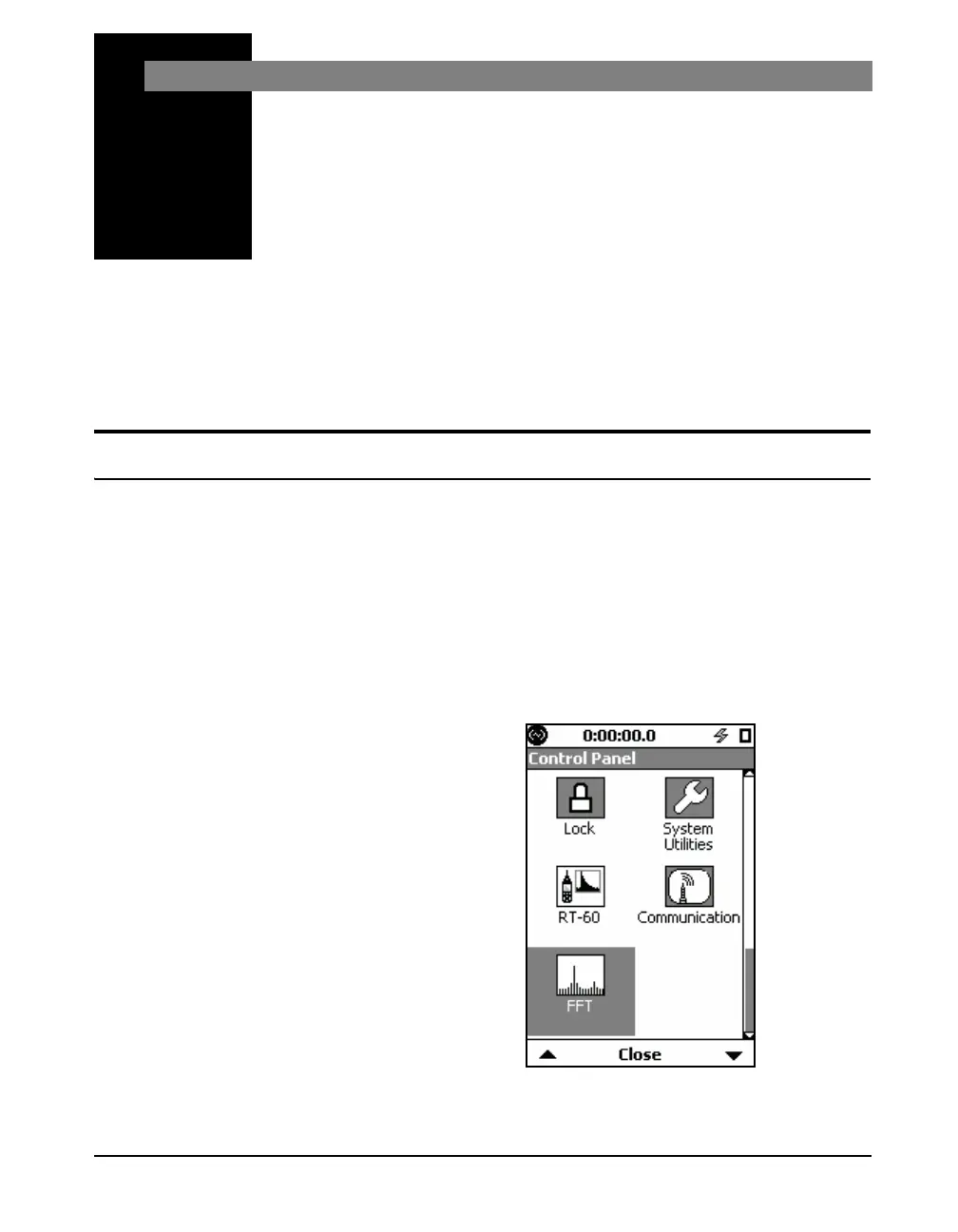
To quickly access FFT mode, press
the 3 (TOOLS) key and then
navigate up to select the FFT icon.
There are two ways to activate the FFT instrument mode on
the Model 831. One way is to select the FFT icon on the
Control Panel and the other is to recall an FFT setup using
Setup Manager as described in Chapter 4.
For tonality assessment, the Model
831 must be in FFT mode and the
ISO 1996-2 Tonality option must be
enabled on the Tonality tab under
Settings. See "Viewing Tonality
Results" in this chapter for more
information.
To access FFT mode, press the
3
(TOOLS) key to open the
Control Panel, select the FFT icon as shown in FIGURE 14-1.
Changing modes from the control panel loads the settings that
were previously in use for the mode.
FIGURE 14-1 FFT Icon



 To Next Page