14-2 Accessing FFT Mode Model 831 Manual
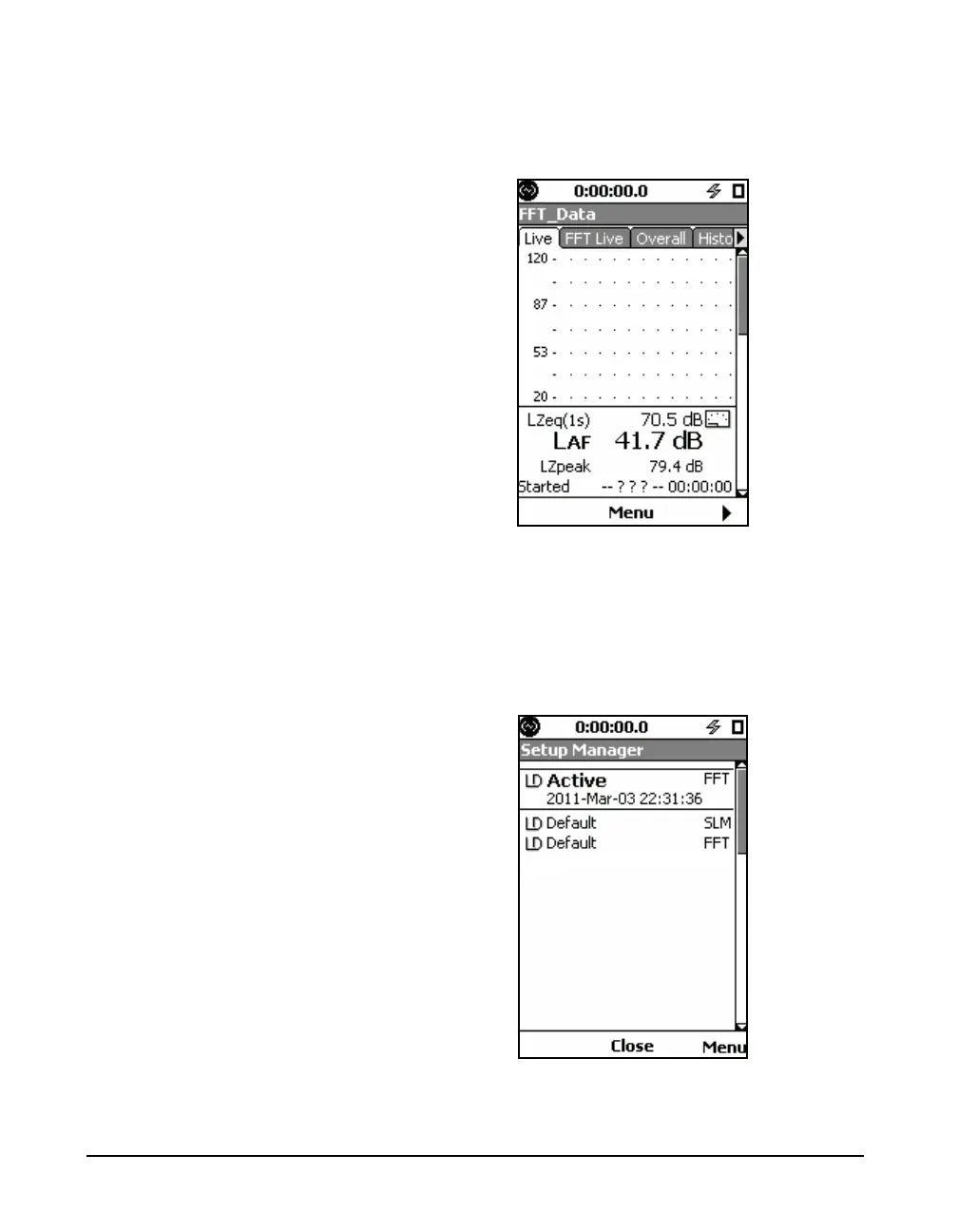
Press 5 (ENTER) to open the FFT mode tabs as shown in
FIGURE 14-2.
FIGURE 14-2 FFT Pages
The Setup Manager is described in
Chapter 4.
In the Setup Manager, the instrument mode associated with
each setup file is indicated in the right-hand column as
shown in FIGURE 14-3. It is possible to load any setup file
without regard to the current instrument mode.
FIGURE 14-3 FFT Setup Manager



 To Next Page