20-20 Troubleshooting Model 831 Manual
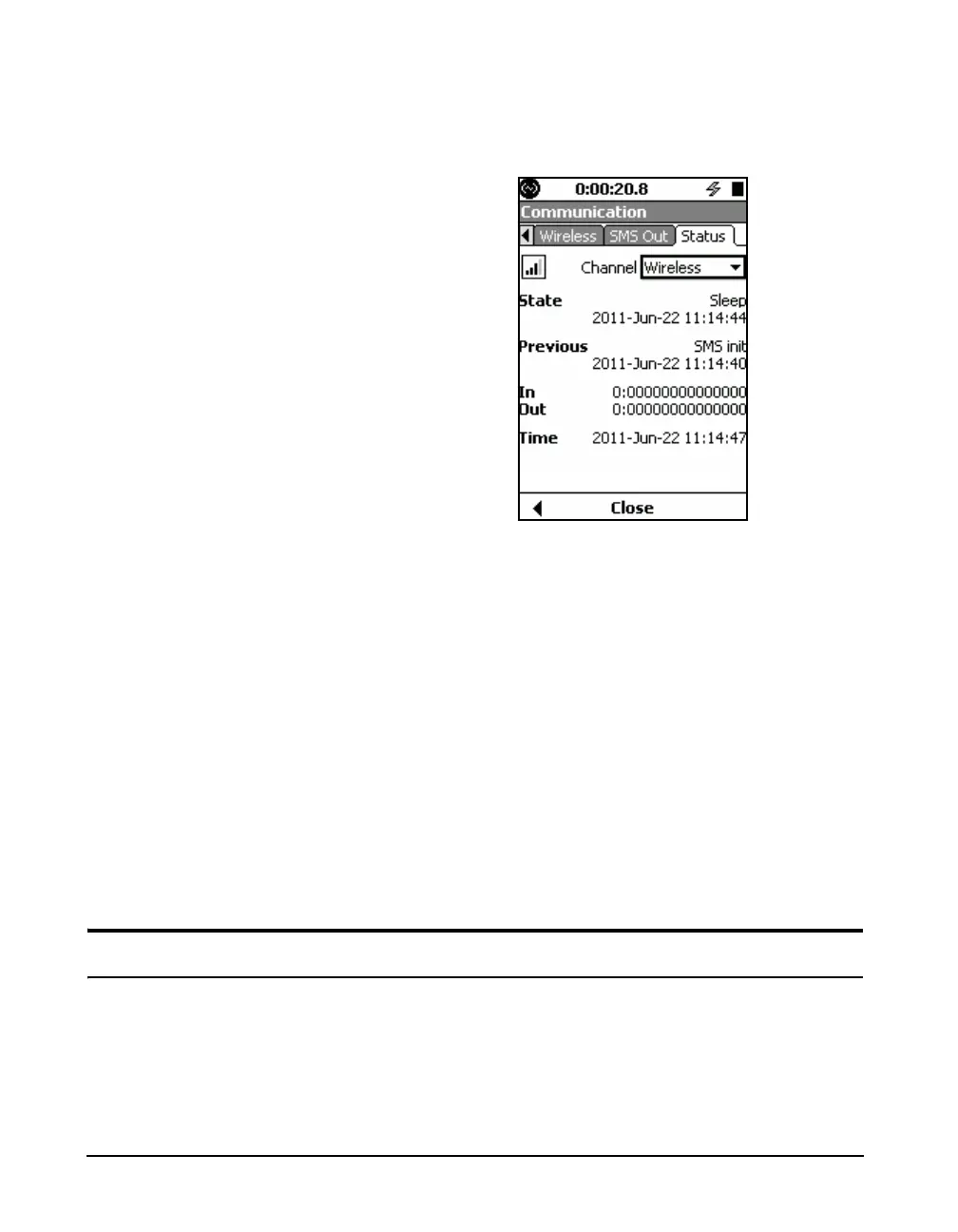
FIGURE 20-23 shows the wireless channel in a sleep state
as a result of a USB device also being connected to the
model 831 at the same time.
FIGURE 20-23 Sleep State Menu
SMS Init
The wireless modem has registered on the network
SMS Merge
When an SMS message has been sent via email and is too
large (>160 bytes) it is broken up and reassembled. This
state signifies that multiple SMS messages are being
reassembled.
SMS Received
An SMS message has been received by the device
SMS Wait
The wireless modem is ready to receive an SMS message
requesting connection.
Troubleshooting
When a connection to the Model 831 cannot be made via the
wireless modem, the following procedure is recommended.
Verify that the modem is enabled on the communications tab
and that the USB host port is on. A few minutes after
connecting, the PWR and TR lights should be illuminated on



 To Next Page