Model 831 Manual Troubleshooting 20-21
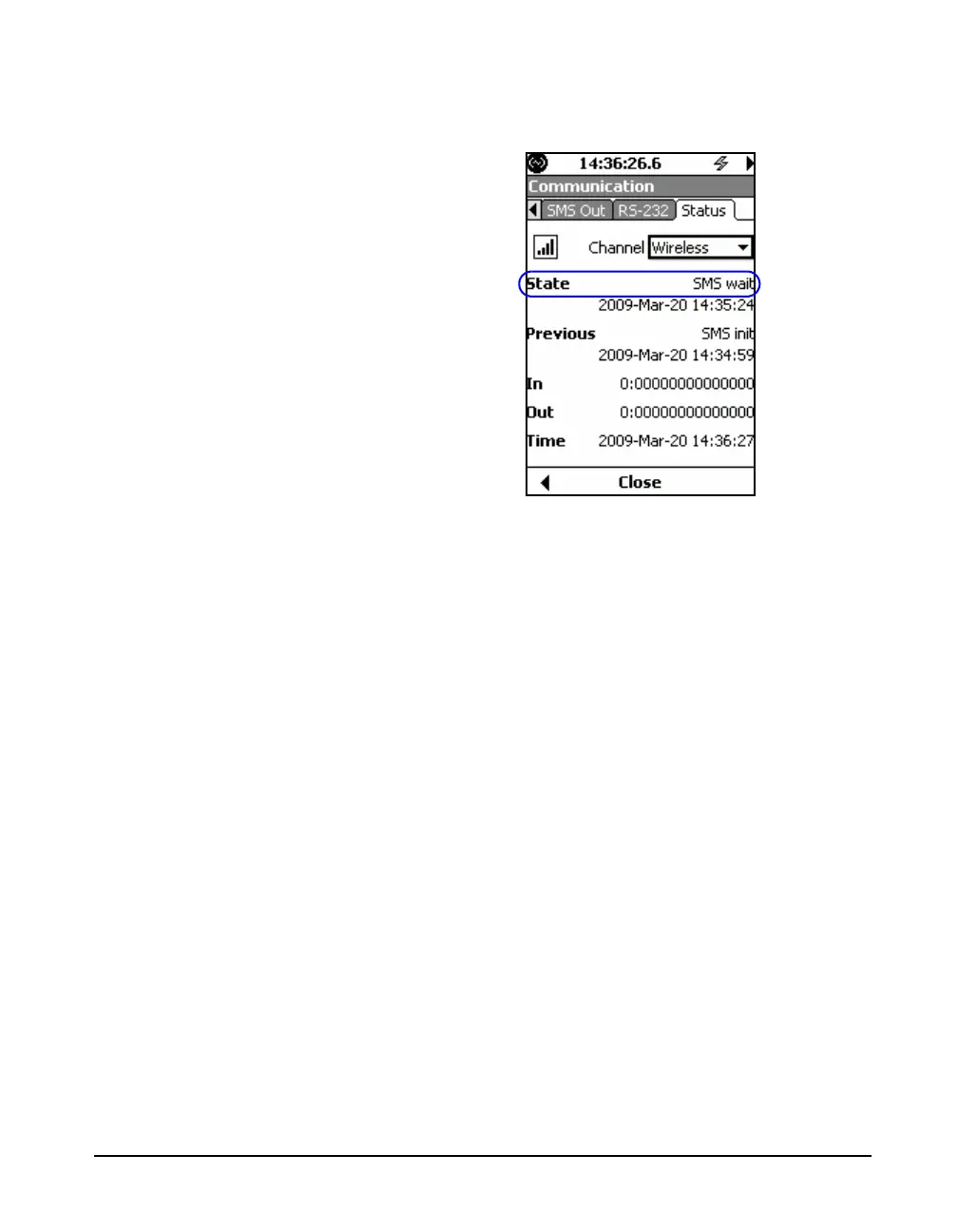
the modem and the modem Status tab should show the state
as SMS wait.
FIGURE 20-24 Status SMS Wait
If the connection has not been made, verify that the default
baud rate for the wireless modem is set to 115.2k, verify that
the wireless signal strength is adequate and verify that the
modem firmware version is 2.00 or greater. This can be done
by connecting to the wireless modem using a hyper terminal
program.
Installing the Wireless Modem USB Driver
Step 1 Connect one end of the USB cable to the modem
and the other end to the PC.
Step 2 Place the wireless modem CD into the PC's CD-
ROM drive and plug the USB cable into the PC. The Add
New Hardware Wizard will display. Please follow the
installation prompts.



 To Next Page