20-22 Troubleshooting Model 831 Manual
Wireless Modem USB Baud Rate Setup
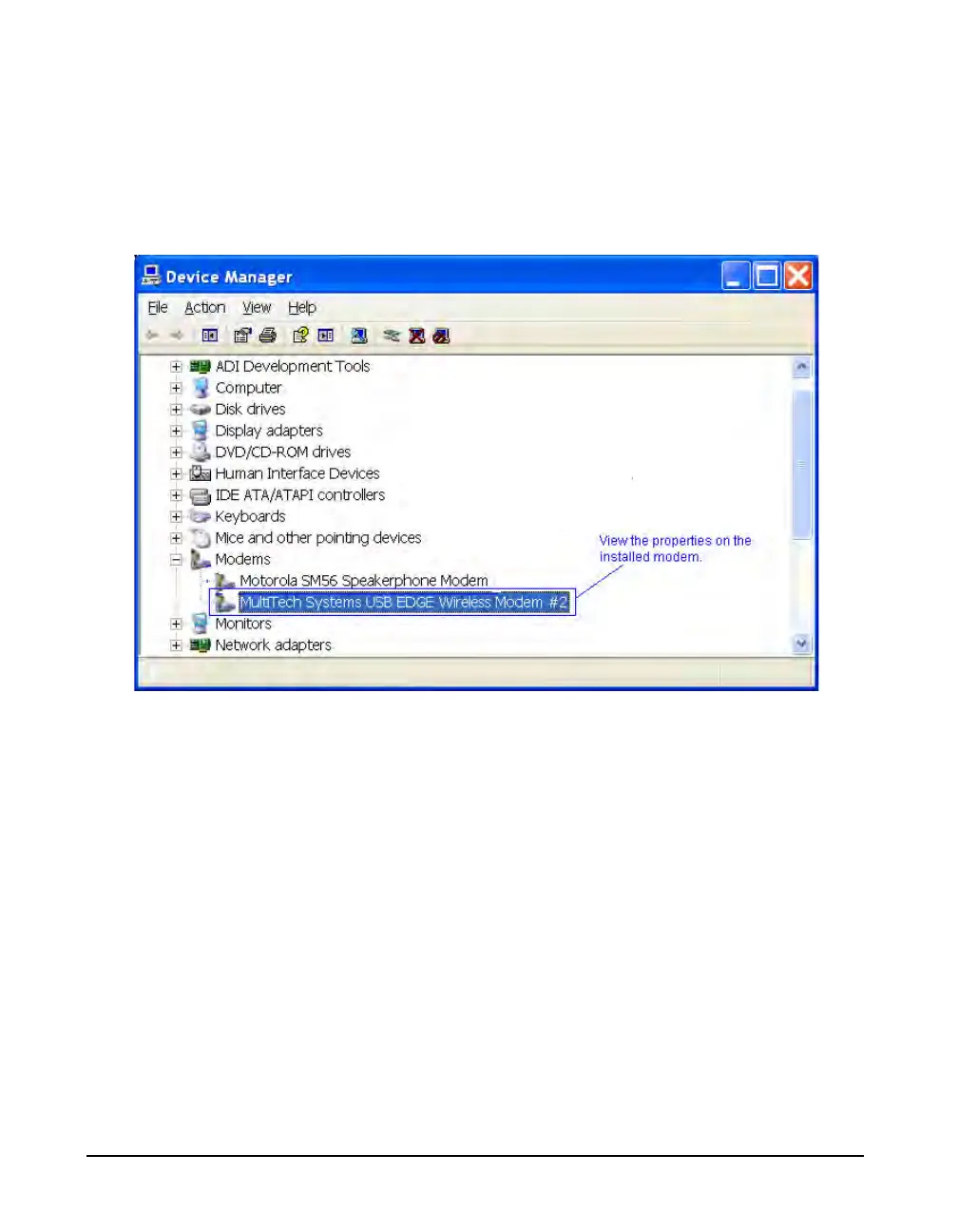
Step 1 After installation go to the Control Panel >
Systems > Device Manager. Right-click the installed
modem and select Properties, as shown in Figure 20-25.
FIGURE 20-25 View Modem Properties



 To Next Page