Model 831 Manual Troubleshooting 20-23
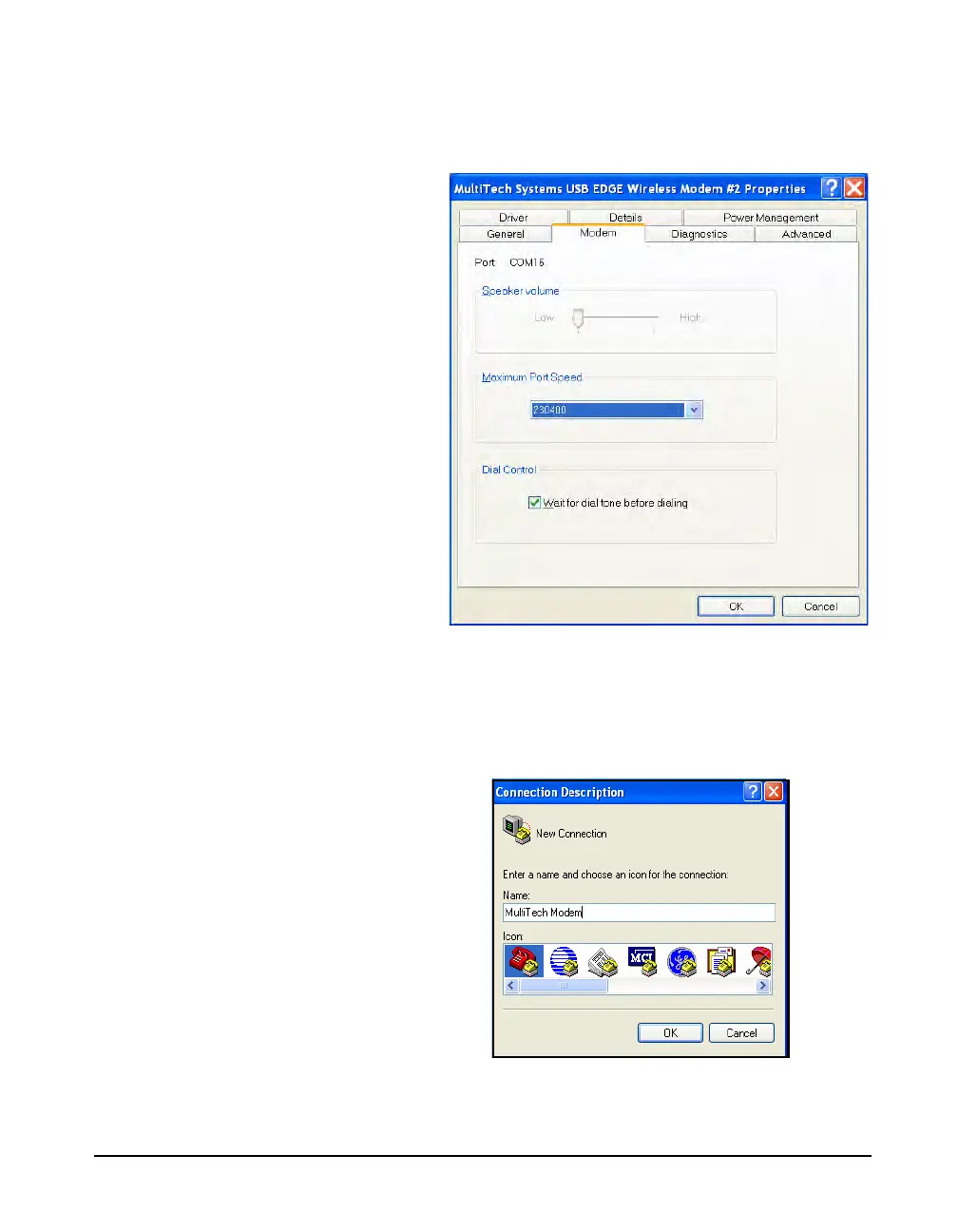
Step 2 From the Edge Modem tab, note the COM Port
displayed. Use this information in the EDGE Setup
Document.
FIGURE 20-26 COM Port Information
Step 3 Open your Windows HyperTerminal program.
This will launch the Connection Description dialog box. In
this dialog box, enter a name and click OK, as shown in
Figure 20-27.
FIGURE 20-27 Connection Description



 To Next Page