Model 831 Manual Logic I/O 18-31
Press the 5 key to return to the System Properties Menu
and reboot the instrument.
Logic I/O
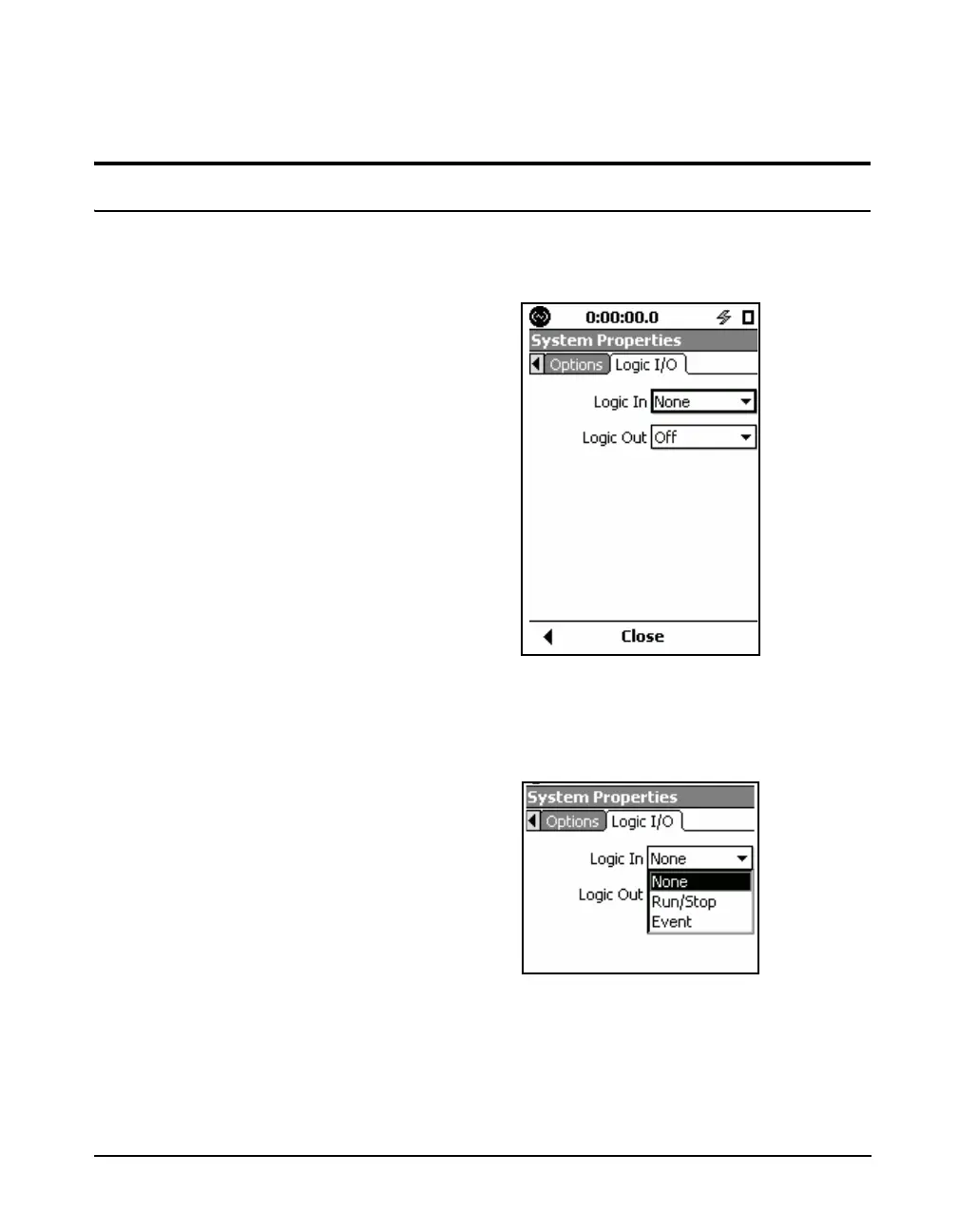
The Model 831 has one logic in line and one logic out line.
The role of these lines is defined in the Logic I/O menu,
shown in FIGURE 18-50.
FIGURE 18-50 Logic I/O Menu
The Logic In line receives a signal from an external device
such as the 831-INT, permitting it to initiate one of the
actions listed in FIGURE 18-51.
FIGURE 18-51 Logic In Menu



 To Next Page