18-30 Options Model 831 Manual
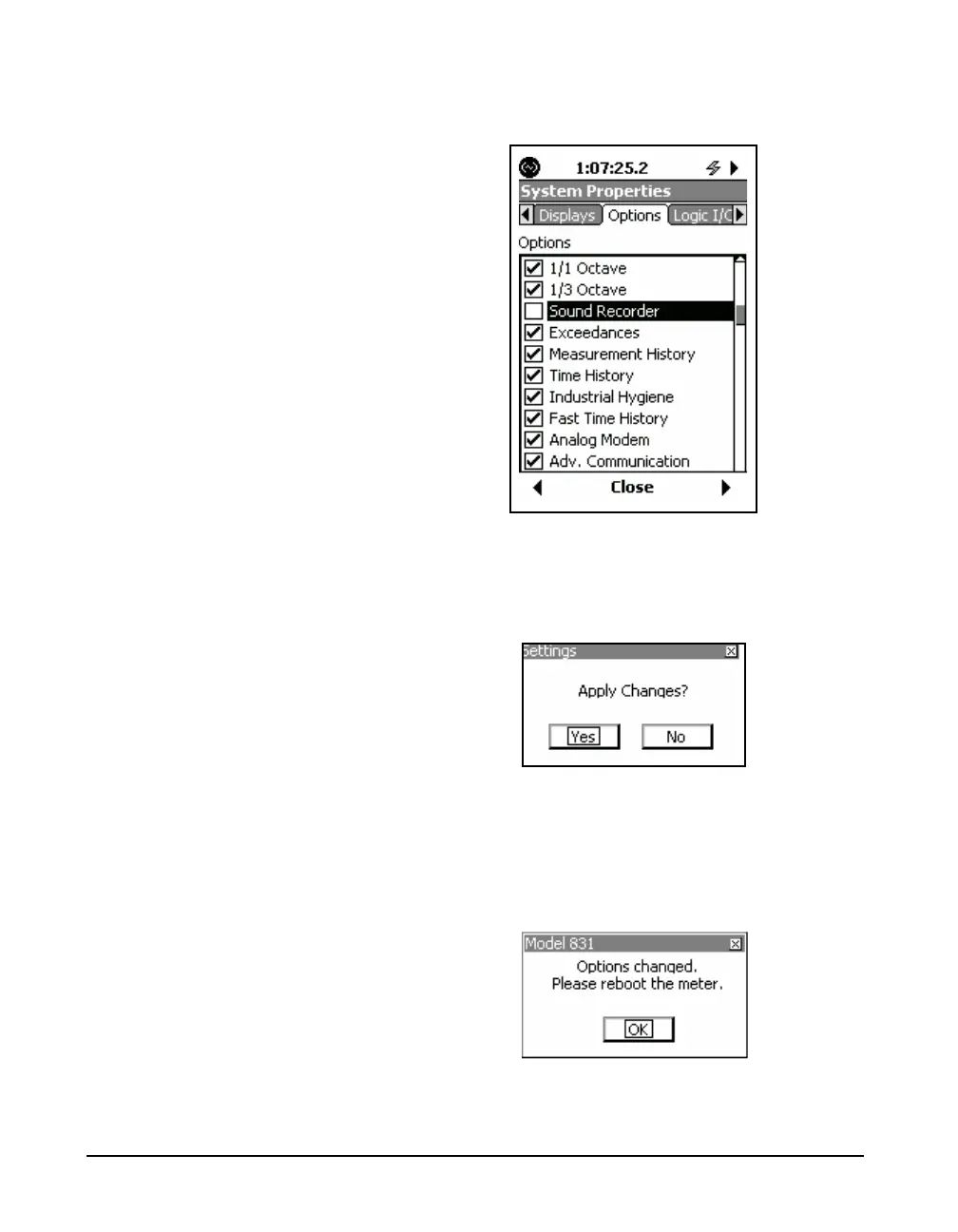
(checked). In Figure 18-18-47,we see that the Sound
Recorder option has been masked.
FIGURE 18-47 Sound Recorder Masked
When all selections have been made, press
5 to exit the
dialog mode and press Close, which will produce the
message shown in FIGURE 18-48
FIGURE 18-48 Apply Changes
Highlight Yes and press
5, which will produce the
message shown in FIGURE 18-49 indicating that the
instrument must be rebooted for the masking/unmasking
changes to take effect.
FIGURE 18-49 Reminder to Reboot Instrument



 To Next Page