Model 831 Manual RT-60 15-1
CHAPTER
15
RT-60
This chapter describes the measurement features
associated with the RT-60 optional firmware 831-RT.
Accessing RT-60 Mode
There are two ways to activate RT-60 measurement mode.
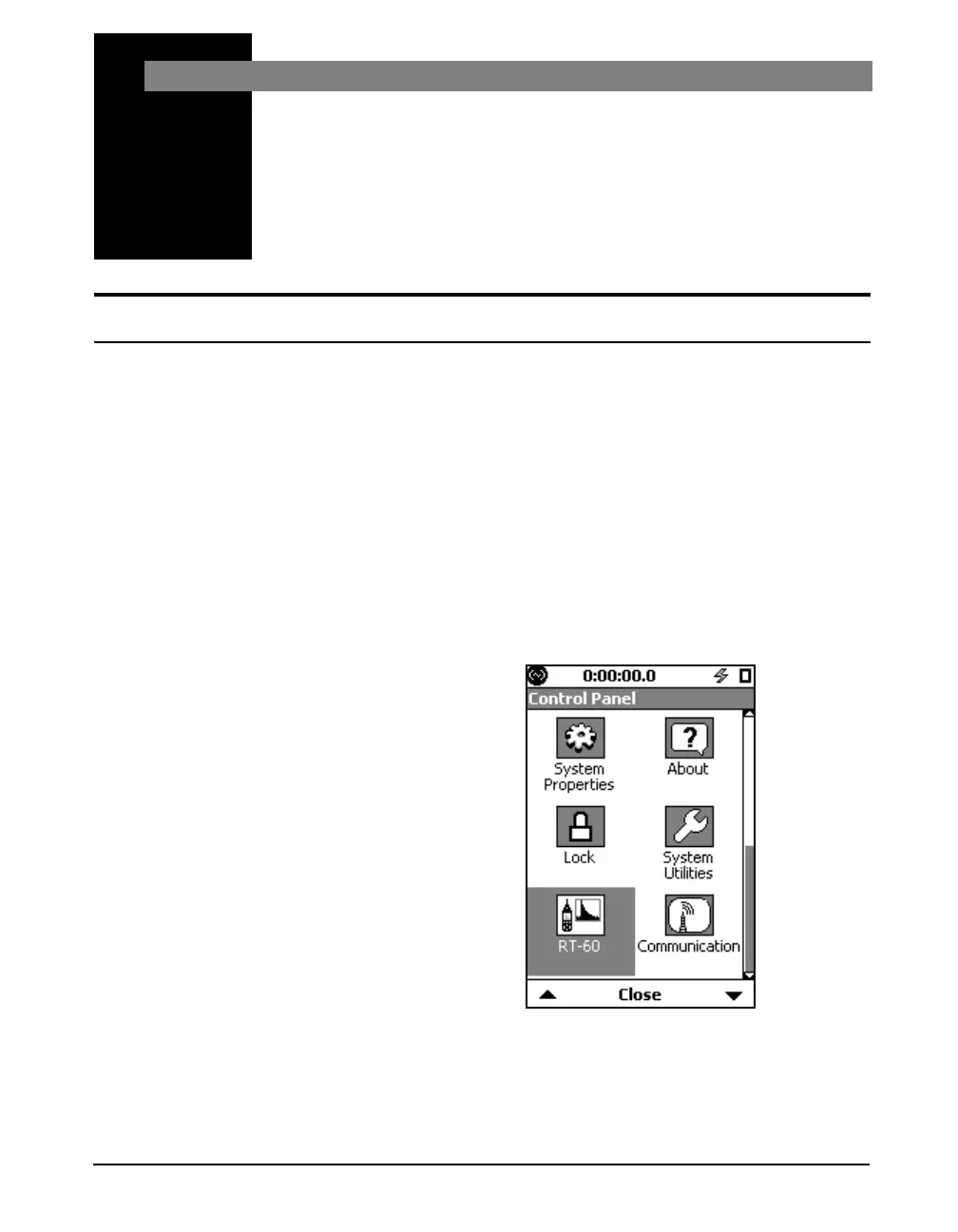
One way is to select the RT-60 icon on the Control Panel and
the other is to recall an RT-60 setup using Setup Manager.
Using the RT-60 Icon
A shortcut is to press the
3
(TOOLS) key and then the Up Arrow
key twice to highlight the RT-60 icon.
To access the RT-60 mode, press the 3 (TOOLS) key to
open the Control Panel, select the RT-60 icon as shown in
FIGURE 15-1.
Changing modes using the icon on the control panel loads
the setup that was previously in use for that mode.
The RT-60 icon is replaced by the
Room Acoustics icon if the 831-RA
option is installed.
FIGURE 15-1 RT-60 Icon



 To Next Page