Model 831 Manual About 22-1
CHAPTER
22
About
The About tabs give summary information concerning
the instrument, available options, and instrument
identification.
Control Panel - About
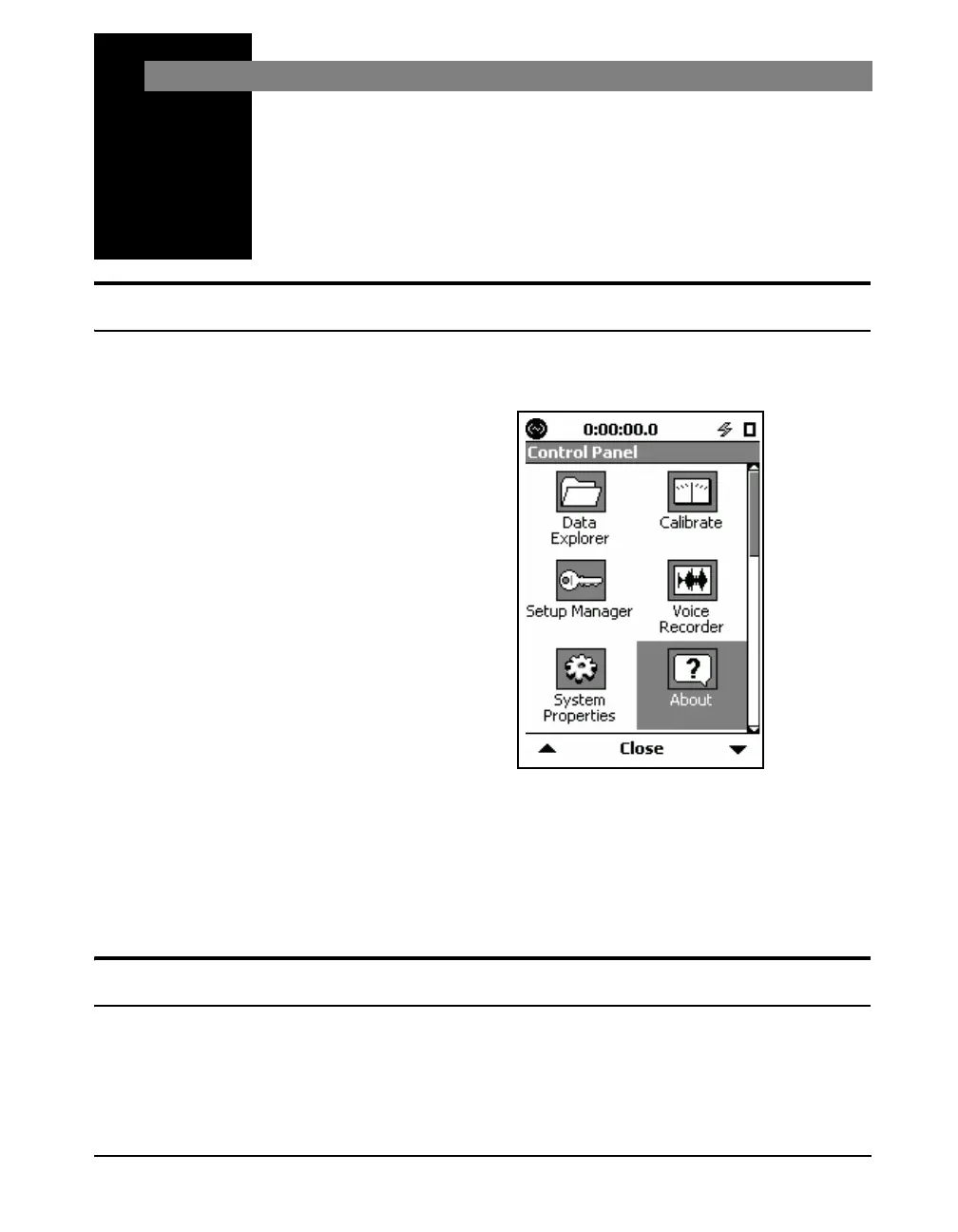
To activate the About tabs, press the 3 (TOOLS) key and
highlight the About icon as shown in FIGURE 22-1.
FIGURE 22-1 Control Panel
Press the
5 (ENTER) key to open the About tabs.
There are three About tabs that may be selected using the
Right and Left Softkeys. All About tabs have one page. No
user input is required on these pages.
About
This tab gives you important information, such as Serial
Number and Firmware Revision. See FIGURE 22-2.



 To Next Page