4-2 Setup Tabs Model 831 Manual
Settings In Use Message
If the Model 831 is not connected to
a computer running G4 LD Utility
software, ignore this section.
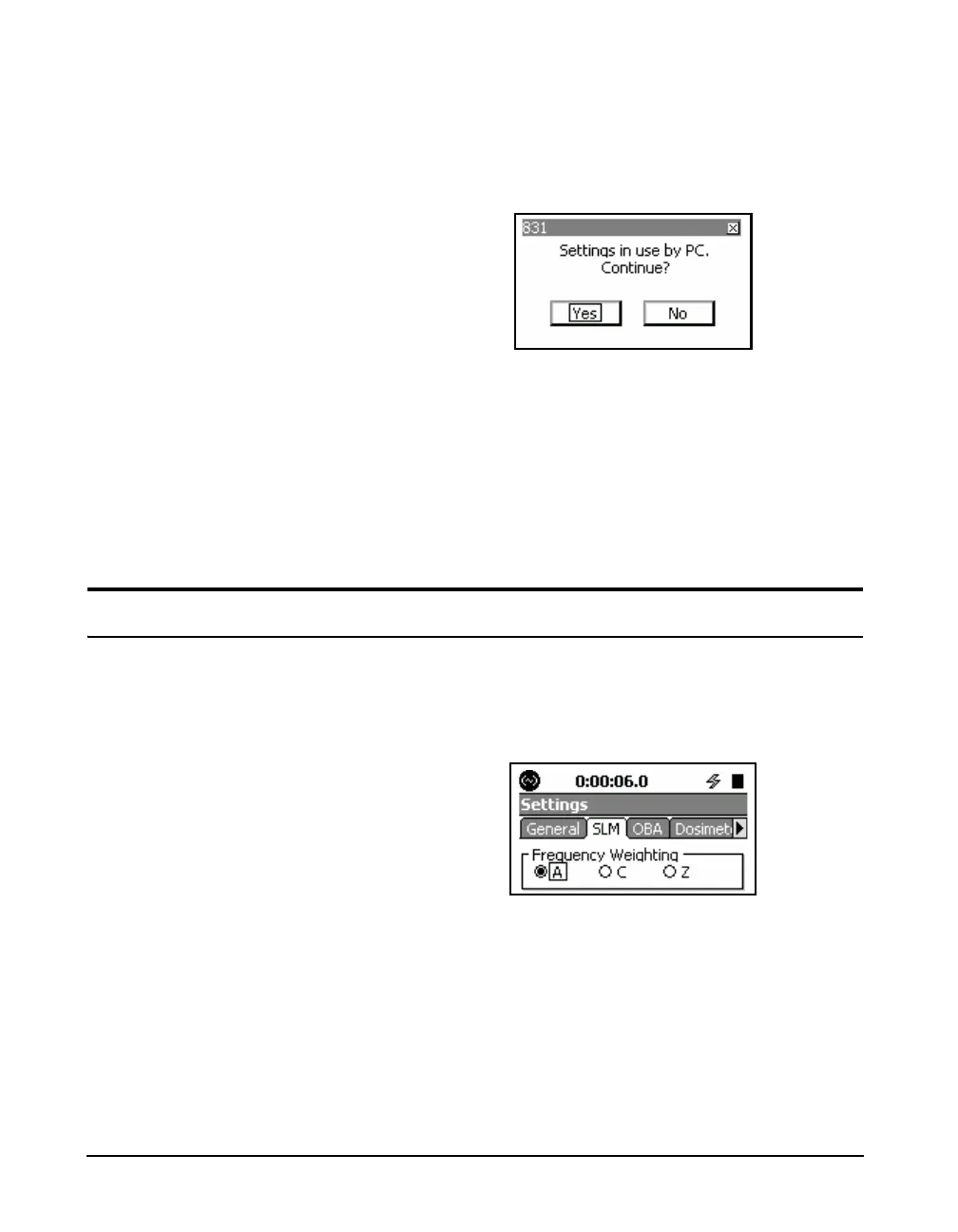
If the G4 is connected to the Model 831 when attempting to
access the Settings Screen, the display shown in FIGURE 4-
1 will appear.
FIGURE 4-1 Settings In Use By 831 Utility Message
This message warns the user that accessing the Settings
Screen will cause setup changes which had been made using
the 831 Utility during this session to be lost. It also indicates
that changes made in the instrument may be lost when the
settings in use by the PC are uploaded.
To continue and access the Settings Screen, highlight Yes
and press
5.
Setup Tabs
Only a few of these horizontally
arranged tabs (three in Figure 4-2)
can be seen at one time. To see those
off-screen to the right use the Right
Softkey beneath the display. To scroll
back to the left, use the Left Softkey
beneath the display.
Depending on the firmware options loaded in the Model
831, there may be as many as fourteen different setup tabs in
the Settings Screen, each identified by a title on a tab at the
top as shown in Figure 4-2.
FIGURE 4-2 Tabbed Setup Tabs
For basic measurements, we will only be concerned with the
following tabs:
• General
•SLM
•OBA
•Ln



 To Next Page