10-2 Voice Recorder Model 831 Manual
Without Headset
With no headset plugged in, a record may be made of the
sound arriving at the measurement microphone.
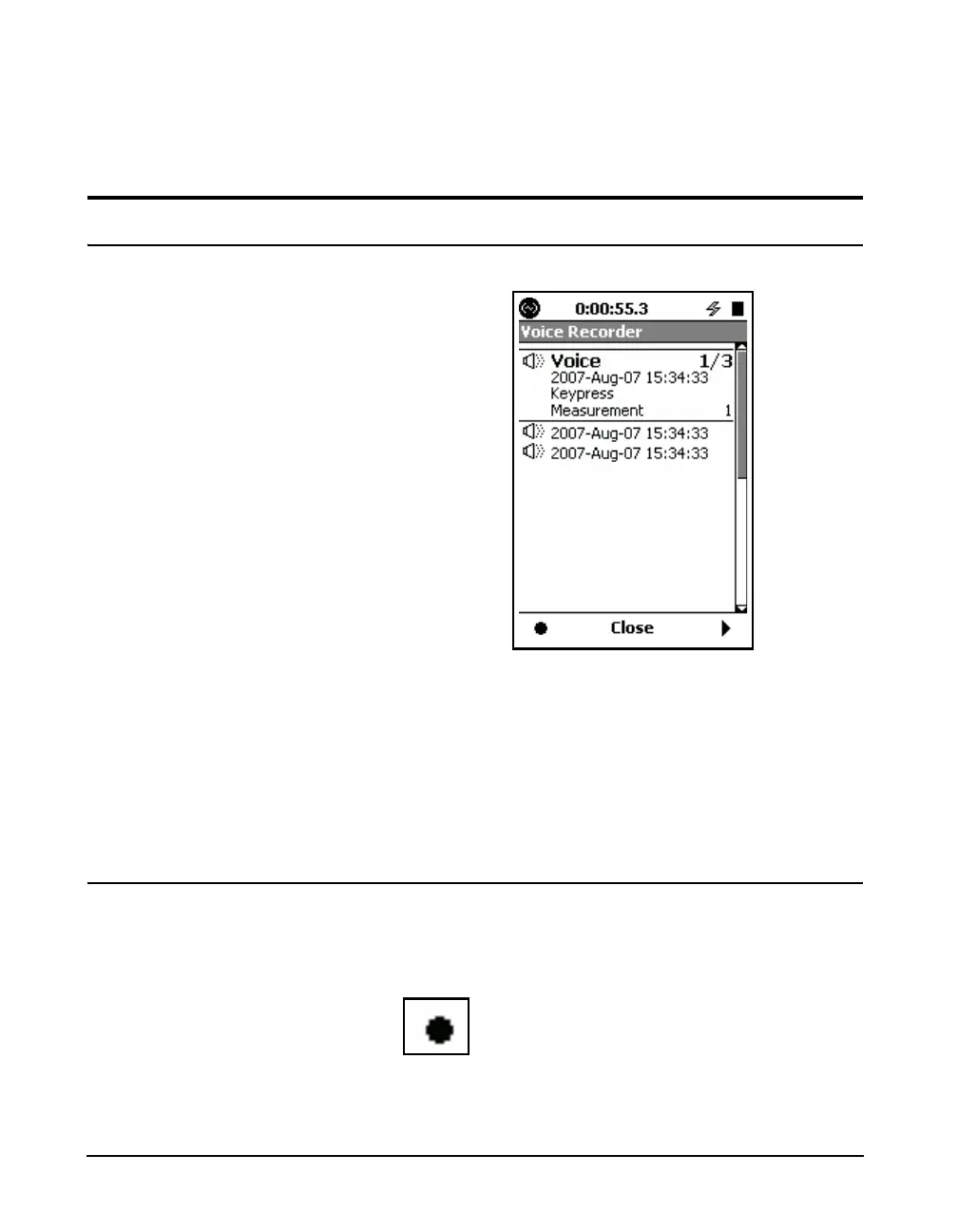
Voice Recorder
FIGURE 10-2 Voice Recorder Page
The
5
key can also be used to play
the highlighted voice record.
The Voice Recorder page will present a list of existing voice
records. Highlight a specific voice record and press the
Right Softkey to play it back through a headset speaker.
When measurement data are stored, all voice records that are
shown on the list will be stored in the data file. The voice
records list will then be empty.
Record
To begin a recording from the Voice Recorder Page, press
the Left Softkey, just beneath the Record Icon.
Record Icon



 To Next Page