Model 831 Manual Communication 20-1
CHAPTER
20
Communication
The Communication tabs are used to setup
communications between the Model 831 and a PC using
dial-up modems, GSM cellular telephones and RS-232
devices.
Control Panel - Communication
Most of the communication settings
in the Model 831 can be configured
using the G4 LD Utility.
Communications between the Model 831 and a PC are
implemented using G4 LD Utility. This chapter explains
how to set the Model 831 for these communications.
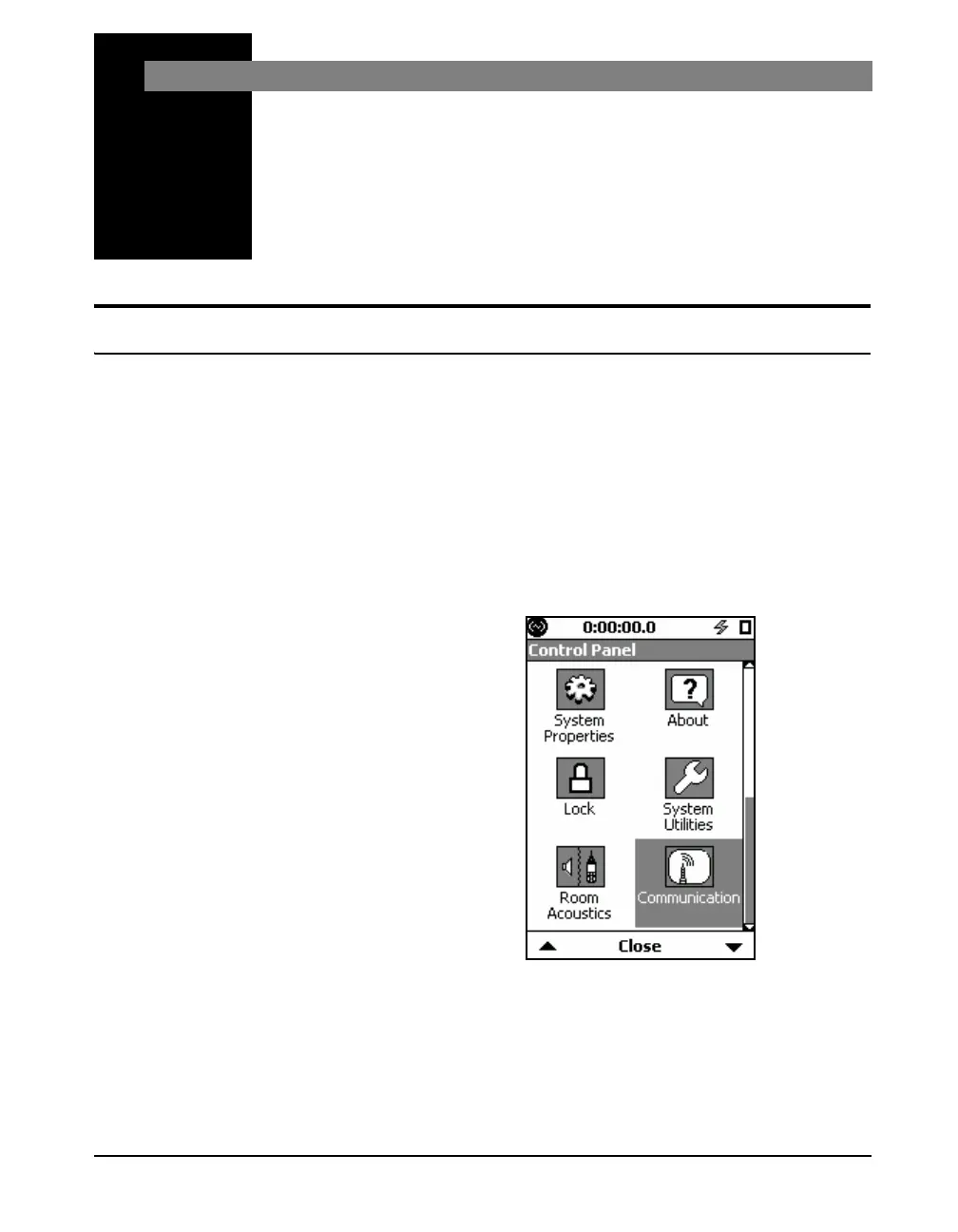
To activate the Communication tabs, press the
3 (TOOLS)
key. Use the 8, 2, 4 or 6 keys to highlight the
Communication icon as shown in FIGURE 20-1. Navigate
down the Control Panel display to see the Communication
Icon.
FIGURE 20-1 Control Panel



 To Next Page